
Last updated August 30, 2026
Finding good video editing software that is free is entirely possible if you know where to look. You can find professional-grade suites or agile web tools without spending a dime. Our list covers the best non-linear editing options based on performance, features, and export quality. We want to ensure your San Diego brand has a solid foundation for visual storytelling.
1. DaVinci Resolve offers Hollywood-level color correction and post-production for zero cost.
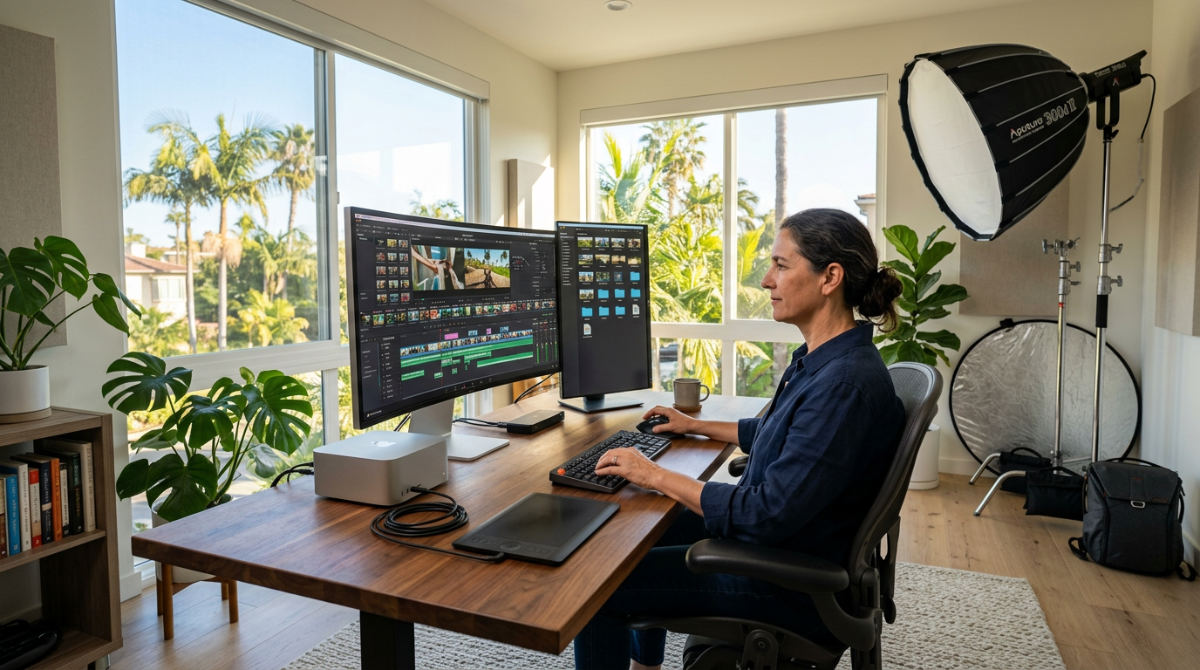
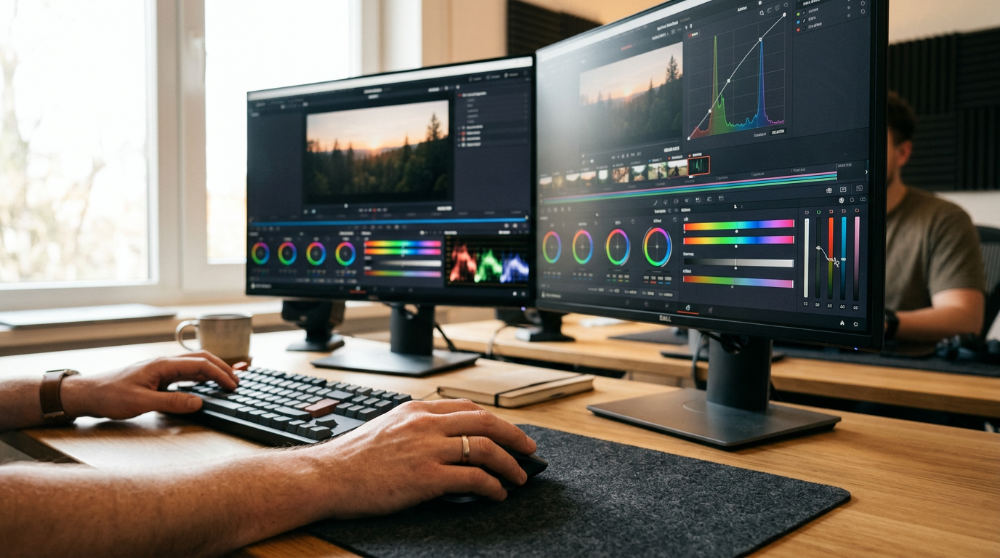
DaVinci Resolve fundamentally changed what creators expect from free software. It is no basic cutter. This is a heavy-duty professional suite. It packs a color grading engine used in blockbuster films and premium commercial spots. Because you get so much power (including the integrated Fusion tab for motion graphics and visual effects), you can skip the monthly subscription and still achieve a cinematic look.
Power like this demands a hardware tax. High-resolution editing requires a machine with significant memory and a dedicated graphics processor. If your laptop is a few years old, the software will lag. Edits become a chore. Despite the steep learning curve, the depth of features makes this the gold standard for anyone seeking professional results. For San Diego businesses looking to produce broadcast-quality content without the upfront software cost, this is the one. We recommend it. Just verify your workstation meets the minimum hardware requirements before starting a heavy project.
2. Pretzel Logic Productions revitalizes existing footage with expert post-production services.
Free tools are excellent for starting out. However, software alone cannot bridge the gap between a DIY project and a high-stakes brand film. At Pretzel Logic Productions, we offer a unique twist on standard corporate video. We blend logical, streamlined workflows with visionary creative concepts. We often see clients who have hit a wall.
Our team can take raw footage or existing sequences originally edited on free software and use our professional post-production services to refine the material. Being based in San Diego allows us to offer high-level collaboration and local artistry. Remote marketplaces simply cannot replicate our touch. We do not just cut clips. We craft stories. You might need color matching that catches the vibrant SoCal light or complex sound design to drive your message home. We provide the technical precision that growing brands need to stand out in a crowded digital market.
3. CapCut provides a powerful yet intuitive interface for creators who need depth without the steep learning curve.
CapCut evolved from a simple mobile app into a serious contender for desktop and web-based editing. It serves as the perfect bridge for those who find professional suites like Resolve too intimidating. It offers far more than a basic phone app. This software is particularly effective for social media content. It provides a massive library of trending transitions, auto-captions, and templates that save hours of manual work.
Work within a browser or download dedicated applications for Windows and Mac. Accessibility does not mean a lack of power. It handles multi-layer timelines and keyframing for standard creative needs. For a marketing manager in San Diego trying to keep up with daily Reels or TikTok demands, this tool offers the speed required to stay relevant. It simplifies tasks like background removal and audio syncing. It is a reliable choice.
4. Adobe Express enables instant edits in your browser with watermark-free exports.
Adobe Express is the go-to choice for users who need clean, branded content without installing heavy software. One standout feature is the 1GB file upload limit for browser-based editing. According to Adobe Express, this is quite generous for a free tool. The platform is built around speed. It features thousands of customizable templates that are perfect for small business marketing.
Do not expect the deep multi-track complexity of a full non-linear editor. You do get high-quality quick-action tools. These allow you to crop, trim, and remove background noise with one click. It is an ideal solution for San Diego entrepreneurs who need to turn a quick testimonial into a polished social post during a lunch break at Liberty Station. Because the exports are watermark-free, your final product remains professional. It is a great entry point for those who want the Adobe aesthetic without the Premiere Pro price tag.
5. Kdenlive serves as the premier open-source choice for Linux users seeking cross-platform flexibility.
Kdenlive is a powerhouse in open-source video editing. Because it is built on an open-source framework, you never have to worry about hidden costs. No sudden subscription prompts. No watermarks appearing on your hard work. While it is the darling of the Linux community, it performs exceptionally well on Windows and Mac too.
The interface is highly customizable. Rearrange the workspace to fit your specific workflow. Whether you are doing a simple cut or a complex documentary edit, it works. It handles complex project structures without breaking a sweat. It supports a vast array of formats and offers features like proxy editing. This allows you to work with lower-resolution versions of your files to speed up the process before rendering the final high-quality version. For users who value software freedom, Kdenlive provides a professional environment free of corporate constraints.
6. Shotcut provides a stable open-source environment for multi-format timeline editing.
Shotcut is an established option in the open-source arena. It offers extensive format support. Unlike many other programs that require you to transcode your footage first, Shotcut handles almost anything you throw at it natively. This saves significant time and storage space. It is a true non-linear editor that remains stable across Linux, FreeBSD, macOS, and Windows.
Development has long prioritized a comprehensive toolset. The interface might feel a little utilitarian at first, but it is deeply functional. It offers features like 4K resolution support and a history view that lets you undo multiple steps easily. For a San Diego non-profit or a creator working with diverse file types from different cameras, Shotcut offers a reliable, no-nonsense platform. It is particularly good for those who prefer a traditional timeline feel.
7. Adobe Premiere Rush simplifies the mobile-to-desktop editing transition.
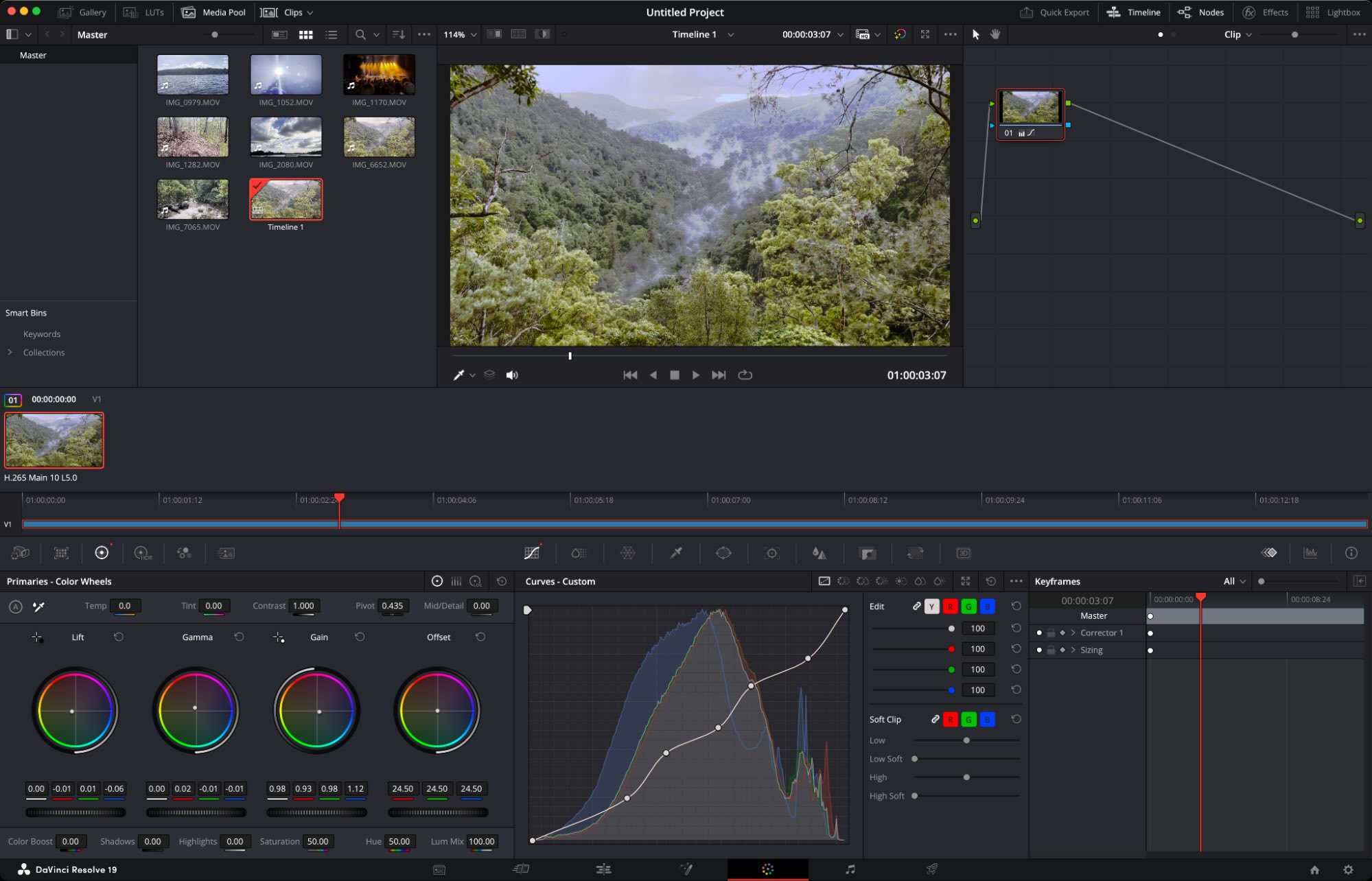
Image source: zapier.com
Adobe Premiere Rush is designed for the modern workflow. An edit might start on a phone during a shoot in Balboa Park and finish on a laptop back at the office. It provides the essential tools of the Premiere Pro ecosystem but strips away the complexity. The primary advantage here is the cloud synchronization.
Projects follow you across mobile and desktop devices. You are not tethered to a single desk. It is built for speed. This makes it an excellent choice for corporate video production where social media snippets need to go live in real-time. You get high-quality color presets, easy audio ducking, and simple title templates. While it lacks the deep technical granularity of its "Pro" sibling, it offers enough control to satisfy most business needs.
8. Blender VSE offers 3D suite power within a dedicated video sequence editor.
Blender is widely recognized for its 3D modeling prowess. It also contains a robust, often overlooked non-linear video editor (VSE). This integration allows you to perform complex compositing. Merge 3D elements directly into your footage without switching applications. Blender remains an established resource for creators.
The VSE is capable of handling basic tasks like splicing and masking. It truly shines when you need to layer visual effects or animations over raw video. Because it is part of a massive creation suite, the learning curve is steeper than a standard editor. The payoff is a toolset that can handle everything from simple montages to cinematic sequences. For San Diego businesses looking to push creative boundaries with motion graphics, Blender offers technical depth that few other free programs can match.
9. Clipchamp integrates with Windows for efficient web-based editing.
Clipchamp has become the go-to solution for Windows users who need to produce content without heavy software installations. As a default web-based editor for the Microsoft ecosystem, it excels at rapid project assembly. The interface is a user-friendly drag-and-drop system. This tool is particularly well-suited for quick edits.
It includes a variety of stock assets and templates that help maintain a professional look for corporate updates or internal communications. While it may lack the advanced color grading found in high-end suites, its accessibility makes it an ideal starting point. The ability to record your screen and webcam directly within the browser makes it a versatile choice. You can create tutorials or personalized client messages without installing anything locally.
10. iMovie delivers a polished and smooth experience for Mac ecosystem users.
For those utilizing Apple hardware, iMovie is the most accessible starting point for storytelling. It comes pre-installed on most Mac and iOS devices. You can capture footage on an iPhone and polish the final cut on a desktop. The software is optimized specifically for Apple silicon. This ensures smooth performance even when working with 4K resolution.
The application is noted for its intuitive design. It offers a streamlined workflow that incorporates tools for color correction, green-screen effects, and titles. Create trailers and movies with a professional sheen using built-in themes. While it does not offer the multi-track complexity of a full non-linear editing suite, it provides enough control for San Diego creators to produce elegant videos.
11. OpenShot provides an easy-to-use cross-platform tool for beginners.
OpenShot is designed specifically for those who find professional suites intimidating. It offers a simple, easy-to-learn interface. It does not sacrifice the core principles of non-linear editing. As an open-source project available on Windows, Mac, and Linux, it ensures that your workflow remains portable.
OpenShot provides tools for various editing tasks. It supports features like watermarks, background removal, and simple montages. It supports an unlimited number of tracks. This gives you the flexibility to layer audio, video, and images as needed. This makes it an excellent choice for San Diego small businesses that need to create clean presentations without a monthly subscription. The software also features an animation framework.
How to Choose the Right Software for Your San Diego Business
Selecting the ideal tool depends heavily on your specific project goals and technical environment. Social media managers focusing on vertical content for TikTok or Reels will find lightweight options like CapCut or the templates within Adobe Express superior. These prioritize aspect ratio and trending filters. If you are producing widescreen corporate storytelling or a mini-documentary about your San Diego brand, use a professional NLE like DaVinci Resolve. It ensures the highest visual fidelity and precise audio control.
Hardware compatibility is the most common pitfall. Heavy suites require significant RAM and modern GPUs. If you are working on a standard office laptop, browser-based tools are a safer bet. They offload the processing power. You should also verify watermark policies. While the tools on this list offer clean exports, many other free versions on the market will overlay a logo. This compromises your professional brand. Finally, consider the learning curve. Professional tools take months to master. Web editors can help you finish a project in minutes.
When to Move Beyond Free Tools to Professional Production
Free software is a fantastic resource for internal updates, training videos, and daily social media posts. There comes a point where a DIY approach reaches its limits. High-stakes commercial campaigns and brand films often require a level of visionary creative concept and technical execution that goes beyond what templates can offer. As your business grows, the time spent troubleshooting software becomes a distraction.
Scalability is another major factor. When your production needs increase, outsourcing to professional post-production services allows your team to focus on high-level growth. Experts handle the technical heavy lifting. A professional production house brings specialized equipment and high-end sound design. We bring a unique twist to your content that simple free tools cannot replicate. Investing in expert help ensures that your message is delivered with industry-leading quality. Pretzel Logic Productions offers high-level collaboration for San Diego brands that have outgrown free tools. We help you meet premium commercial standards.
Selecting the right tool or partner is the first step toward creating content that resonates. Whether you are using a simple web editor for a quick update or partnering with experts for a flagship campaign, the goal is to tell your story effectively. To see how our professional team can improve your next project, get in touch for a consultation. Let us show you how to master your visual storytelling in San Diego.
Key Takeaways
- Professional Power for Free: DaVinci Resolve offers Hollywood-standard color grading and editing without a subscription, though it requires a high-performance computer.
- Speed and Accessibility: Tools like CapCut and Adobe Express are ideal for San Diego marketing managers who need to produce high-quality social media content quickly.
- Open-Source Flexibility: Kdenlive and Shotcut provide robust, watermark-free editing environments that work across Windows, Mac, and Linux.
- Mobile-to-Desktop Workflows: Adobe Premiere Rush and iMovie allow creators to start edits on the go and finish them on a desktop, perfect for capturing local San Diego events.
- When to Outsource: While free tools are great for DIY projects, high-stakes brand films and commercial campaigns benefit from the visionary creative and technical precision of a professional production house like Pretzel Logic Productions.
FAQ
What is the best free video editing software for beginners? For beginners, CapCut and iMovie are often the best choices due to their intuitive interfaces and built-in templates. Adobe Express is also excellent for those who prefer browser-based editing without installing software.
Can I use free video editing software for commercial projects? Yes, tools like DaVinci Resolve, Kdenlive, and Shotcut allow for professional-grade editing and export without watermarks, making them suitable for commercial use. Always check the licensing agreement of the specific software to ensure compliance.
Do I need a powerful computer for video editing? It depends on the software. Professional suites like DaVinci Resolve require significant RAM and a dedicated GPU. Browser-based tools like Adobe Express or Clipchamp are much lighter and can run on standard office laptops.
Is there free video editing software without a watermark? All the tools listed in this article, including DaVinci Resolve, CapCut, Adobe Express, and Kdenlive, offer ways to export your videos without a watermark in their free versions.
Why should I hire a professional production company instead of doing it myself? While free tools are powerful, a professional company like Pretzel Logic Productions provides visionary creative direction, high-end equipment, and expert post-production that ensures your brand stands out with a unique twist and premium quality.