
Last updated September 1, 2026
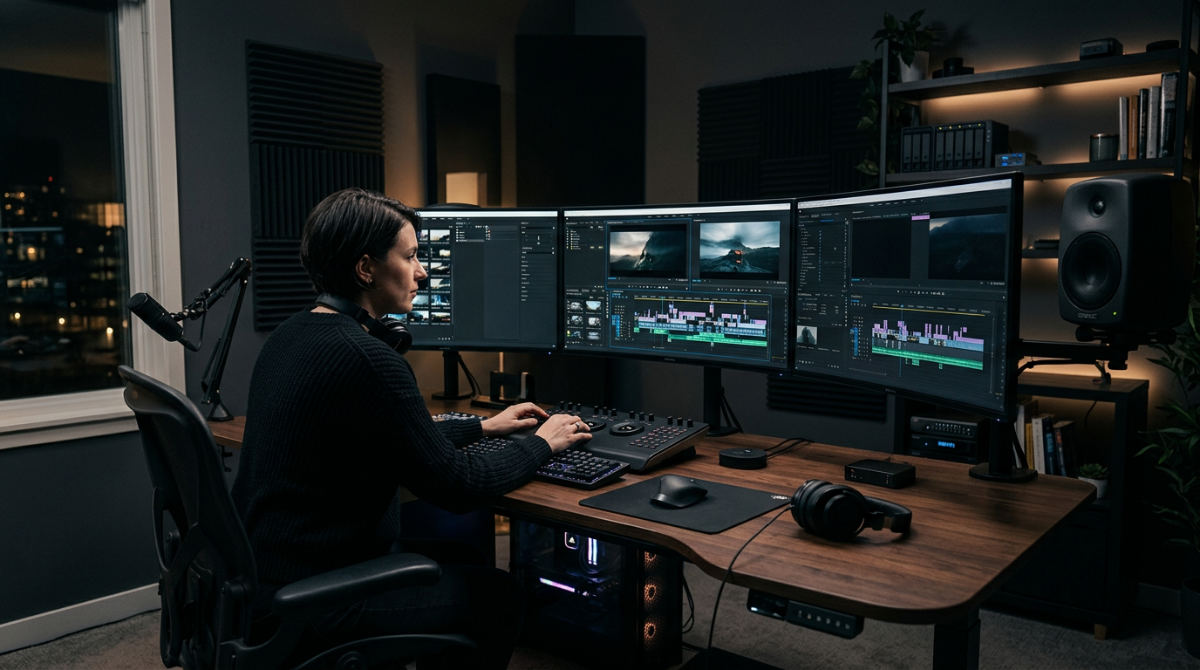
Adobe Premiere Pro is the industry-standard non-linear video editing software used for professional post-production. It allows brands to assemble raw footage into polished narratives using advanced Lumetri Color tools, AI-driven Speech-to-Text, and Adobe Creative Cloud integration. It handles everything from social media clips to 8K and VR 180 formats.
Key takeaways
- Format Versatility. Premiere Pro supports professional formats from 8K resolution to immersive VR 180 video production.
- AI Automation. The software integrates generative AI like Firefly and Speech-to-Text to automate technical tasks.
- Visual Consistency. Lumetri Color tools enable professional-grade color grading to maintain brand visual consistency.
- Strategic Sourcing. Internal teams can use Premiere for basic edits, while high-stakes storytelling often requires a professional post-production house.
- Ecosystem Synergy. Adobe Creative Cloud Suite allows for live asset syncing between Premiere, After Effects, and Photoshop.
The Strategic Edge of Professional Post-Production
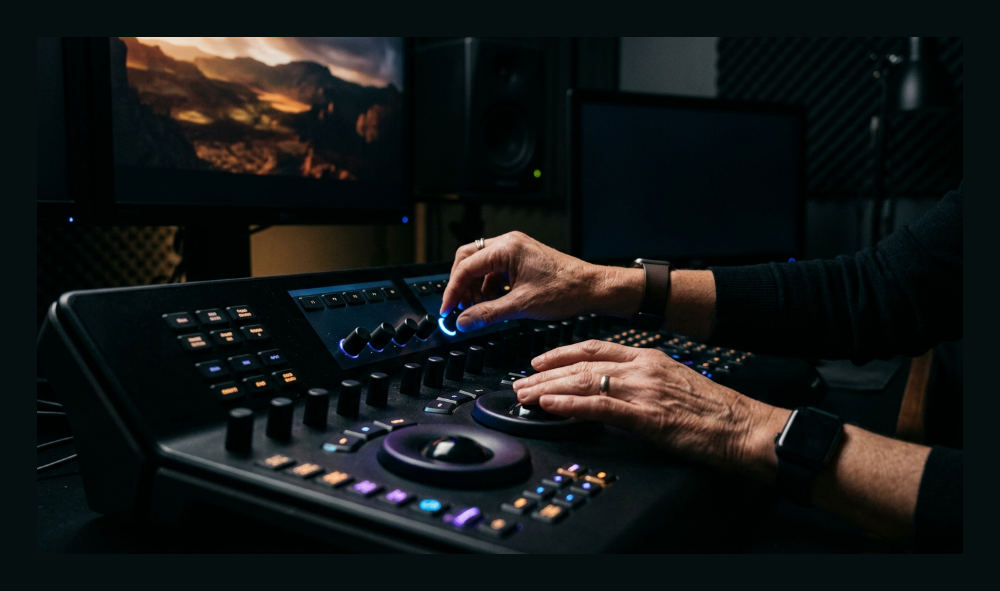
Professional post-production bridges the gap between raw technical execution and a high-level conceptual vision. At Pretzel Logic, we approach every project as a logical collaborator. We ensure the software acts as an extension of a broader creative strategy. It is more than just a tool for trimming clips.
Logical Collaboration: Effective editing isn’t just about clicking buttons. It’s about the bridge between raw software features and a professional production house workflow.
Adobe Premiere Pro serves as the central hub for the Adobe Creative Cloud Suite. We use it to pull in assets from various creative disciplines like photography and graphic design. Business owners often ask what the best video editing software is. The answer depends on your need for scalability. Premiere Pro handles complex professional workflows that beginner tools simply cannot sustain. When we work with law firms or large restaurant groups, we use this software’s precision to ensure every frame serves the specific narrative.
Premiere Elements is for hobbyists. In contrast, Premiere Pro provides the frame-accurate control necessary for high-stakes corporate video production. This distinction is vital. Brands must maintain a premium image across all platforms. Because we can integrate native Adobe files, we spend less time on technical troubleshooting. We spend more time on the artistic decisions that define your visual signature.
Revitalizing Brand Assets with Advanced Software Features
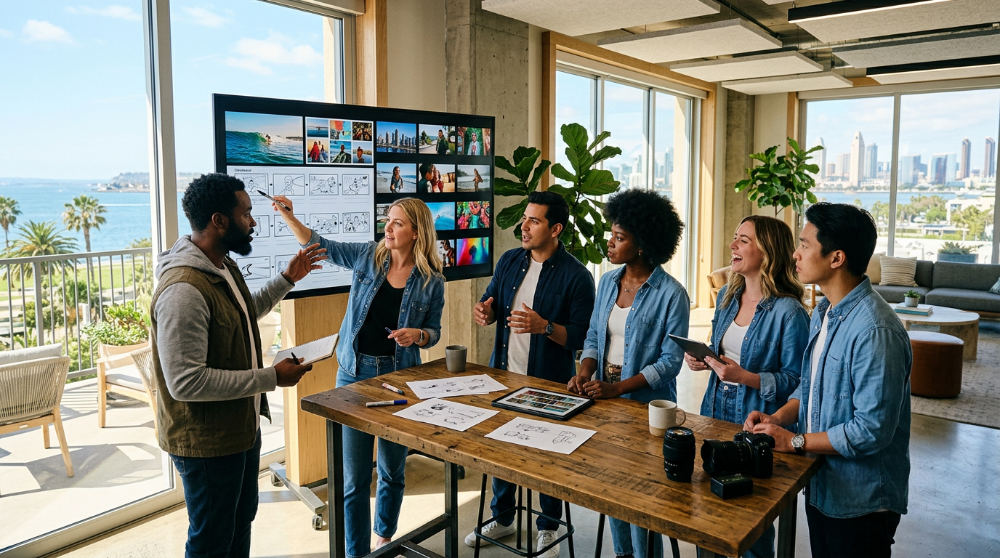
Revitalizing a brand often involves breathing new life into dated footage. We make it relevant for modern audiences. Our team focuses heavily on revitalization. We use the advanced toolkit within Premiere to transform archival assets into contemporary masterpieces.
The Pretzel Twist: We don’t just use Premiere Pro for assembly. We use it to inject unexpected conceptual elements that turn a standard promo into a brand statement.
The Lumetri Color tools allow for deep video color grading. These tools rescue washed-out clips. They provide a vibrant, cinematic feel that matches current brand guidelines. New generative AI video tools like Adobe Firefly AI now allow for creative workflows involving background manipulation and object expansion. We also utilize APPS to automate the captioning process. This keeps your brand accessible and SEO-friendly.
We inject an unexpected twist into standard corporate promos. This makes them feel like cinematic experiences. It beats dry internal communications every time. High-end color grading is no longer just about fixing mistakes. It sets a mood. It builds immediate emotional trust with your specific target audience.
Comparing Internal Editing vs. Professional Agency Workflows
Deciding when to use Premiere Pro internally versus hiring a professional post-production house depends on the project’s complexity. Internal marketing teams excel at producing rapid-fire social content or daily updates. High-impact campaigns require a different level of expertise.
For example, a high-stakes legal branding project like the Alvandi Never Fear series requires the specialized touch of a dedicated firm. This ensures the narrative flow builds genuine authority. A professional team uses the software to build a thought-provoking arc. An internal DIY approach might focus strictly on the speed of delivery. Understanding this balance helps brands allocate budgets toward the projects that will yield the highest long-term conversion. We always recommend the professional route for foundational brand films where first impressions are permanent.
Comparing Production Approaches
| Feature | Internal DIY Approach | Pretzel Logic Professional |
|---|---|---|
| Turnaround | Fast, high-volume | Strategic, polished |
| Visual Style | Standard transitions | Custom motion graphics |
| Color Quality | Basic correction | Advanced Lumetri grading |
| Tech Depth | Software presets | Full creative integration |
| Strategic Goal | Daily social presence | High-conversion branding |
Using professional post-production services ensures that your technical capability isn’t limited to software presets. It is driven by a creative vision. This builds long-term brand equity.
The Limits of Video Editing and Moving into Motion Graphics
Premiere Pro is a powerhouse for assembly. However, some projects require full-scale animation. This goes beyond standard timeline editing. In these cases, we look toward the broader ecosystem. We handle the "how" of complex visual physics and character-driven storytelling.
Strategic placement of high-end video matters just as much as the edit itself. For example, InnoVision Marketing Group often utilizes high-end video content as a catalyst for influencer marketing campaigns. These campaigns require a polished, professional look to stand out in a saturated digital landscape. If your brand needs complex data visualization, move beyond simple editing. You need professional animation and motion graphics.
Premiere Pro acts as the assembly line. Tools like After Effects handle the heavy lifting for visual effects. We recommend a hybrid approach. Premiere serves as the anchor for diverse assets created across the entire Adobe spectrum. This workflow ensures that color profiles, frame rates, and graphic elements remain consistent from the first frame to the final delivery.
Prerequisites for Professional Video Editing
High-end video editing requires a significant investment. You need time and hardware to achieve professional results. Do not expect cinematic 8K output without the proper infrastructure. The software requires intensive processing power.
- Time Commitment. High-end commercial video requires an extensive editing process to account for color and sound.
- Software Cost. Adobe Premiere Pro offers a 7-day free trial, then requires a monthly subscription.
- Hardware Specifications. Editing 8K and VR 180 footage requires a high-performance workstation with a powerful processor.
- Official Access. Visit the official Adobe Premiere Pro overview to download the latest version.
1. Organize your project assets in the Creative Cloud
Start by importing all raw footage, logos, and audio files into a structured folder system within the project panel. Use the Adobe Creative Cloud Suite to sync assets from Photoshop or Illustrator. This ensures that any changes made to brand logos update automatically within your video timeline.
2. Create a sequence matching your delivery format resolution
Set up your sequence settings to match the highest quality version of your footage. We suggest 4K or 8K for high-end branding. If you are producing for specific platforms like Instagram or LinkedIn, create multiple sequences. Use vertical or square aspect ratios to keep your brand’s visual identity intact everywhere.
3. Rough cut the narrative using the text-based editing tool
Use the AI-driven Speech-to-Text feature to generate a transcript of your footage immediately. You can then edit your video by simply deleting words or sentences in the text transcript. This automatically removes the corresponding video clips from the timeline. It allows for a faster workflow during the initial assembly.
4. Apply color correction using the Lumetri Color panel
Open the Lumetri Color panel to balance your white levels, contrast, and saturation across all clips. For high-end branding, use the color wheels to apply a specific look or LUT (Look Up Table). This ensures visual continuity between different shoots.
5. Refine the audio and remove background noise with AI
Use the Essential Sound panel to categorize your audio as Dialogue, Music, or Ambience. Leverage the "Enhance Speech" AI tool to remove background hum and improve clarity. Sound design accounts for half of the viewer’s emotional response. Do not rush this stage.
6. Add motion graphics or title overlays for brand consistency
Finalize the edit by overlaying professionally designed titles and lower thirds. These must adhere to your brand’s typography. If the project requires more than simple text, link your sequence to After Effects. Add complex animations to give the production the necessary visual flair to hold audience attention.
Common Mistakes in Professional Editing
Avoiding common pitfalls separates a generic corporate video from a compelling brand narrative. Many editors fall into the trap of technical over-reliance. This dilutes the impact of the final message.
- Over-relying on AI. Using Firefly AI for everything can lead to a loss of the human touch.
- Ignoring Story Logic. Flashy transitions are distracting. If they don’t serve the logical flow, they ruin the brand message.
- Optimization Failures. Failing to optimize files for 8K or VR 180 leads to poor playback. This makes the brand look unprofessional.
- Neglecting Sound Design. Crisp visuals cannot save a video with muddy audio.
- Poor Management. Production without a clear framework leads to missed deadlines and inconsistent quality.
If your internal resources are stretched, we can help. Your vision might require a level of cinematic polish that goes beyond basic software knowledge. You can contact us to discuss how we can bring your next campaign to life with the right mix of logic and creativity.
FAQ
Is Adobe Premiere Pro good for beginners? Premiere Pro has a steep learning curve but offers the most professional flexibility. Beginners may prefer Premiere Elements for simple tasks, but Premiere Pro is the standard for high-end branding.
What are the system requirements for 8K editing? You need a high-end CPU (Intel i9 or AMD Ryzen 9), at least 64GB of RAM, and a powerful GPU with 10GB+ of VRAM to handle 8K workflows without significant lag.
Can I use Premiere Pro for social media content? Yes. Premiere Pro includes Auto Reframe tools that automatically adjust your footage for vertical (9:16) and square (1:1) formats used on TikTok, Instagram, and LinkedIn.
How does Premiere Pro integrate with other Adobe apps? Through Dynamic Link, you can send clips to After Effects for motion graphics or Audition for sound repair without rendering intermediate files. This saves hours of production time.