Last updated November 16, 2026
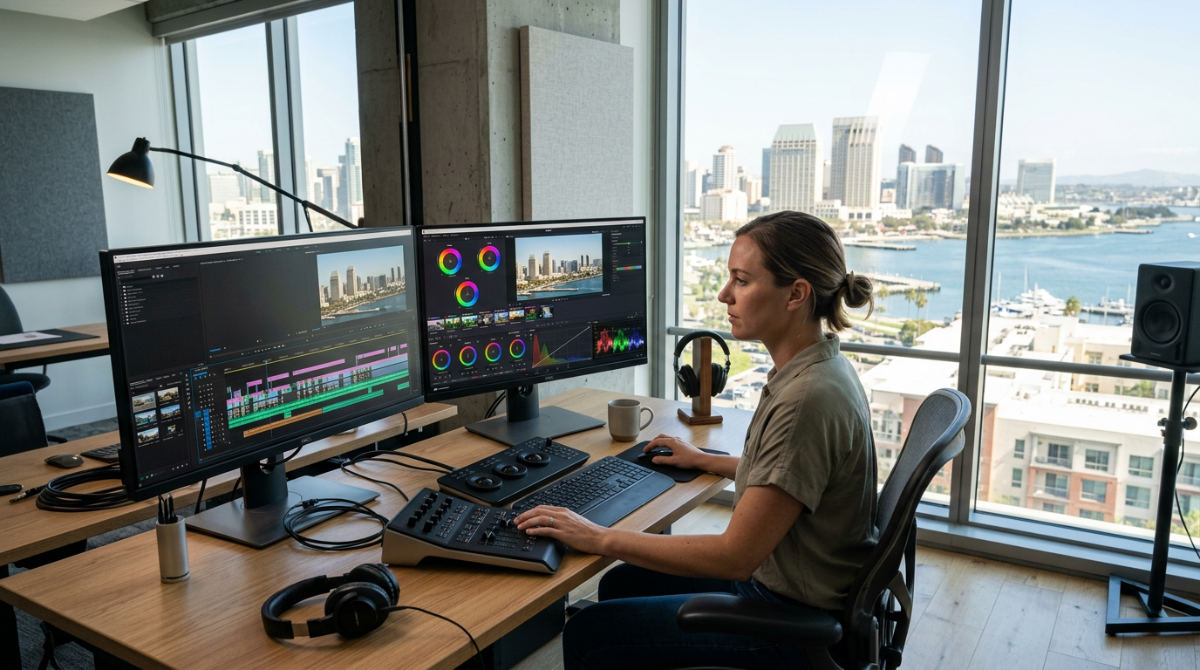
The best video editing software for YouTube depends on your production scale. Professional creators favor DaVinci Resolve or Adobe Premiere Pro for high-end brand storytelling. For those starting out, Shotcut and Lightworks offer free alternatives for editing high-resolution footage and multi-track timelines without compromising on professional export quality.
| Feature | Adobe Premiere Pro | DaVinci Resolve | Shotcut | YouTube Studio |
|---|---|---|---|---|
| Primary Use | Industry-standard editing | Color grading & VFX | Open-source basics | Basic trims & AI |
| Best For | Brand Storytelling | Cinematic YouTube | Beginners/4K | Quick metadata |
| Platform | Windows/macOS | Windows/macOS/Linux | Multi-platform | Web Browser |
| Price Model | Subscription | Free / One-time | Free | Free |
Key takeaways
- Color Mastery. DaVinci Resolve is the industry standard for cinematic color grading on YouTube.
- Remote Ecosystem. Adobe Premiere Pro provides a cloud-based ecosystem for seamless remote collaboration.
- Open Source Utility. Shotcut supports native 4K timeline editing and is completely open-source.
- Hardware Specs. Professional YouTube editors rely on high-performance hardware with significant RAM for 4K workflows.
- AI Limitations. YouTube Studio AI tools now automate metadata but cannot replace professional post-production.
Prerequisites for Professional YouTube Editing
A dedicated GPU with sufficient VRAM is mandatory for smooth 4K playback and rendering. High-resolution assets demand heavy processing power. Don’t let playback lag kill your rhythm. Beyond the graphics card, ensure you have a high-speed SSD for cache files and high-bitrate video assets. A standard mechanical drive will throttle your workflow. It doesn’t matter which software you choose; slow drives equal slow edits.
Setup requires several steps. You need to install the software, configure the workspace, and calibrate your monitors for color accuracy. Professional software ranges from monthly subscriptions to one-time licenses. Your budget must account for recurring costs if you opt for cloud-based suites. Get these components in place before you start your first project. This ensures your creative flow isn’t interrupted by technical bottlenecks.
Scaling a channel means managing a growing list of subscriptions and business expenses. To keep your production budget organized, tools like Pollaroo help creators manage household and business bills in one central location. Efficient financial management ensures you have the capital available for periodic hardware upgrades and software renewals. Keep the cameras rolling.
Which software is best for YouTube creators?
The ideal choice scales with your channel’s narrative complexity. Adobe Premiere Pro is the industry standard for creative cloud-based video editing and brand storytelling. It offers deep integration with other design tools. For creators focusing on cinematic visuals, DaVinci Resolve for professional YouTube content provides high-end editing and color grading used for commercial production and feature films. If I had to pick one for raw cinematic power, Resolve wins every time.
At Pretzel Logic Productions, we work with brands across the country to scale their YouTube presence with professional-grade content. We go beyond simple vlogs. Pretzel Logic Productions is a full-service production company providing professional post-production and editing workflows. We ensure your quality remains consistent. We believe your software should be an extension of your creative logic. It should allow for the "twist" that makes your brand stand out. While beginners might start with basic tools, transitioning to professional video editing software for YouTube is essential. You need this to secure high-ticket sponsorships or build a corporate identity.
1. Organize your footage for a visionary post-production workflow
Create a logical folder structure. Separate raw B-roll, A-roll, and audio captures from Open Broadcaster Software (OBS). OBS is software used for capturing live content that later requires post-production for YouTube. A visionary post-production workflow begins with metadata tagging. This speeds up the retrieval of key brand assets. Your team shouldn’t be hunting for files during a tight deadline. Modern studios often utilize cloud-based proxy workflows. This lets remote teams collaborate on large 4K files without lag.
Managing national campaigns requires precise file architecture. To keep your projects moving, integrate collaboration tools like LucidLink. This allows real-time access for editors working across different time zones. You can learn more about building a visionary post-production workflow to keep your assets organized. Proper organization prevents data loss. It reduces the time spent on tedious manual searches during the final push for an upload.
2. Perform native timeline editing for maximum quality
Import your footage directly into a high-bitrate timeline. Avoid unnecessary compression artifacts. These degrade the viewer’s experience. According to Free Video Editing Tools for Beginners, Shotcut supports a number of audio and video formats, including 4K. It offers a multi-track timeline with thumbnails and waveforms. Shotcut is an excellent choice for those who require an open-source video editor that behaves like a professional suite. It works across multiple platforms without a cost barrier.
For professional-grade film and video output, Lightworks remains a top-tier choice. You get precise trimming tools and a high-performance engine. Lightworks is professional-grade editing software designed for high-end film and video output. It rivals traditional studio systems. Avoid using basic web-based editors for your primary cut. If you intend to pursue YouTube storytelling for small businesses, these tools lack the granular control needed for high-end narratives. OpenShot is another open-source video editor providing professional-grade tools for Linux, Windows, and macOS users.
3. Boost your narrative with branding video production
Professional software like DaVinci Resolve or Premiere Pro is best for branding video production. These tools support advanced motion graphics and custom color LUTs. This maintains brand consistency across all uploads. Branding video production is the process of creating visual content that specifically communicates a company’s identity and values to an audience. Marketing video production requires software with robust color grading. You must ensure skin tones and brand colors remain identical in every environment. It has to look right on a smartphone or a 4K television.
- Color Grading. Professional suites use 32-bit floating point processing for deep color manipulation. Basic editors offer only simple presets.
- Motion Graphics. High-end tools allow for custom, keyframed templates that move in sync with your brand’s unique energy.
- Multi-cam Support. Software like Premiere Pro handles unlimited camera streams. This is vital for high-production value interviews, live events, or complex product demos.
- Plugin Ecosystem. Third-party plugins for noise reduction and aesthetic overlays require professional-grade architecture.
4. Integrate AI video production into your YouTube commercial
You can use AI for transcription, noise removal, and rough-cut generation. Human oversight is still required for emotional storytelling. Many professionals use AI to handle repetitive technical tasks. This lets them focus effort on creative direction and narrative pacing. Pretzel Logic integrates AI video production to enhance YouTube commercials. We never lose the human storytelling element that connects with an audience. You can use practical tips for YouTube Studio AI tools for basic metadata management and subtitle generation.
YouTube Studio is the platform’s native interface for basic edits. It handles AI-assisted metadata management well. Use it. However, you should rely on professional desktop software for the final visual polish. AI-assisted tools can now automate the cropping of 16:9 YouTube videos into 9:16 vertical formats. This lets you repurpose content for Reels and TikTok with minimal manual effort. High-level content strategy stays with the humans while the machine handles the aspect ratio resizing. Even with these advancements, human editors must check for awkward crops or misplaced focal points.
5. Master the final color grade and sound design
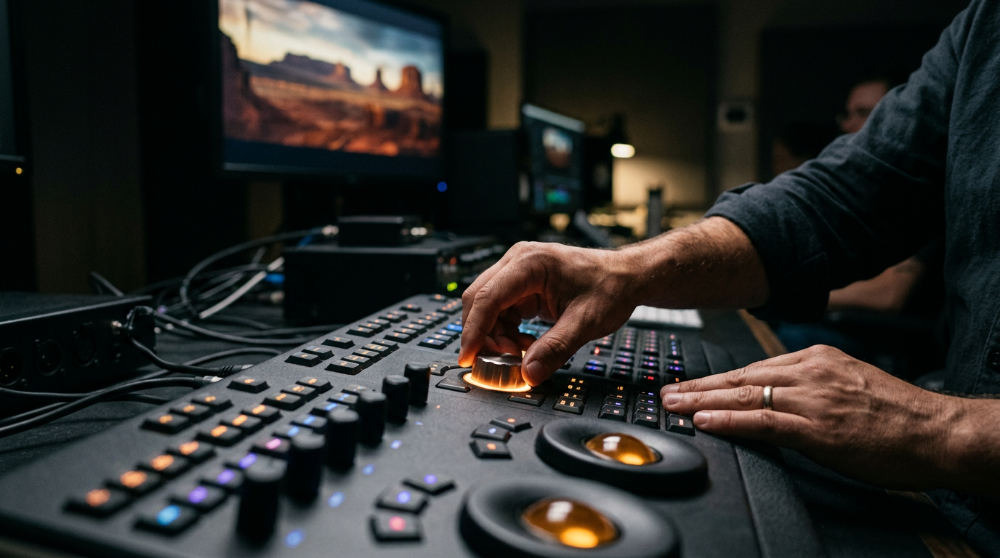
Pretzel Logic Productions provides full-spectrum post-production and channel strategy for national brands. We serve law firms and corporate entities across the U.S. We ensure 100% brand alignment regardless of client location. We apply rigorous standards to every export. Full-spectrum post-production is a comprehensive workflow. It covers everything from the initial rough cut to the final color grade and sound master. Our team understands a simple truth. The final 10% of the work often accounts for 90% of the perceived quality on a high-traffic channel.
- Visual Consistency. We use Rec.709 or HDR standards to ensure colors look the same across all devices.
- Audio Clarity. Every project undergoes LUFS normalization to ensure the sound is loud and clear.
- Platform Quality. Exporting in 4K H.265 ensures that YouTube’s compression doesn’t destroy the fine details.
- Dynamic Range. Professional grading ensures that shadows retain detail. It keeps highlights from blowing out on consumer screens.
Common Mistakes in Selecting YouTube Software
Choosing software based solely on cost is a mistake. You must consider its ability to handle multi-platform repurposing. Many creators also ignore hardware limitations. High-end software like DaVinci Resolve may crash on standard consumer laptops. If the RAM and GPU are insufficient, 4K renders will fail. Failing to account for the learning curve can stall your production. Switching to professional video editing software for YouTube requires dedicated training time.
Neglecting sound design capabilities within your chosen software is a critical error. Audio quality is often more important than visual resolution for maintaining viewer retention. Furthermore, failing to consider long-term archival needs can lead to lost files. You might need a revised edit months later. Ensure your chosen suite supports robust project archiving and media management. Check for community support. Software with a large user base will have more tutorials available when you encounter a technical hurdle.
If you want to strengthen your brand’s presence on the platform, move beyond DIY tools. This is the first step toward professional results. Pretzel Logic Productions is ready to help you navigate these technical choices to build a lasting visual legacy. To bring your vision to life with high-end production strategy, fill out the form at https://pretzellogicproductions.com/contact-us/.