Last updated November 17, 2026
A 2D animation pipeline is a structured 3-phase workflow consisting of pre-production (scripting and boarding), production (keyframing and vector animation), and post-production (editing and sound). This logical framework ensures creative visions move from initial concept to a final, polished video. We use it to maintain strict technical and brand consistency across creative teams. Precision matters.
Key takeaways
- Pre-production planning. This phase serves as the foundation for a project’s success by defining the roadmap before animation begins.
- Vector animation benefits. Using vectors allows for infinite scaling of assets across mobile and broadcast screens without loss of visual quality.
- AI integration. Modern AI video production tools can significantly reduce traditional rotoscoping and in-betweening time.
- Post-production unity. This is the essential stage where color grading and sound design unify the story into a professional commercial product.
- Cloud-based collaboration. Modern pipelines enable production between San Diego creative hubs and nationwide brands.
The Blueprint of a 2D Animation Pipeline
A robust animation pipeline functions as a roadmap. Creative directors use it to manage complex visual stories from the first spark of an idea to the final render. At Pretzel Logic, we utilize a structured framework to balance high-level artistic concepts with rigorous technical file management. We ensure "out-there" ideas never lose their structural integrity. By treating the 2d animation pipeline pdf as a living document, teams maintain a bird’s-eye view of the project’s health and timeline.
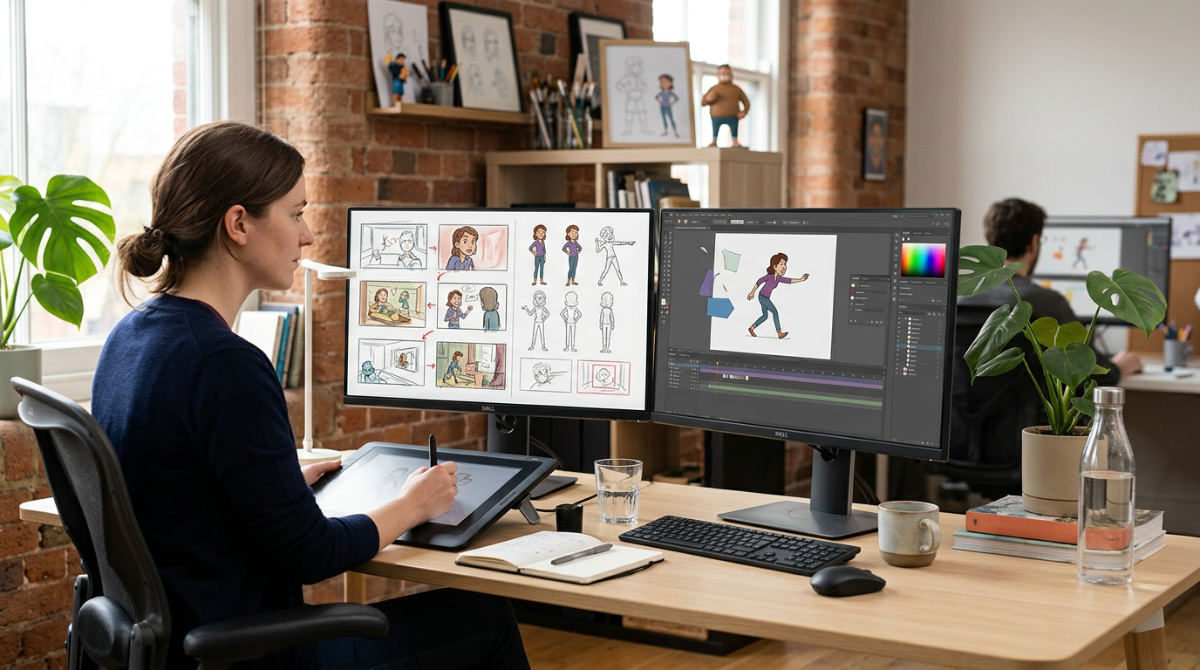
Workflows break down into three primary pillars: Pre-Production, Production, and Post-Production. Modern pipelines have evolved. We now integrate AI video production to handle repetitive tasks like in-betweening or automated lip-syncing. This shift allows our artists to focus on character performance and emotional resonance rather than manual labor. If you work with an animation explainer video company or a boutique studio, a clearly defined pipeline is the only way to achieve scalability. It is the only way to get repeatable quality.
Phase 1: Pre-Production Planning and Strategy
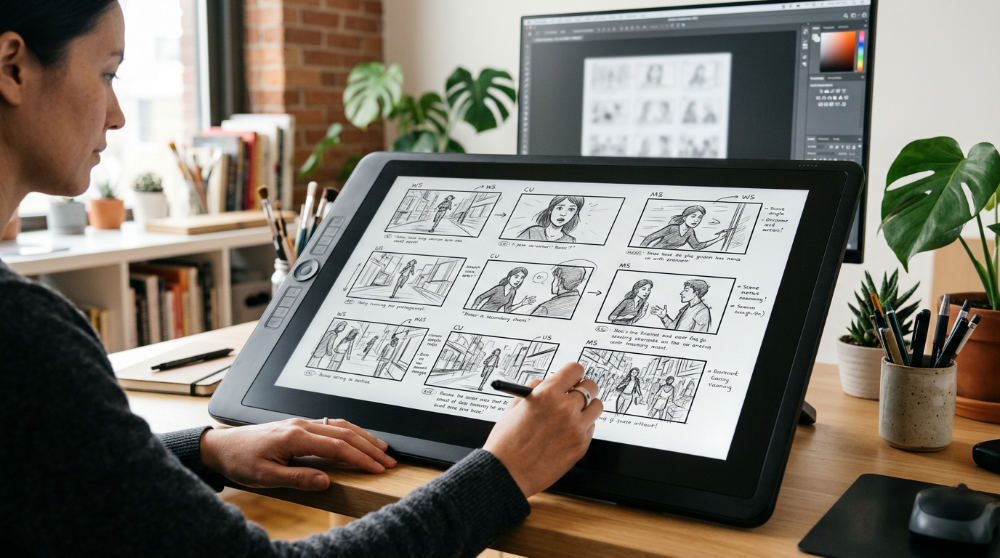 Pre-production planning is the foundational phase. We define the visual language and project budget here to prevent costly pivots later. We translate abstract brand ideas into a panel-by-panel sequence for client approval. This ensures everyone aligns on the story before the heavy lifting begins. During this stage, we establish a 2d animation workflow chart. It dictates the pace for the entire production team, from the lead animator to the background designers.
Logical conflict resolution happens here. We identify potential technical hurdles, such as complex character rigs, unique lighting requirements, or custom asset needs, before a single frame is drawn. Truly mastering pre-production video planning ensures the creative vision remains intact throughout the lifecycle of the project. It serves as the North Star for every creative decision. Without this phase, even the most talented animators can find themselves lost in a sea of revisions and missed deadlines.
Phase 2: The Production Craft and Motion
This phase involves the actual creation of assets. We start with character design and background layout based on the approved storyboards. Many clinics that offer this service utilize vector animation for commercial content. It allows for infinite scaling across different digital platforms, from tiny social media ads to massive trade show displays. During production, Keyframing defines the most significant points of motion. These are then connected by secondary motion or in-between frames to create a fluid, natural look.
We leverage modern AI tools to streamline traditional workflows. We increase speed without sacrificing the essential human touch in character acting. For example, a character might be hand-animated for primary expressions while AI handles the micro-movements of clothing or hair. For teams managing remote logistics, tools like Pollaroo assist in organizing the various administrative tasks that surround creative asset creation. This keeps the focus on the art. Static drawings finally begin to move and breathe. This stage is where the "Pretzel Twist" comes to life.
Phase 3: Post-Production Polish
Post-production is the final stage where we assemble all visual elements. We pull together backgrounds, characters, and special effects. This phase includes Compositing. Characters are integrated into their environments with proper lighting and depth to ensure they don’t look like flat stickers on a page. Our post-production services focus on "The Polish." This is the final effort that turns raw animation into a broadcast-ready commercial.
Sound design and color grading are applied at this stage. We ensure the video aligns with the brand’s emotional tone. We review the final export against the initial brand strategy to ensure every frame serves the client’s marketing goals. During this phase, we often find opportunities for a "twist." A subtle sound effect or a sudden color shift can surprise the viewer and make the message more memorable.
Comparing 2D Animation Workflows
Commercial animation requires a faster turnaround than long-form film. It demands a lean and agile pipeline. While a feature film might spend years in production, a commercial project usually moves from concept to screen in a matter of weeks. Motion Graphics focus more on graphic design elements, typography, and data visualization to convey information. Character animation focuses on performance, anatomy, and personality.
| Workflow Feature | Commercial Explainer | Long-Form Narrative | Motion Graphics |
|---|---|---|---|
| Primary Goal | Conversion/Education | Entertainment | Information/Branding |
| Typical Timeline | Project Dependent | Project Dependent | Project Dependent |
| Asset Type | Vector / Rigged | Hand-Drawn / Raster | Graphic Elements |
| AI Integration | High (Efficiency) | Low (Artistic Control) | High (Automation) |
| Key Focus | Clarity of Message | Emotional Arc | Visual Hierarchy |
How to Execute the 2D Animation Process
The following steps outline the practical execution of a commercial 2D animation project. We move from the abstract to the concrete.
1. Define the creative brief and campaign goals
Start by identifying the "why" behind the video. Are you trying to sell a product, explain a complex service, or build brand awareness? This brief acts as the foundation for the entire animation pipeline pdf. It ensures the creative team stays on track.
2. Write a compelling script that captures the brand voice
The script is the soul of the animation. It needs to be punchy, authentic, and tailored to your specific audience. At Pretzel Logic, we focus on storytelling that feels human. We avoid the dry corporate jargon that often plagues B2B content.
3. Create a storyboard to map out visual transitions
Translate the script into a sequence of sketches. This allows you to see the pacing of the story and how one scene flows into the next. It is much easier to change a sketch than it is to change a finished animation.
4. Design the characters and environmental assets
Develop the visual style of your world. This includes choosing color palettes, line weights, and character proportions that reflect your brand’s personality. If you need high-end photography or live-action elements to mix with your animation, professional partners can provide the filming required for hybrid projects.
5. Record professional voiceover tracks for timing
Always record your audio before you start animating. The voiceover dictates the timing of the character’s mouth movements and the overall rhythm of the scene.
6. Animate the keyframes to establish movement
Place your characters in their most important poses first. These "keys" define the action and ensure the movement follows a logical path.
7. Apply secondary motion and in-between frames
Fill in the gaps between keyframes to smooth out the motion. This is where you add "squash and stretch" or hair physics to make the animation feel more alive.
8. Composite all layers with visual effects
Bring the character layers, backgrounds, and overlays into a single software environment. Add shadows, highlights, and camera blurs to create a sense of three-dimensional space.
9. Perform final color grading and sound mixing
Fine-tune the colors so they pop on every screen. Mix the music and sound effects so the dialogue is crisp. This essential guide to motion graphics animation emphasizes using auditory cues to guide the viewer’s eye.
10. Render and export for multi-platform distribution
Generate the final files in the correct formats for YouTube, Instagram, or television. Ensure your metadata is correct. This makes the video easily searchable and organized.
Common Bottlenecks and How to Avoid Them
Scope creep in the boarding phase is the most common reason for production delays. When clients or directors try to add "just one more thing" after the boards are signed off, it triggers a domino effect. The entire schedule slips. Technical file management can also become a massive hurdle if a clear naming convention isn’t established early. Searching for "Final_v2_REVISED_3.mp4" is a waste of creative energy. Don’t do it.
The "Pretzel Twist" approach resolves these issues by enforcing logical milestones. These must be met before moving to the next phase. Modern production models utilize cloud-based collaboration to facilitate asset reviews across different regions. By staying organized and sticking to the pipeline, we ensure the focus remains on the storytelling rather than the stress of the process.
Frequently asked questions
How is an animation pipeline structured?
An animation pipeline is structured into three distinct phases: pre-production, production, and post-production. Each phase includes specific sub-tasks ranging from scripting to final compositing. A typical commercial pipeline lasts several weeks depending on the complexity of the character designs and the length of the final video.
What are the steps in a 2d animation workflow?
The workflow begins with concept development and storyboarding to map out the visual narrative. It then moves into asset creation, rigging, and keyframe animation where the actual movement is built. The final steps involve compositing all layers, sound design, and rendering the project for its final distribution platform.
What software is needed for a 2D animation pipeline?
Industry standards include Adobe Animate or Toon Boom Harmony for the animation phase, providing tools for both hand-drawn and rigged styles. Adobe After Effects is primarily used for motion graphics and final compositing. Tools for cloud-based collaboration are essential for remote asset management and real-time feedback during the review process.
Do you work with brands across the country?
Yes, Pretzel Logic works with brands across the entire United States, from our home base in San Diego to the East Coast. Collaborative digital pipelines allow for consistent project updates regardless of where a client is located. Our team has successfully delivered numerous projects for national marketing agencies and corporate clients.
What is the most common bottleneck in the 2D animation process?
The "feedback loop" during the storyboarding phase is the most frequent delay in any animation project. Changes made after the animation phase has already begun can significantly increase production costs due to the rework required. Implementing strict sign-offs at the pre-production stage is the best way to prevent these bottlenecks.
If you are ready to move from the planning stages to active execution, the logical next step is to bring your vision to life with a team that understands the delicate balance of art and science. To get your project in motion, fill out the form at https://pretzellogicproductions.com/contact-us/.