
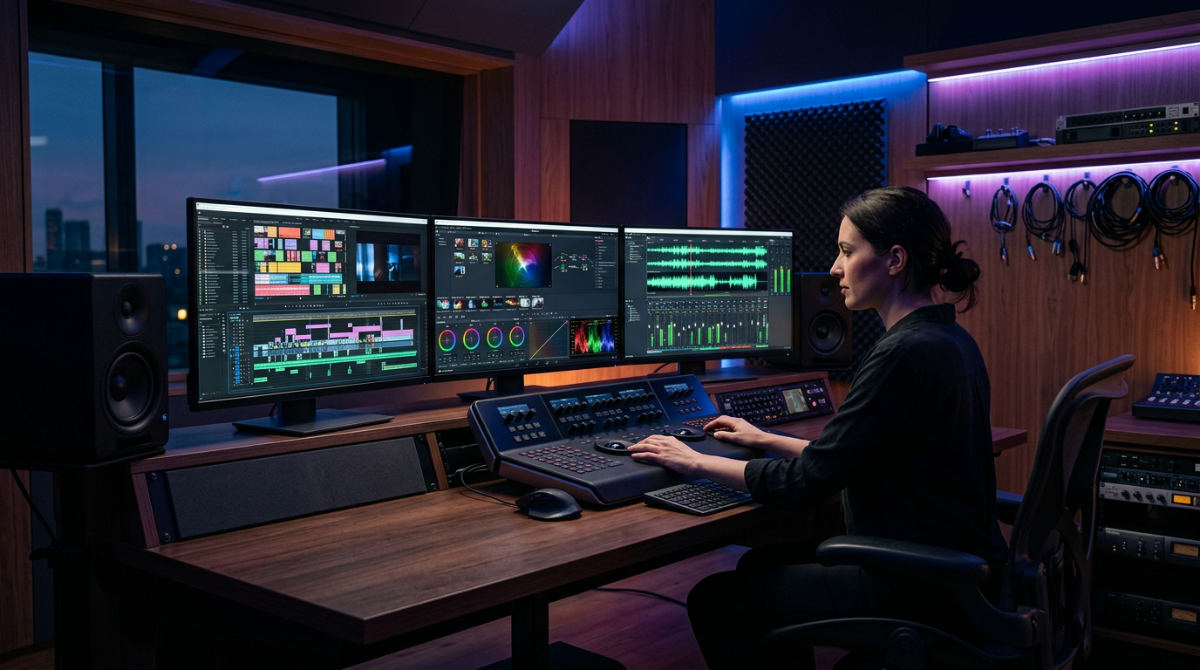
Last updated November 22, 2026
To download DaVinci Resolve free, visit the official Blackmagic Design website, select the ‘Free’ version, and register your details. This list covers exactly how to secure the installer and what professional features you unlock, based on the latest specifications for Windows, macOS, and Linux systems.
1. Navigate to the official Blackmagic Design website to find the current version download.
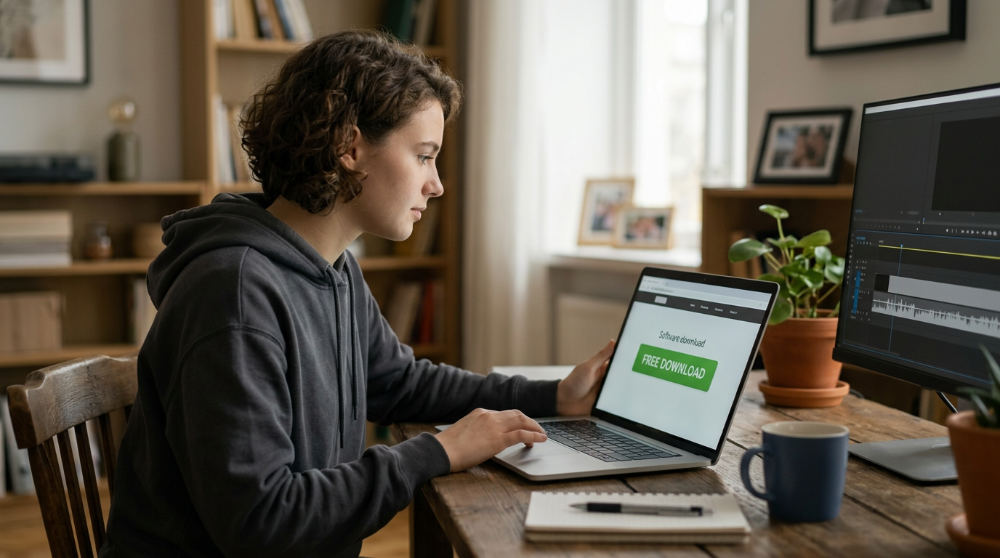
Go directly to the Blackmagic Design download portal to start your journey into high-end editing. This is the only way to ensure you get a clean, verified installer for Windows, Mac, or Linux without risking third-party malware. Once on the site, two main options will appear. Locate the ‘Free’ version download link specifically to avoid the paid Studio activation prompts.
Use the latest stable release. It matters. Choosing the newest version gives you the latest AI-based editing features that are now standard in modern workflows. This software is the industry standard for high-end post-production on more Hollywood films than any other software, according to the App Store. Starting with the official source guarantees you have the same foundational tools used by elite studios worldwide.
2. Master advanced color grading using the world’s most powerful color corrector.
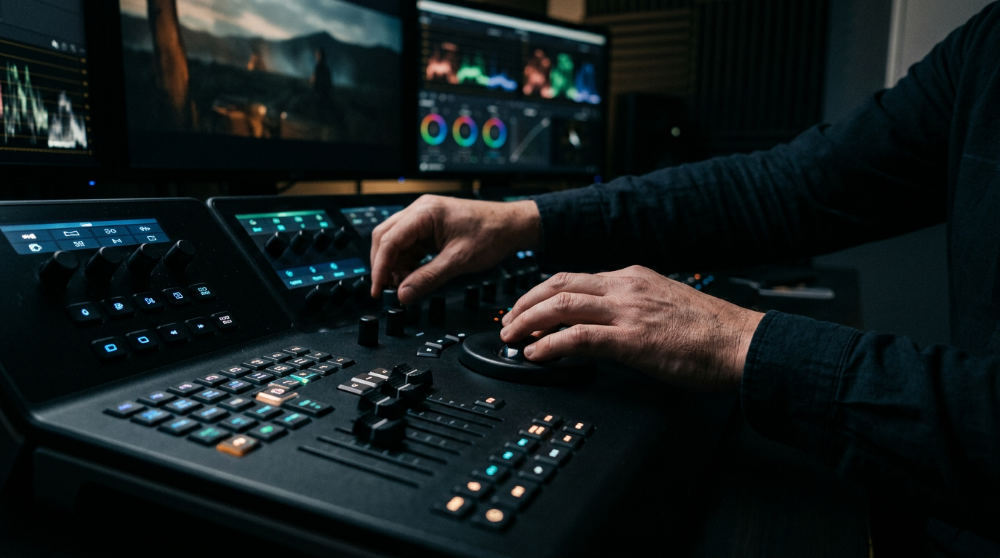
Finish the DaVinci Resolve Download process and you gain access to a color suite that is legendary in the film industry. You can apply primary and secondary color corrections using the same node-based tools used on major feature films. Use Power Windows and tracking to isolate and adjust specific parts of a shot, such as a subject’s eyes or a specific product, without affecting the rest of the image.
Pretzel Logic utilizes these color tools to make visuals for restaurant video production look incredibly appetizing. We enhance textures. We pop natural tones. These tools allow you to achieve a "film look" that generic filters cannot replicate. High-end color grading is a core component of our professional post-production services, where we bridge the gap between raw footage and a polished, cinematic final product. Mastering this page ensures your content stands out from the flat, uninspiring video typical of corporate noise.
3. Register your details to unlock the installer for your specific operating system.
Clicking the download button triggers a registration window. Complete the required form with your name, company, and country. This step is necessary to receive news on software updates and to verify your user profile with Blackmagic Design. After submitting, you will be prompted to select the correct OS icon (macOS, Windows, or Linux) to download the roughly 2.5 GB installer package.
Check your hardware. Does it meet the minimum requirements? For Mac users, this generally means macOS 12 Monterey or later. Windows users should be on at least Windows 10 Creators Update. According to DaVinci Resolve Download, the software even supports specific Linux distributions such as Rocky Linux 8.6 and CentOS 7.3. Ensuring your hardware is ready prevents installation errors and keeps the software running smoothly during heavy rendering tasks.
4. Collaborate globally using Blackmagic Cloud integration for project libraries.
Modern production often happens across different zip codes. One of the most powerful features included in the software is the ability to host project libraries in the cloud. This allows multiple users to work on the same timeline simultaneously. It is a massive boost for efficiency. You can enable remote collaboration workflows for teams spread across different geographical locations, ensuring that an editor in New York and a colorist in San Diego stay perfectly in sync.
Pretzel Logic bridges technical software expertise and creative vision using a logical collaboration framework. We maintain a tight feedback loop with our clients. If you are looking for DaVinci Resolve video editing that scales with your business needs, leveraging these global collaboration tools is the best way to maintain professional standards while working remotely.
5. Leverage professional-grade editing tools on the Cut and Edit pages immediately.
The software is divided into specialized "pages" dedicated to specific tasks. Use the Cut page for tight deadlines. It features dual timelines and source tape functions that eliminate the need to hunt through endless bins of footage. When you need more granular control, move to the Edit page for full offline and online finishing. This area includes multi-cam editing, stacked timelines, and advanced trimming tools.
Drag-and-drop mechanics mirror high-end Hollywood workflows. They make it easier to transition from basic software to a professional environment. According to the App Store, these tools are designed to handle everything from social media clips to full-length features. For businesses, this means you can produce high-quality internal communications or external marketing assets using the same interface used by Oscar-winning editors. The efficiency of the Cut page is particularly useful for rapid-turnaround social campaigns where speed and quality must coexist.
6. Create cinematic visual effects within the Fusion 3D workspace.
Visual effects used to require separate, expensive software. With the free version of Resolve, you get Fusion built right in. You can access over 250 tools for compositing, rotoscoping, and keying directly inside the software. Fusion uses a node-based interface, which is more powerful than layer-based systems for complex effects. Build motion graphics using advanced animation curves and a node-based 3D particle system to add flair to any production.
A major advantage for commercial work is the ability to integrate 3D camera tracking. This allows you to place virtual objects, like floating text or 3D products, perfectly into live-action footage. This technical execution is a hallmark of our commercial video production work, where we combine live filming with digital enhancements to tell a more compelling story. Using Fusion ensures that your visual effects look integrated and intentional rather than tacked on.
7. Mix and master audio with the Fairlight engine’s sample-accurate tools.
The Fairlight page transforms the software into a complete digital audio workstation. You can process up to 2,000 tracks in real-time with professional Fairlight FX and mastering tools. According to Blackmagic Design, the engine supports advanced ADR (Automated Dialogue Replacement) and Foley tools, which are essential for creating cinematic sound design in narrative projects.
Beyond basic volume leveling, you can export audio in formats ranging from simple stereo to immersive 3D audio layouts. This level of control is vital. High-quality sound significantly impacts viewer engagement metrics. Even the best visuals fail if the audio is distracting or thin. By using professional post-production services to refine these tracks, brands ensure their messaging is clear and authoritative. The sample-accurate timing allows for precise synchronization between beats in a music track and cuts in the video.
8. Download the App Store version if you prefer Mac-native security and updates.
Apple users can bypass the website registration by using the official macOS marketplace. The App Store version provides a 2.5 GB download that follows standard Apple privacy and data collection rules. According to the App Store, this version also allows you to enjoy the convenience of Mac Virtual Display support to expand your workspace when using a Mac in conjunction with Vision Pro or secondary monitors.
Note that some specific features (like certain third-party plugins or specific hardware driver integrations) may be limited compared to the direct website download due to sandboxing restrictions. However, for most editors, the ease of automatic updates and native security makes this a preferred route. Regardless of the download source, the core editing experience remains consistent. You can produce high-end content that stands out from corporate noise by utilizing the software’s deep creative toolset.
Is DaVinci Resolve actually free?
Yes, DaVinci Resolve is completely free to download and use for professional work without a monthly subscription. It is not a trial version; it is a fully functional post-production suite developed by Blackmagic Design that includes editing, color, and audio tools. While a paid "Studio" version exists for high-end features like AI tools and enhanced resolution support, the free version has no expiration date and does not add watermarks to standard exports.
DaVinci Resolve is a professional non-linear video editing application known for its advanced color grading and audio post-production capabilities.
| Feature | Free Version | Studio Version |
|---|---|---|
| Subscription | None | None (One-time) |
| Max Resolution | 4K Ultra HD | 32K at 120fps |
| Neural Engine AI | Limited | Full Access |
| Multi-GPU Support | No | Yes |
Can DaVinci Resolve free version export 4K?
The free version of DaVinci Resolve can export up to 4K Ultra HD resolution (3840 x 2160) at up to 60 frames per second. It does not support DCI 4K or higher resolutions, which are reserved for the Studio version, but UHD 4K is the standard for most commercial and YouTube content. 4K resolution refers to a video display resolution with a horizontal pixel count of approximately 4,000 pixels.
| Specification | Free Export Limit |
|---|---|
| Max Resolution | 3840 x 2160 (UHD) |
| Max Framerate | 60 fps |
| HDR Support | Limited |
| Watermark | None (on standard features) |
What are the system requirements for DaVinci Resolve 21?
Image source: blackmagicdesign.com
To run DaVinci Resolve 21 effectively, you need at least 16GB of RAM (32GB for Fusion), a GPU with 4GB+ of VRAM, and macOS 12, Windows 10, or Rocky Linux 8.6. High-speed SSD storage is required for 4K media playback to prevent lagging during the editing process. System requirements are the minimum hardware and software specifications necessary for a computer to run a specific application.
| Component | Minimum Requirement |
|---|---|
| Memory (RAM) | 16 GB |
| OS (Windows) | Windows 10/11 |
| OS (Linux) | Rocky Linux 8.6 / CentOS 7.3 |
| GPU VRAM | 4 GB |
While downloading free tools is a great start, professional results require a collaborative partner who knows how to use them with a twist. At Pretzel Logic Productions, we would choose the official website download every time for the full feature set. If you are ready to bring your visual story to life with our team in San Diego, CA, we are here to help. Reach out to the team at 5961 Kearny Villa Rd, San Diego, 92123 or fill out the form at https://pretzellogicproductions.com/contact-us/ to start your production journey today.