Last updated November 17, 2026
Professional animation production is the process of converting a concept into a moving narrative through three phases: pre-production, production, and post-production. By leveraging logical workflows and technical precision, creators transform static ideas into high-impact digital content for commercials, corporate branding, and specialized marketing campaigns.
1. Develop a core concept through rigorous research and brainstorming.
Every great project starts with a spark, but in a professional setting, that spark needs fuel from data and visual research. Begin by gathering visual references and analyzing similar projects within your industry to understand what resonates with your target audience. This isn’t about copying. It is about identifying successful patterns in pacing, tone, and visual language. Once you have a handle on the market, refine your initial idea into a solid concept that serves as the project’s foundation.
According to Animation Production Methods and Processes, ensuring the concept aligns with the intended storytelling goals before moving to technical phases is vital for project cohesion. At Pretzel Logic, we believe in "visual stories with a twist," which means we push these concepts further to find a unique angle that differentiates your brand from the noise. By establishing a clear objective early, you avoid the pitfall of creating beautiful visuals that fail to deliver a clear message. This research phase sets the logic for every creative decision that follows.
2. Establish a distinct visual tone through character and environment design.
"The Animation Production Designer is the role responsible for the visual tone and stylistic alignment with character development."
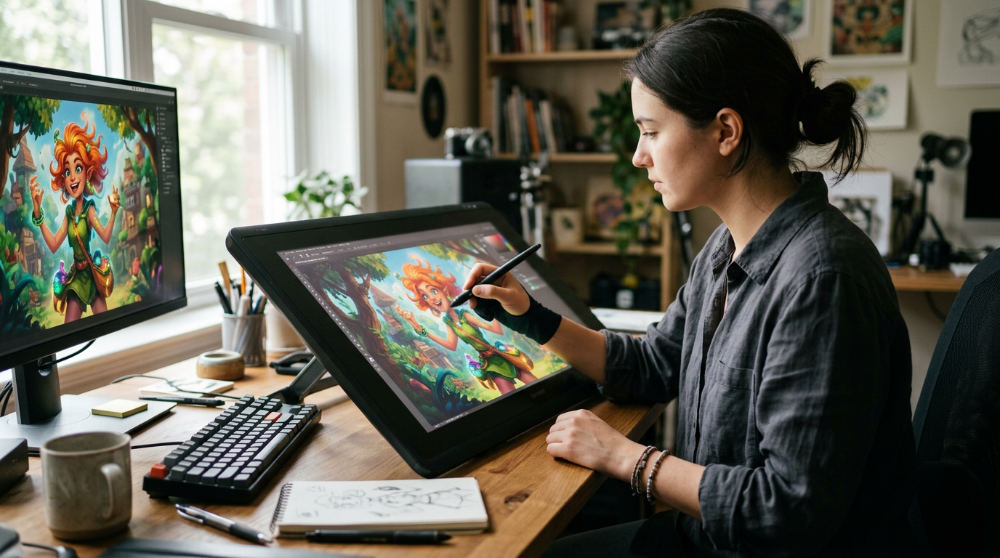
Once the concept is locked, the aesthetic direction takes center stage. You must work with an Animation Production Designer to determine the project’s overall look, style, and color palette. This role is responsible for the visual tone and stylistic alignment with character development, ensuring that stylistic choices align with the brand’s identity. The designer uses principles like color theory to evoke specific emotions, ensuring the viewer feels the intended mood from the first frame.
Character design follows, and it must be functional. A character might look incredible in a static sketch, but if the joints aren’t designed for the chosen animation method, you will run into technical nightmares during the rigging stage. Similarly, background layouts should complement character development and the narrative atmosphere without distracting from the main action. For those planning their first project, our pre-production planning templates and guide offers a structured way to manage these design assets. As Yellowbrick notes, a production designer’s ability to establish this tone early keeps the entire team unified throughout the production lifecycle. Using professional tools like the Adobe Creative Suite allows these designers to iterate quickly on character palettes.
3. Translate the refined concept into a professional script and storyboard.
A script is the blueprint, but a storyboard is the visual map. You need a compelling narrative that dictates the pacing and flow of the entire animation. This script should be broken down into a storyboard to map out visual sequences, ensuring the written word translates effectively to the screen. Storyboarding is the process of translating scripts into visual sequences during pre-production. It allows you to see the "edit" before a single frame is animated, which is the most efficient way to identify potential visual hurdles.
Fixing a pacing issue during the 2d animation pre production process is significantly cheaper than trying to re-animate a sentence later. By visualizing every shot, camera angle, and transition, you create a shared language for the animators and directors. Experts at Animation Video Services highlight that this stage is essential for identifying technical limitations before the expensive production phase begins. At Pretzel Logic, we use storyboards to maintain a logical workflow, ensuring that the twist in your story lands perfectly with the audience. This document becomes the ultimate reference point for every department, from sound to lighting.
4. Execute keyframe animation to define the primary movement of your characters.
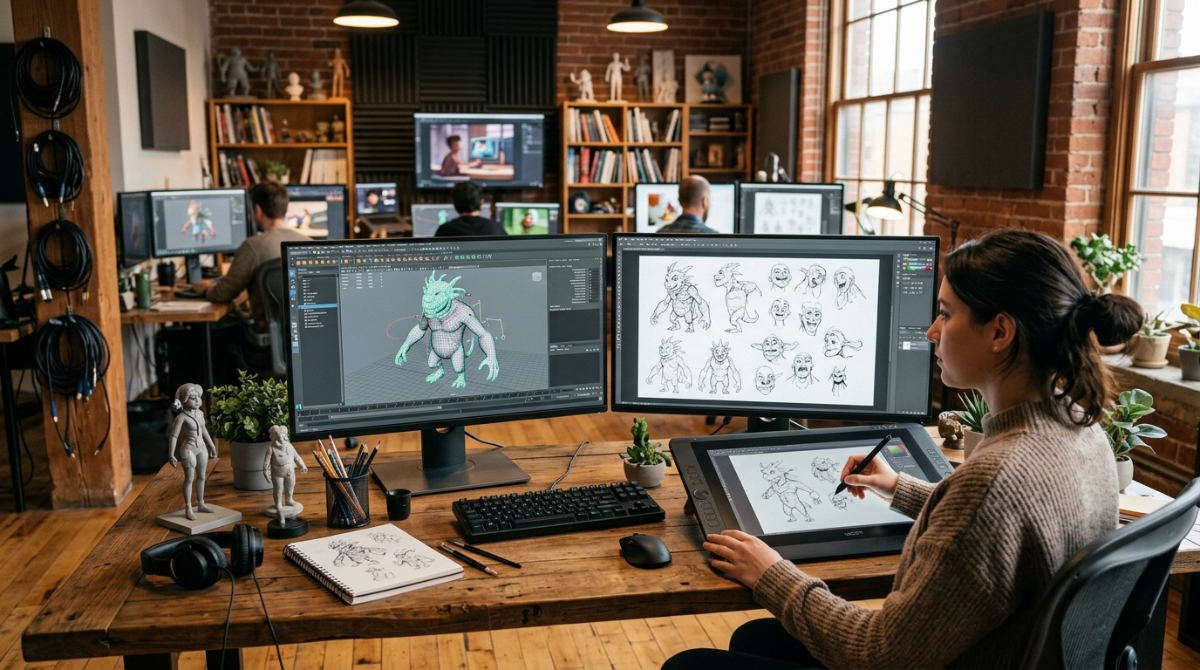
Keyframe Animation is the stage where the primary movement and timing of the animation are established. This involves focusing on the "key" poses that represent the start and end of a movement sequence. By defining these primary points, you establish the timing and weight of the character’s actions. Professional animators integrate technical expertise in industry-standard software like Toon Boom Harmony or Autodesk Maya to refine these movements.
The goal here is to ensure movement fluidity aligns with the visual tone established by the design team. If your project is a high-energy commercial, the keyframes need to reflect that snap and speed. If it is a corporate explainer, the movements might be smoother and more deliberate. This stage requires a deep understanding of physics and acting. As noted by Yellowbrick, the production designer and lead animator must stay in sync to ensure the character’s soul isn’t lost in the technical execution. For a deeper look at how these movements come to life, see our motion graphics guide, which breaks down the nuances of digital movement.
5. Record professional voiceovers before the animation phase to anchor the timing.
A common mistake is trying to animate first and add voices later. You should capture voice performances before the animation phase so animators can sync character mouth movements and facial expressions to the specific phonemes in the audio. High-quality recordings are non-negotiable. The emotional delivery must match the script’s intent perfectly to ground the visuals.
The voice track does more than provide dialogue. It establishes the scene’s rhythm. Animators use the peaks and valleys of the audio to guide the keyframe process, ensuring that a character’s gesture emphasizes a specific word or pause. A professional Animation Production Methods and Processes notes that this anchor prevents the disjointed feeling where the mouth moves but doesn’t match the sound. Whether you are producing a tv commercial production or a training module, the audio performance dictates the energy of the visuals. Our team at Pretzel Logic integrates these recordings early into our logical collaboration framework to ensure the final product feels like a cohesive performance.
6. Layer in visual effects and compositing to merge disparate elements.
After the primary animation is complete, the project moves into a phase that unifies all the work. Compositing is the post-production step of combining all visual elements into final frames, including character animations, background layouts, and digital effects. This is where you adjust lighting and atmospheric effects, making elements feel like they inhabit the same space. Without professional compositing, the animation can look flat or pasted on the background.
You should also apply specialized Visual Effects (VFX) to enhance action sequences or add subtle textures like dust, lens flares, or magical elements that elevate the storytelling. According to Animation Video Services, this layering process is what gives the final image its polish. For brands looking for a high-end feel, this is often the stage where the most significant visual impact is made. It is the bridge between raw animation and a finished cinematic experience. We focus heavily on this stage to ensure our visual stories have the technical depth required for modern broadcast standards.
7. Utilize 2D animation pre-production processes to simplify complex concepts.
The 2d animation pre production process is a series of planning steps used to simplify complex concepts through visual drafting before animation begins. Not every project requires a cinematic 3D universe. Sometimes, the most effective way to communicate is to simplify. You can use whiteboard or infographic animation styles specifically for educational or training content. This is where the pre-production map is most critical.
Leveraging hand-drawn sketches to prototype ideas before moving into digital rendering allows you to test if the logic of the explanation holds up. If a viewer cannot follow a simple sketch, they won’t follow a polished animation. Industry leaders at Animation Video Services emphasize that 2D methods are often the best for explainer content because they strip away distractions. At Pretzel Logic, we frequently utilize these methods as a professional explainer video company, helping brands distill complex data into digestible, engaging visuals. By focusing on the core message in the pre-production phase, we ensure the final animation serves its purpose.
8. Design sound effects that provide weight and texture to the visuals.
Sound design is the invisible force that gives digital imagery its physical presence. To achieve a professional finish, you must create or source foley and environmental sounds that ground the animation in reality. Whether it is the subtle rustle of clothing or the heavy thud of a character landing, these audio textures provide essential context to the viewer. When you sync sound cues precisely with on-screen actions, you significantly increase viewer immersion and make the movements feel more believable.
A common pitfall is allowing sound effects to overwhelm the dialogue. It is vital to balance the sound design with the voice track for a professional audio mix that maintains clarity. In tv commercial production, the sonic brand is just as important as the visual. By treating audio as a primary design element rather than an afterthought, creators ensure their visual narrative is supported by a rich, multi-dimensional soundscape that captures the audience’s attention from the first frame.
9. Implement a logical post-production workflow to catch technical errors.
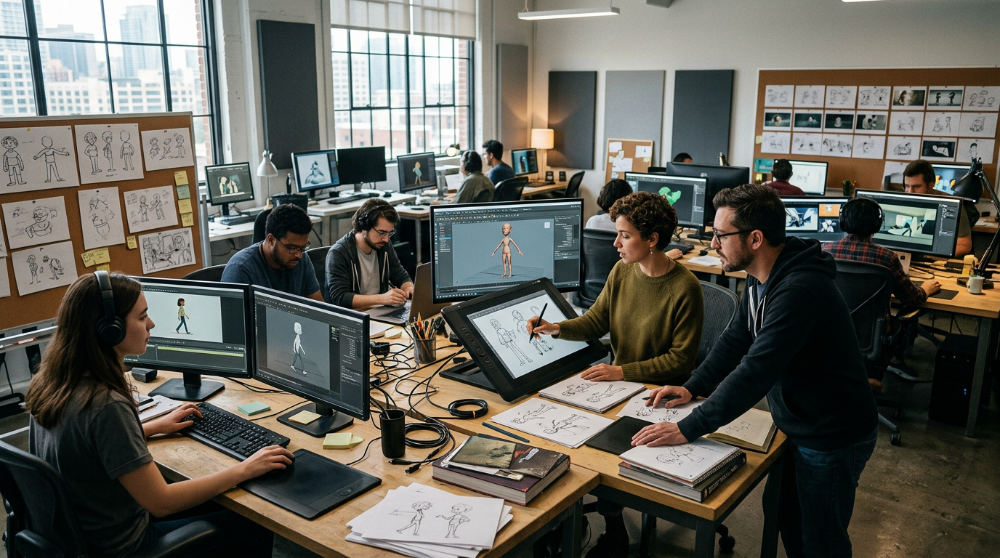
A post-production workflow is the organized sequence of editing and finishing tasks used to catch technical errors before final delivery. The complexity of modern animation means that technical glitches are almost inevitable without a structured review system. A professional workflow must include a dedicated phase to review animated sequences for glitches, such as frame rate drops or inconsistencies in the compositing layer. Small errors in lighting or layering can break the audience’s suspension of disbelief if they are not caught before delivery.
During this final review, you should adjust visual effects and sound levels to ensure a polished, broadcast-ready product. Utilizing a collaborative review process is the best way to align the final output with the original creative vision, ensuring every stakeholder is satisfied with the results. As noted by Animation Video Services, a logical sequence of checks prevents expensive revisions after the project has been exported. To ensure the highest quality, professional agencies often utilize robust strategic frameworks to help their creative teams stay focused on quality control during the final render phase.
10. Choose the right rendering software to handle the project’s technical load.
Rendering is the bridge between the working files and the final video, and your choice of software can define the project’s success. You must select rendering engines that support the specific art style you have developed, whether it is complex 3D modeling or clean 2D vector art. This choice impacts how light, shadows, and textures are calculated, which directly affects the visual quality of the output.
It is also a logistical necessity to factor in render times when planning the production schedule. Unexpectedly long rendering cycles are a primary cause of delivery delays in the animation industry. High-resolution output is non-negotiable for modern standards, and your software must be capable of producing files suitable for television, web, or social media distribution without losing detail. Following the standards established by Animation Video Services ensures that your technical infrastructure matches your creative ambitions, preventing crashes or data loss during the final, most demanding stages of the production cycle.
11. Finalize the production with professional editing and color grading.
Once the individual scenes are rendered, they must be woven together into a seamless narrative. This involves refining the edit to ensure smooth transitions between scenes and consistent pacing that keeps the viewer engaged. Professional editing is about more than just cutting clips. It is about finding the rhythm of the story. Alongside the edit, you must apply color grading to ensure a uniform look across all shots, which enhances the mood and keeps the branding consistent.
Even a perfectly animated scene can feel disjointed if the color temperature shifts significantly from one shot to the next. According to specialists at Animation Video Services, this final polish is what separates amateur work from commercial-grade content. After the visual and audio elements are synchronized, you must prepare the final export in the correct format for its intended distribution channel. This technical step ensures that the quality you worked so hard to achieve is preserved whether the viewer is watching on a mobile device or a large cinema screen.
12. Protect the final animation with appropriate copyright and security measures.
The final step in any professional workflow is safeguarding the intellectual property you have created. It is essential to implement secure distribution methods when sharing sensitive or branded content online to prevent unauthorized leaks. You must also ensure that all original character designs and scripts are legally protected work, providing the brand with full ownership of its creative assets.
Before the official launch, verify that all third-party assets, such as licensed music or stock textures, are properly documented for commercial use. Failing to secure these rights can lead to legal disputes or the removal of your content from hosting platforms. Research from Animation Video Services highlights that a secure and legally sound delivery is just as important as the creative process itself. By finalizing the project with a focus on security and compliance, you protect the investment made by the brand and ensure the animation can be used across various marketing campaigns without the risk of copyright infringement.
Synchronizing Branding with Animation Production
Aligning visual stories with your brand identity requires more than just a logo. It necessitates a consistent visual tone established by an Animation Production Designer. The Animation Production Designer is the role responsible for overseeing the visual development and establishing the color palette of the project to ensure it reflects the brand’s personality. For national brands and local San Diego businesses, we utilize the Logical Collaboration framework to ensure high-level creative concepts remain rooted in your core brand values.
Our team uniquely combines specialized food styling and animation for the restaurant industry, blending technical motion graphics with appetizing visual narratives that drive sales. Using tools like Toon Boom Harmony ensures that your marketing video production maintains a premium look across all platforms. To stay organized, we recommend using a pre-production planning guide to help synchronize your branding production with the technical animation phases. Proper planning ensures that every character movement and color choice serves the broader marketing strategy, creating a cohesive experience for the audience.
Maximizing ROI Through Strategic Production Choices
Choosing between 2D, 3D, or motion graphics depends on your specific engagement goals and the complexity of the message. While 3D offers depth and realism, motion graphics are often more efficient for data-driven branding video production. Integrated AI Video Production now allows for faster commercial production cycles, specifically designed for modern marketing video production needs. This technology streamlines repetitive tasks, allowing the creative team to focus on the storytelling that actually converts viewers into customers.
Success is measured through engagement and conversion metrics, ensuring your tv commercial production drives tangible results for your business. Whether you are looking for an animation explainer video company or full-scale TV ad production, professional post-production editing services are non-negotiable for quality. A logical post-production workflow ensures that every frame of your branding video production meets the highest standards before it reaches the screen. By choosing the right medium and a structured workflow, you maximize the lifespan and effectiveness of your digital assets. For a deeper dive into these technical stages, consult our motion graphics guide to see how keyframes and digital movement can be optimized for your brand.
Frequently asked questions
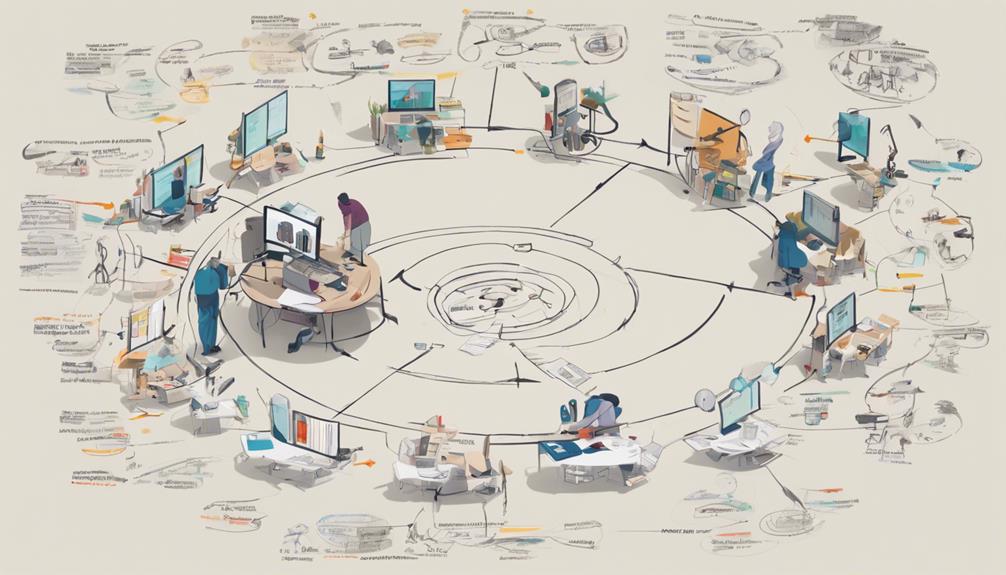
Image source: animationvideoservices.in
Do you work with brands across the country?
Yes, we serve corporate brands, restaurants, and marketing agencies across the United States from our San Diego hub. Our Logical Collaboration framework ensures seamless alignment with national clients from initial concept development to final delivery. We utilize digital collaborative review processes to maintain high-quality communication, regardless of geographic location.
| Feature | Detail |
|---|---|
| Service Area | All 50 U.S. States |
| Hub Location | San Diego, CA |
| Framework | Logical Collaboration |
How long does post-production take?
Post-production timeframes vary significantly based on the complexity of the visual effects and the overall length of the project. This phase includes essential steps like video editing, color grading, sound design, and final compositing. Refining the post-production workflow is critical to catching glitches and ensuring the final export meets broadcast standards. To help track these project milestones, professional teams utilize specialized organizational tools to manage administrative tasks and workflows during the production cycle.
| Stage | Estimated Duration |
|---|---|
| Short Commercial | Varies by Scope |
| Complex Explainer | Varies by Scope |
| Feature Length | Varies by Scope |
What is the typical post-production workflow for a television commercial?
A standard tv commercial production workflow involves 5 key stages: assembly edit, color grading, VFX/compositing, sound mixing, and final QC. This process ensures the visual tone aligns with the original script while meeting rigid broadcast technical specifications. We incorporate logical workflows to manage these complex motion graphics and editing tasks efficiently.
| Workflow Step | Primary Goal |
|---|---|
| Assembly Edit | Narrative Pacing |
| Color Grading | Visual Mood |
| Final QC | Technical Compliance |
What are the phases of animation production?
The three primary phases are pre-production (planning and scripting), production (keyframe animation and layout), and post-production (editing and sound). Each phase is foundational. For example, the 2d animation pre production process establishes the visual blueprint used during the animation phase. Modern workflows also include integrated AI production steps to streamline commercial creation.
| Phase | Key Deliverables |
|---|---|
| Pre-Production | Scripts & Storyboards |
| Production | Keyframes & Rendering |
| Post-Production | Editing & Sound Mix |
Ready to bring your animation project to life with a twist? Contact us to discuss how our logical workflows can transform your brand’s vision into a high-impact visual story.