Last updated September 13, 2026
A raster graphics editor is a specialized software application used to create and manipulate pixel-based images. Unlike vector tools that use mathematical paths, raster editors allow for intricate digital image processing. These programs enable professionals to perform high-end color grading, retouching, and asset creation for high-impact commercial video production and marketing.
Key takeaways
- Granular Pixel Control. Raster editors operate at the pixel level, providing the fine control necessary for photo-realistic textures and deep color grading.
- Visual Blueprints. Professional workflows utilize raster assets during pre-production storyboarding to establish a concrete visual look before filming starts.
- Asset Revitalization. Post-production teams rely on these tools to revitalize existing brand footage and ensure visual consistency across digital platforms.
- Motion Foundations. Raster graphics are the foundation for complex motion graphics, where static assets are transformed into dynamic brand narratives.
- Non-Destructive Standards. Non-destructive editing in raster software remains a vital industry standard for maintaining high-quality commercial assets.
The Foundation of Pixel Based Editing
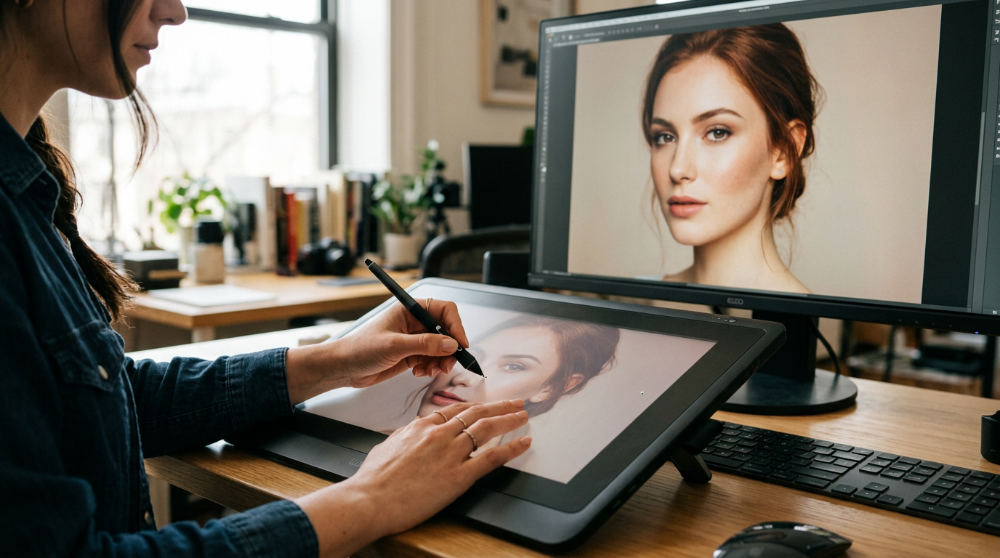
Every raster graphics editor functions by manipulating the pixel, which is the smallest individual unit of a digital image. When you zoom into a high-resolution photograph, you eventually see these tiny squares of color that form the complete picture. Unlike vector graphics that focus on scalable shapes, raster tools are built for digital image processing where texture and lighting nuances are paramount.
At Pretzel Logic, we view these pixels as the building blocks of a brand’s soul. They allow us to craft visual stories that feel authentic and tactile. If a vector logo is the skeleton of a brand, the raster image is the skin, providing the depth and detail that makes a viewer feel something. Clinics and studios that offer this type of editing utilize industry-standard software to execute complex image editing that serves as the basis for visual communication.
Understanding resolution is critical. A standard 1080p image contains roughly two million pixels, while a 4K frame holds over eight million. High-quality raster assets ensure that brand visuals remain crisp whether viewed on a smartphone or a broadcast screen. By controlling every single point of light and color, we can create a specific atmosphere that a simple mathematical line cannot achieve.
Integrating Raster Assets into Post Production in San Diego
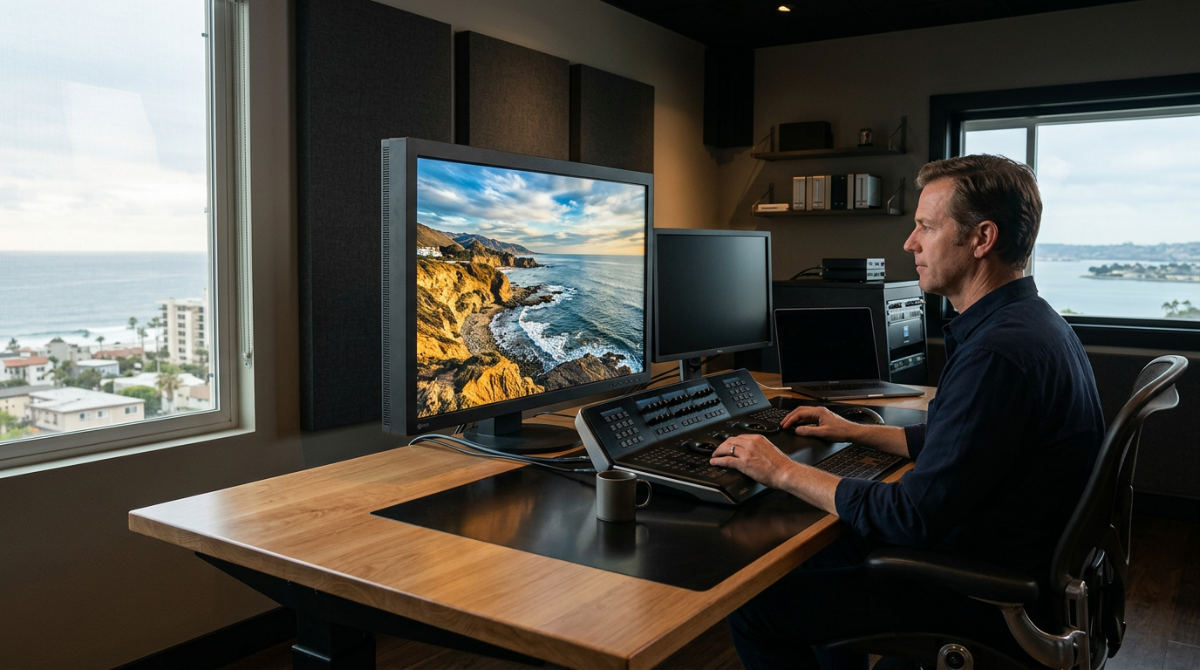
The real magic happens during the post-production phase. We refine visuals to align with a client’s specific aesthetic goals, polishing raw footage and combining it with other graphic elements to create a finished film.
San Diego Synergy: We leverage high-quality raster editing to capture the vibrant visual energy and unique lighting found in our local San Diego brand campaigns.
We use raster editors for advanced color grading, a technical process that adjusts hues to evoke specific emotions. This is essential for brands looking to capture that vibrant coastal energy or a moody, high-end corporate feel. Our post-production editing services rely on raster tools to clean up frames, remove unwanted elements, and enhance the overall cinematic quality of a project.
This phase is also where we focus on revitalization. We use raster techniques to breathe new life into existing brand footage for modern marketing needs. If a company has older assets that feel dated, we can apply modern color maps and digital cleanup to make them relevant for today’s platforms. By mastering professional editors and their underlying pixel engines, our team ensures that every frame contributes to a cohesive and high-impact visual narrative.
The Pretzel Twist on Collaboration and Storyboarding
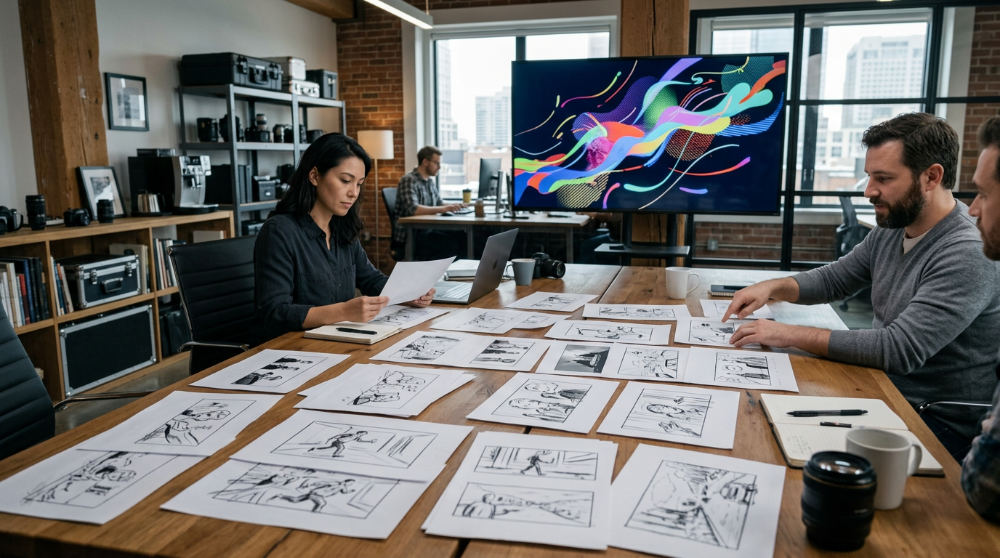
We employ a unique "Pretzel Twist," which is a logical workflow that bridges the gap between static design and dynamic video storytelling. This begins in pre-production planning, where raster editors are used to create detailed storyboards that serve as a visual blueprint for the entire shoot.
- Concept Visualization. We use pixel-based tools to mock up lighting scenarios, showing exactly how a scene will look before we arrive on set.
- Logical Collaboration. By establishing visual consistency and lighting expectations early, we ensure that the creative vision of a marketing agency or corporate team is perfectly translated to the screen.
- Friction Reduction. Using raster tools in the pre-production phase reduces friction during filming, as all stakeholders have already approved a high-fidelity visual concept.
- Technical Blueprints. These storyboards act as a guide for our camera operators, ensuring they frame shots that align with the approved digital mockups.
For example, when planning a commercial for a boutique hotel, we might create a raster mockup of the lobby at sunset. By manipulating pixels to simulate specific light leaks and shadows, the client can approve the look weeks before the sun actually sets on production day. This level of foresight separates high-end production from basic video capture.
When Raster Editors Meet Motion Graphics
Modern branding requires more than just static images. It requires movement. This is where corporate motion graphics come into play. A raster graphics editor is essential for creating the textures and intricate assets that are later animated to explain complex corporate ideas or data points.
High-end visual storytelling often involves layering raster-based photos with animated vector elements to create a depth that keeps audiences engaged. While a vector editor might create a clean icon, a raster editor adds the metallic sheen, the grit of a paper texture, or the soft glow of a digital interface. Professional studios prefer raster editors for textures because they offer a level of grit and realism that mathematical vectors cannot replicate.
Consider a tech company explaining its cloud software. We might use a raster graphics editor to create a detailed, glowing "core" for the animation, giving it a physical presence that feels tangible. Our team at Pretzel Logic integrates these assets seamlessly into the larger production ecosystem. We make sure your brand story moves as beautifully as it looks. The blend of photographic realism and fluid movement is a powerful tool for holding viewer attention in a crowded digital marketplace.
Navigating the Limits of Raster Editing
While powerful, raster graphics are resolution-dependent. They can lose quality and become "pixelated" if scaled up too far beyond their original size. There is only a finite amount of data in a pixel grid. Once you stretch it, the computer has to guess what should fill the gaps, leading to a blurry or blocky appearance.
Strategic Choice: Always choose raster for photo-realism and vector for structural scaling; using the wrong tool can lead to blurry, unprofessional results.
For logos or typography that need to appear on massive billboards, a vector-based tool is often the better choice initially. However, once that logo needs to look like it is carved into a piece of wood or glowing in a neon sign for a video, it enters the raster world. It is a common mistake to use raster tools for every design task. Knowing when to switch to vector is what separates amateur work from professional production.
We focus on creating high-resolution master assets to mitigate scaling issues, helping to ensure your content remains effective for the long term. By utilizing high-resolution textures and high-bit-depth images, we maintain the flexibility to adjust the composition without losing the professional finish your brand deserves. If you are ready to see how these technical tools can transform your brand narrative, you can contact us to bring your concepts to life through film.
Frequently asked questions
What is a raster graphics editor used for in video production?
It is primarily used for creating textures, storyboarding scenes, and retouching individual frames in post-production. Editors use it to create high-fidelity assets that will eventually be integrated into motion graphics. These tools are essential for achieving the photographic realism required in modern commercials.
What is the difference between a raster and a vector graphics editor?
Raster editors work with pixels and are best for photos and detailed textures. Vector editors use mathematical paths and are ideal for logos and illustrations that need infinite scalability. While raster files lose quality when enlarged, vector files can be scaled to any size without losing sharpness, as defined by the W3C standards.
Is Photoshop a raster graphics editor?
Yes, it is the industry-standard software for pixel-based manipulation. While it has some vector capabilities, its core power lies in digital image processing, allowing for complex compositing, masking, and color adjustments. Production teams frequently use it when creating the foundational assets for any video project.
What are the advantages of using a raster graphics editor?
They offer unparalleled control over color, lighting, and texture at the individual pixel level. They are the best tools for non-destructive photo manipulation and complex compositing, allowing editors to blend multiple images together into a single, convincing scene that would be impossible to create with vector-based software.
Can I use raster editors for animation assets?
Absolutely; most professional animations use raster-based textures to add realism and depth. The assets are typically exported as transparent PNGs or layered files for use in animation software. This allows the motion designer to move the objects while maintaining the rich, detailed look created in the raster editor.