
Last updated August 20, 2026
Effective video editing is the bridge between raw footage and a compelling brand narrative. This guide covers essential techniques for modern creators. We cover everything from workflow optimization to advanced visual storytelling. These strategies are sourced from industry experts and the logical collaboration methods we use at Pretzel Logic. We ensure every frame serves a visionary purpose.
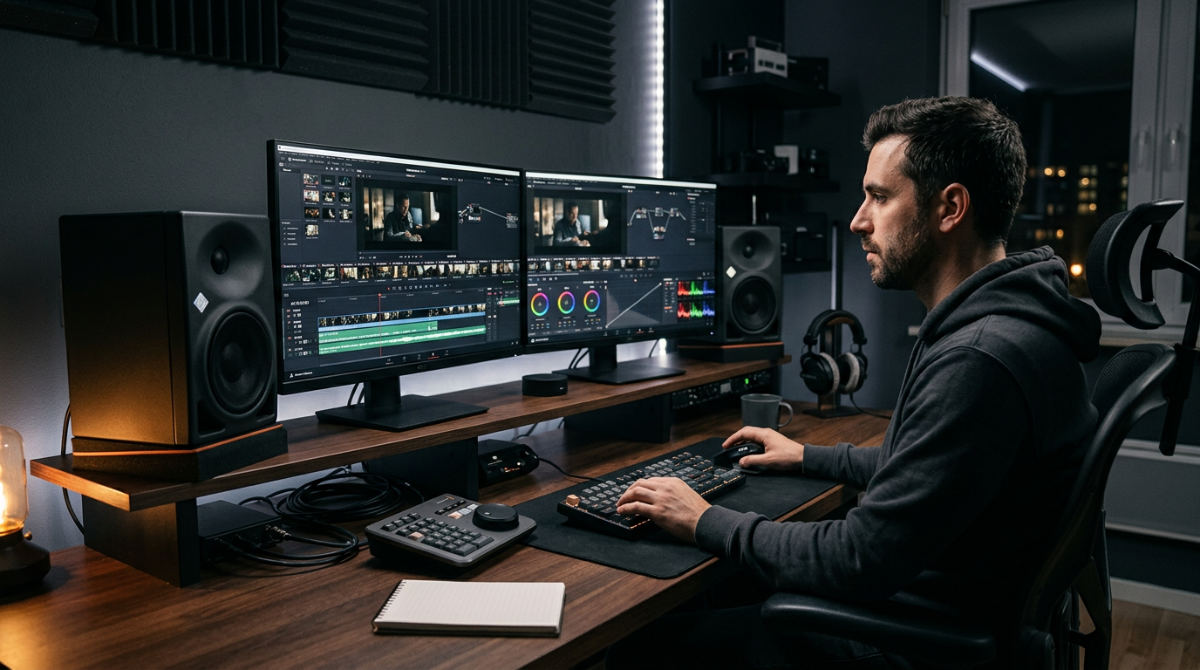
1. Prioritize keyboard shortcuts over mouse movements to accelerate workflow.
Speed is the foundation of creativity. When you are stuck hunting through menus, you lose the rhythmic flow necessary for high-level visual storytelling. Professionals treat their keyboard like a musical instrument. It is non-negotiable. Stop clicking. Start typing.
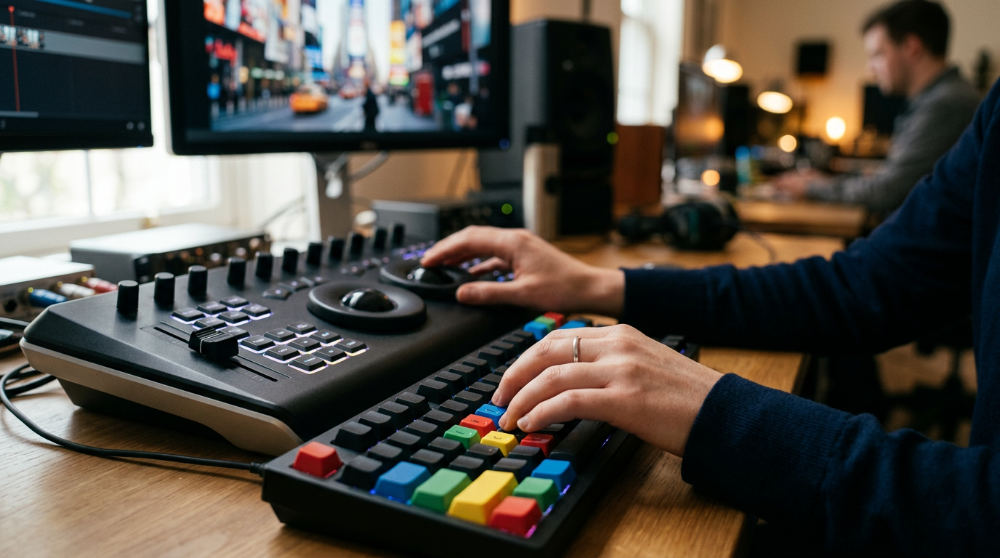
Master the ‘Q’ and ‘W’ keys immediately. Use these for efficient trimming. They snap the footage to the playhead forward or backward in a single tap. Similarly, the ‘J’, ‘K’, and ‘L’ keys are vital for controlling playback and pausing at variable speeds.
Reducing physical strain is a secondary but critical benefit. Hover over buttons to learn their shortcut codes. Force yourself to use the keyboard every time you reach for the mouse. You must build the muscle memory required for complex projects. At Pretzel Logic, we emphasize these efficiencies. Our team spends less time on mechanical tasks and more time on the creative "twist" that defines our brand.
Source: Caleb Wojcik | Creator Scale
2. Integrate stock footage and Motion Graphics to fill narrative gaps.
Not every frame needs to be shot by your primary crew to maintain a premium feel. Smart editors use stock services like Storyblocks to acquire difficult shots. Sweeping drone vistas, intricate macro views, or high-speed cityscapes add scale. You might not be licensed or equipped to film these yourself.
The key is filtering searches by resolution and clip length. You must ensure the new assets match your existing footage style.
Beyond raw video, work with an explainer video company to integrate Motion Graphics templates for high-quality lower thirds and logo reveals. These animated graphic elements are essential for explaining complex ideas. They capture attention in a crowded digital marketplace. Using pre-built assets allows you to maintain high production value without the massive time cost of manual production. Downloading a high-quality clip is significantly faster than stopping an edit to go back into production. Your brand hits deadlines while keeping the narrative cohesive, bold, and visually rich.
Source: Caleb Wojcik | Creator Scale
3. Use proxies to maintain high editing speeds with high-resolution footage.
Image source: calebwojcik.com
Working with raw files at high resolutions can strain workstation performance. To combat this, we recommend creating proxies. These are lower-resolution temporary copies of your files used during the heavy lifting of the edit. Smaller files eliminate lag. They prevent software crashes on systems with limited processing power. This ensures smooth playback even when you are working on complex, multi-layered sequences.
The beauty of this standard post-production workflow is its non-destructive nature. You perform all your cuts, timing, and narrative structuring using the lightweight proxies. Switch back to the original full-resolution files only for the final color grade and export. Doing this ensures your final product remains crisp and professional without the frustration of a stuttering timeline. By implementing this technical precision, you free up mental energy. Focus on the story rather than the loading bar.
Source: Caleb Wojcik | Creator Scale
4. Manually refine transition durations to ensure visual flow.
One of the quickest ways to make a video look amateur is to rely on the default settings of your software. Data from The DIY Video Editor suggests that most pre-packaged software transitions default to approximately five frames. While convenient, these presets often feel jarring or clinical. To sharpen your work, you must watch the effect. Manually adjust the settings. See if a shorter or longer transition improves the narrative rhythm.
Transitions should assist the flow of the story, not act as a distraction. Pay special attention to audio transitions as well. A slight cross-fade on the audio track can prevent jarring sound pops between cuts. These pops break the viewer’s immersion. At Pretzel Logic, we treat every cut as a deliberate choice. The way one scene breathes into the next dictates how the audience perceives your brand’s authority.
Source: Diyvideoeditor
5. Cull B-roll and selects in a separate timeline to keep your main edit clean.
Image source: diyvideoeditor.com
A cluttered timeline is the enemy of a clear vision. Instead of dumping all your footage into the master sequence, you should build a "selects" timeline. Place only the best takes and most interesting B-roll there. By reviewing all your footage once in this separate space, you ensure you don’t miss hidden gems. These are often lost in a massive folder of raw files.
Once your selects are organized, you can stack multiple timelines. Drag-and-drop the best clips directly into your master edit. This keeps your workspace organized. For high-stakes projects, such as legal video production or high-end commercial work, this level of organization is non-negotiable. It allows for a logical collaboration between the editor and the creative director. Every frame chosen must serve a specific, thought-provoking purpose for the client. See how we apply this meticulous approach to post-production to ensure top-tier results.
Source: Caleb Wojcik | Creator Scale
6. Organize and name clips before opening your editing software.
Efficiency begins long before you drag a single asset onto your timeline. Group your footage into distinct folders based on scenes, subjects, or shot types. Include wide angles, close-ups, and interviews. By implementing a consistent naming convention, you avoid the confusion of "Untitled" clips during the assembly phase. This technical discipline is what allows for a logical post-production workflow where creativity can flourish. You won’t be interrupted by a search for missing files.
Establishing a dedicated folder structure for external assets like music, sound effects, and graphics ensures that your project remains stable. Clear organization prevents the creative blocks caused by technical clutter. It allows you to focus on the storytelling. In their guide on Editing Basics for Storytelling, The L.A. Film School notes that this foundational step is vital. You need it for managing the complex assets required for professional storytelling.
Source: The L.A. Film School
7. Zoom in on the timeline for precise cut placement.
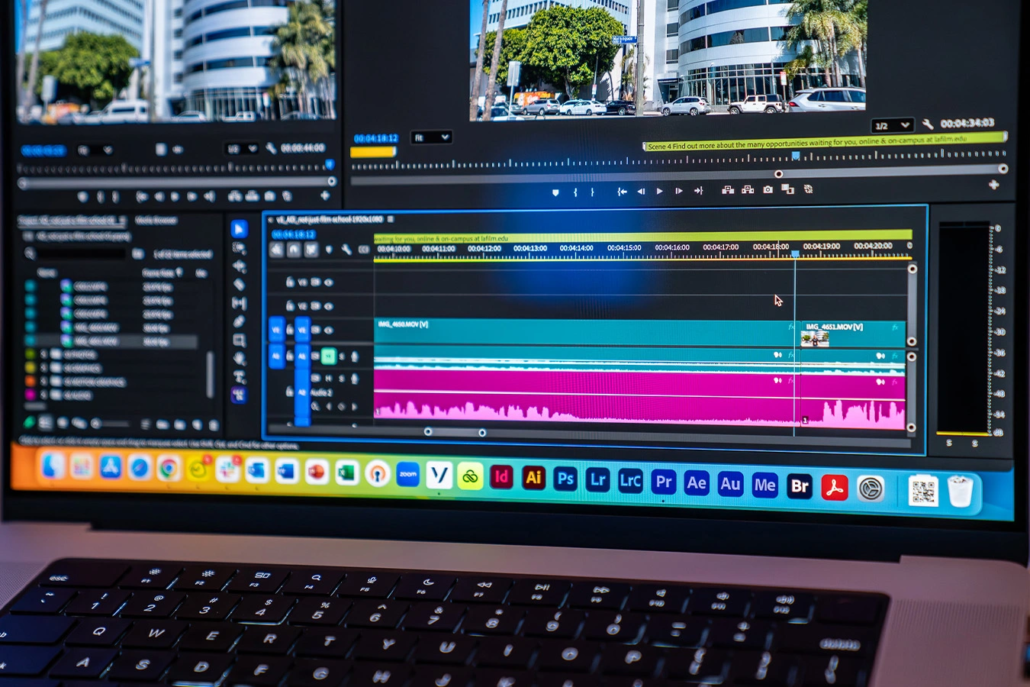
Image source: lafilm.edu
Precision cutting is the backbone of professional looking, immersive video. By increasing your timeline magnification, you can identify and remove long pauses. Cut unwanted micro-movements that occur at the beginning or end of a take. These precise cuts allow you to emphasize important points by removing dead air. Engagement stays high. Strategic zooming also helps you hide necessary jump cuts by aligning visual elements perfectly between frames. It creates a smooth, professional experience.
Pacing significantly affects the way a brand story is perceived. A single frame can be the difference between a punchy, energetic sequence and one that feels sluggish. When you zoom in, you gain granular control. You need this to sync cuts with specific beats in the audio, which is essential for high-quality video storytelling. According to the experts at The DIY Video Editor, mastering this level of detail ensures that your final product feels polished. Don’t be haphazard.
Source: The DIY Video Editor
8. Leverage multiple monitors to maximize your visual real estate.
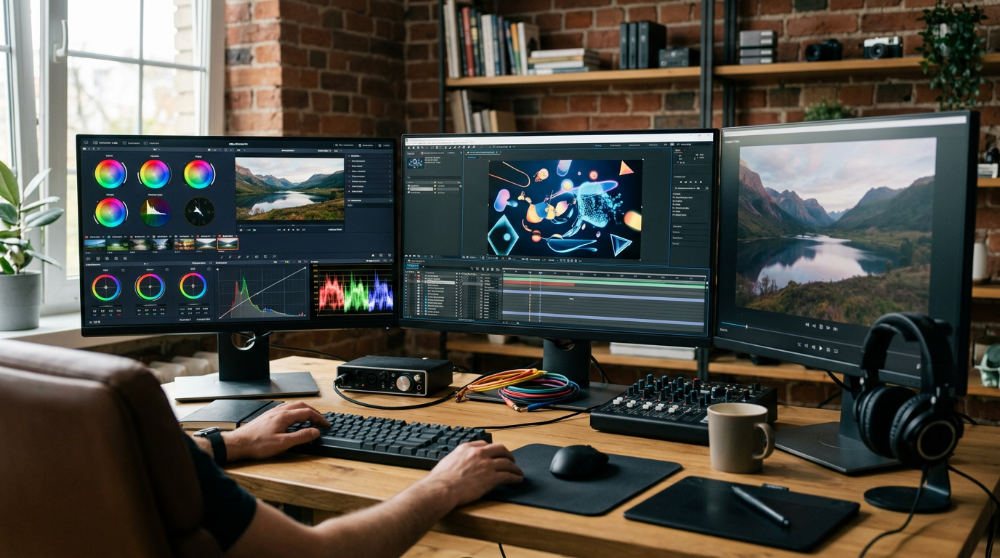
To edit videos faster, you need to see your work without constant window toggling. Utilizing an ultra-wide monitor for your timeline makes it easier to manage and visualize long sequences. A secondary vertical monitor can be used for file management, effects windows, and bin organization. This keeps your workspace clean. You might even implement a third screen for full-screen video playback to check fine details.
Increased screen space directly impacts productivity. It reduces the time spent searching for clips. This setup is particularly helpful when you are working with Storyblocks assets or complex Motion Graphics that require frequent adjustment. In his discussion on how to edit videos faster, Caleb Wojcik emphasizes that expanding your visual real estate is a primary way to scale your production value. We agree. More pixels equal more focus.
Source: Caleb Wojcik | Creator Scale
Executing the ‘Twist’ in Modern Branding
At Pretzel Logic Productions, we frame editing as a logical collaboration where technical precision meets high-level visionary storytelling. To make your content stand out, look beyond the basic cut. Find the unique twist that makes a story thought-provoking. Rigorous Color Grading establishes brand consistency. We ensure the aesthetic matches your corporate identity perfectly. Whether you are producing a luxury restaurant promo or a corporate documentary, the visual tone sets the stage. It dictates how your message is received.
For brands with a library of older assets, we offer a specific revitalization service. This process gives old content a fresh perspective through modern cutting techniques and updated graphics. Maximize your previous investments this way. If your goals extend into business growth, integrating a system like the automated sales machine demo can help align your video content with broader conversion strategies. Balancing creative impulses with a structured workflow ensures you meet deadlines. You won’t sacrifice the hip, modern quality that modern audiences expect.
When to Partner with a Professional Post-Production House
Transitioning from basic edits to high-level visual stories often requires specialized expertise. This is true in niche industries like legal video or high-end branding. Professional editors provide advanced motion graphics integration. This turns standard corporate messaging into something truly memorable. Animated graphic elements are used to explain complex ideas. They capture attention in a way that raw footage alone cannot achieve.
Partnering with experts allows you to bridge rigid corporate requirements with vibrant aesthetics. Those aesthetics resonate with modern audiences. When you reach a point where the technical demands of a project outweigh your internal resources, it is time to explore professional services. Expert colorists and editors can transform your raw assets into a cohesive narrative that drives results. By outsourcing the technical heavy lifting, you can focus on the visionary aspects of your brand. You ensure the final product meets the highest industry standards for quality and retention.
Ready to transform your raw footage into a compelling narrative that captures your brand’s unique voice? Whether you need a fresh perspective on existing content or a top-to-bottom professional edit, our team is here to help. Schedule a project consultation and bring your creative vision to life with the precision it deserves.
Key Takeaways
- Optimize Workflow: Use keyboard shortcuts and proxies to significantly increase editing speed and maintain creative flow.
- Enhance Narrative with Assets: Integrate high-quality stock footage and motion graphics to fill gaps and add professional polish.
- Precision and Organization: Focus on meticulous clip organization and granular timeline adjustments to ensure a cohesive and engaging story.
- Strategic Collaboration: Balance technical precision with creative vision, often by partnering with professional post-production houses for high-stakes projects.
FAQ
What are the most important keyboard shortcuts for video editing? Mastering the ‘Q’ and ‘W’ keys for ripple trimming and ‘J’, ‘K’, and ‘L’ for playback control are essential for a fast, professional workflow.
How can I make my brand videos look more professional on a budget? Using high-quality stock footage from sites like Storyblocks and integrating Motion Graphics templates for titles and transitions can significantly increase production value without a full film crew.
What is the benefit of using proxies in video editing? Proxies are low-resolution copies of your footage that allow for smoother editing and faster playback, especially when working with high-resolution 4K or 8K files on standard workstations.
Why is organizing footage before editing so important? Properly naming and categorizing clips into folders (e.g., B-roll, Interviews, Music) prevents technical delays and helps maintain a clear creative focus throughout the project.