
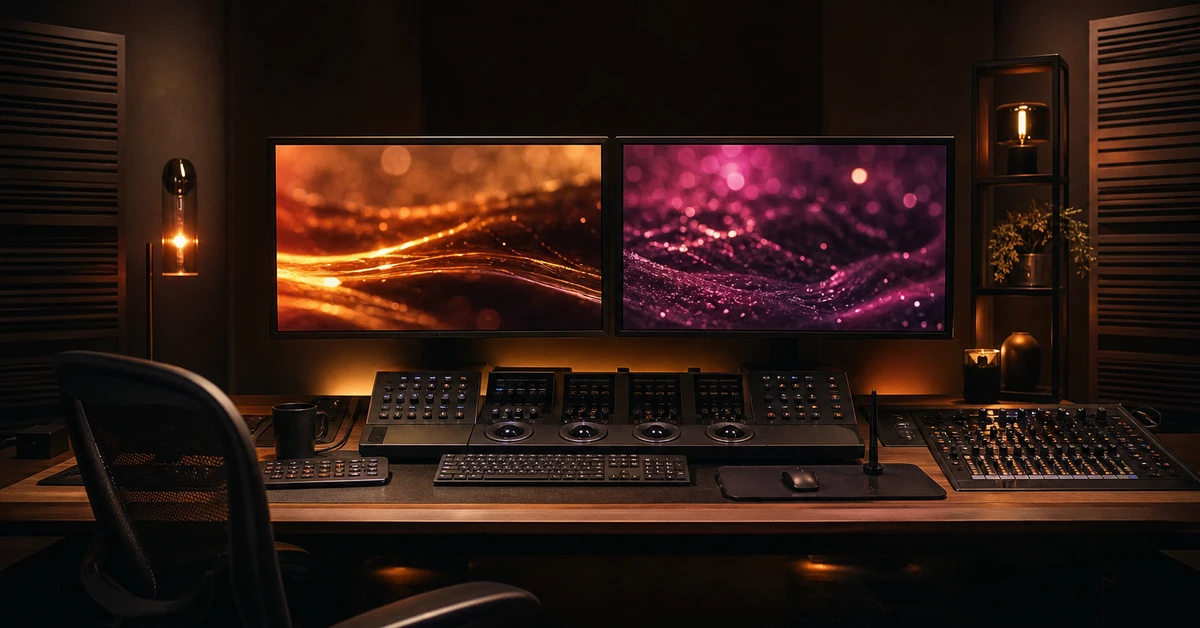
Post production software didn’t start out glamorous. A decade ago, you’d watch editors wrestle with five different applications just to get a single scene from raw footage to final delivery — color in one tool, VFX in another, audio in a third, and version control held together by sticky notes and prayer. That friction is vanishing fast. Today’s post production software is converging into integrated suites that handle editing, color grading, visual effects, motion graphics, and audio mixing under one roof — and AI is quietly reshaping every step of the pipeline.
What Is Post Production Software? A Complete Breakdown
Post production software covers every tool used after principal photography wraps — the editing, color correction, visual effects, motion graphics, and sound design that transform raw footage into a finished film, commercial, or digital asset. It is not one program. It is a stack.
For a team delivering broadcast spots, that stack might include a nonlinear editor (NLE), a dedicated color grading suite, a compositing tool for VFX, and a digital audio workstation. For a solo creator cutting social content, the whole pipeline might live inside a single application.
The market reflects this diversity. The global video editing software market was valued at $3.54 billion in 2025 and is projected to hit $4.99 billion by 2031, growing at a compound annual rate of 5.88%, according to Mordor Intelligence. Cloud-based workflows alone are forecast to expand at an 8.23% CAGR through 2031. Post production is not just growing — it is restructuring itself around new technology.
The Core Pillars of Post Production
Every post production workflow, whether it produces a Super Bowl commercial or a TikTok cut, runs through the same four pillars. The difference is which tools handle each one.
Editing and assembly. The NLE is the hub of post production. It is where footage is logged, organized, and cut into a coherent sequence. Avid Media Composer still dominates high-end film and television — it is the industry’s most widely deployed editing tool for collaborative, long-form projects. For commercial and digital work, the field is broader.
Color grading. Raw camera footage comes out flat and desaturated by design — it captures maximum dynamic range so the colorist has room to shape the final look. DaVinci Resolve, from Blackmagic Design, has become the standard here, but the real shift in recent releases is the DaVinci Neural Engine. It performs automatic AI region tracking, stereoscopic adjustments, and advanced HDR grading that used to require a dedicated finishing suite. DaVinci Resolve Studio packs over 100 GPU- and CPU-accelerated effects — blurs, light effects, noise restoration, lens flare — into a single pipeline.
Visual effects and motion graphics. This pillar covers everything from compositing green-screen footage to building animated title sequences. Fusion, another Blackmagic tool, runs a node-based workflow with hundreds of 2D and 3D tools for compositing, tracking, keying, and particle effects. At the high end, Autodesk Flame is the finishing and VFX standard for commercial post houses — it handles 3D compositing, conform, and final color in one timeline. On the plugin side, Boris FX and Red Giant supply the particle systems, glow effects, and stylization tools that make motion graphics feel cinematic.
Audio post production. Bad sound kills good picture. Audio post covers dialogue editing, noise reduction, Foley, ADR, mixing, and loudness compliance for broadcast. Pro Tools remains the professional reference for audio post — it handles ADR, Foley, and immersive mixing with tight roundtrip integration into Media Composer. iZotope RX Post Production Suite brought AI-powered dialogue editing, noise reduction, and reverb removal into a single toolkit. Adobe Audition offers a multitrack waveform and spectral display for precise audio restoration. And Blackmagic’s Fairlight page inside DaVinci Resolve supports up to 2,000 tracks with real-time effects, EQ, dynamics, and AI-powered voice isolation — all inside the same application that handles the edit and the grade.
The Rise of All-in-One Suites: How DaVinci Resolve Changed the Game
For most of post production history, the workflow was a relay race. Editor hands off to colorist. Colorist hands off to VFX artist. VFX hands off to sound mixer. Every handoff meant a render. Every render meant time — and every revision meant doing it again.
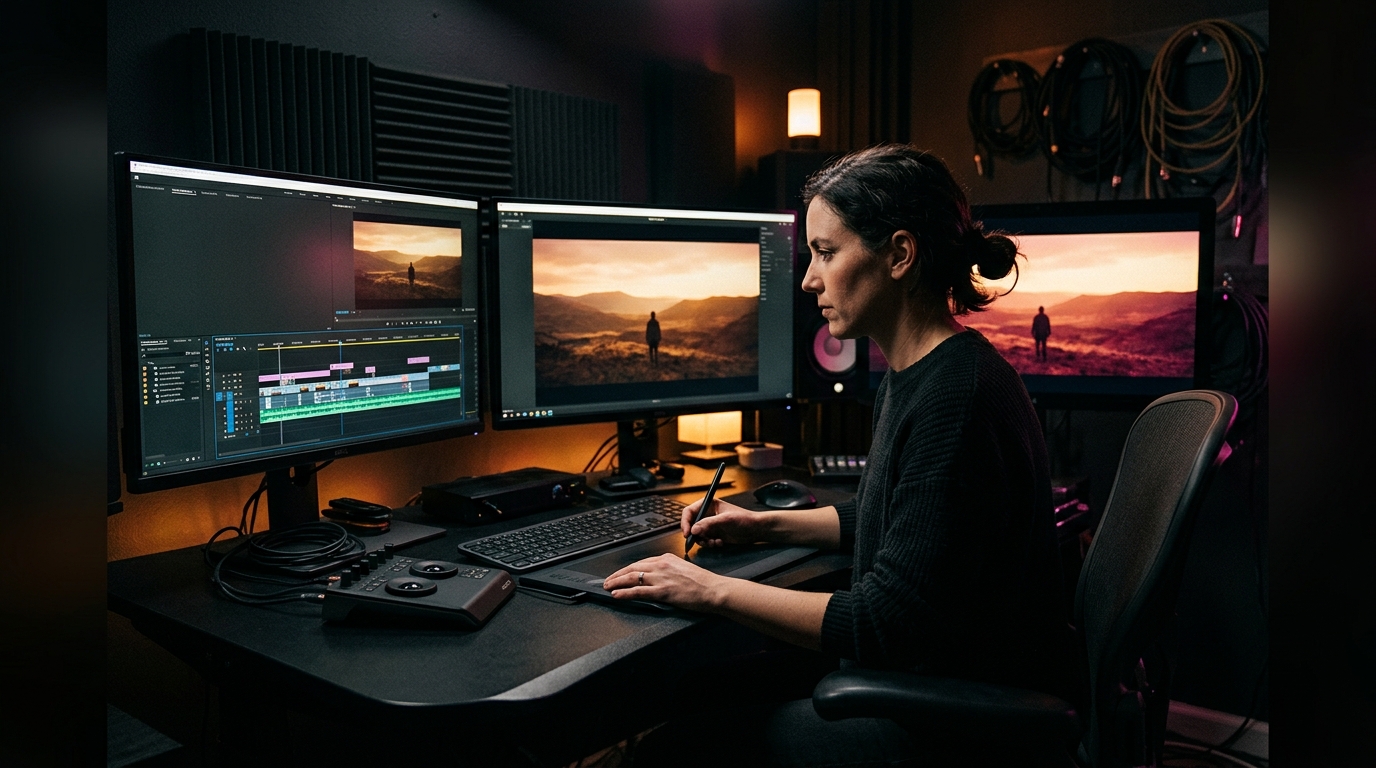
DaVinci Resolve broke that model. Blackmagic Design built a single application that combines editing, color correction, visual effects, motion graphics, and audio post production. The software now handles photo editing as well. Start to finish. No relay.
The numbers back up the shift. Adobe Premiere Pro holds 35% market share, followed by Final Cut Pro X at 25%, and DaVinci Resolve at 15%, per ElectroIQ’s 2025 market analysis. Resolve’s share is the smallest of the three — but it is growing the fastest, because it is the only one that genuinely replaces four separate applications. For a boutique post house or an in-house brand team, that means one license instead of four. One learning curve instead of four. One project file instead of a folder full of XML roundtrips.
This is not theoretical. Facilities that used to run Media Composer for editing, Baselight for color, Nuke for compositing, and Pro Tools for audio are now running entire projects inside Resolve — particularly for short-form commercial and digital content where turnaround times matter more than pipeline tradition. The broader media and entertainment software market is projected to grow at a 5-year CAGR of around 8% through 2029, according to Cambashi, with rendering, animation, and production management segments growing between 8% and 11% annually. Real-time engines — the technology powering virtual production and in-camera VFX — grew 18.1% in 2023 alone. The industry is not just adopting integrated suites. It is adopting real-time pipelines.
AI-Powered Post Production: Smart Tools That Are Already Here
Ignore the hype about AI replacing editors. That is not what is happening. What IS happening is more interesting: AI is quietly automating the tedious parts of post production so the creative parts get more time. Noise reduction that used to take an hour now runs in seconds. Voice isolation that required a dedicated dialogue editor now happens at the press of a button. Color matching across shots — once a manual frame-by-frame task — is now one click.
Fifty-five percent of organizations worldwide use at least one AI-enabled tool in their business operations as of 2024, per WiFiTalents. In post production specifically, the AI sector is growing at 17.2% annually and is expected to hit $4.4 billion by 2033, with cloud deployment representing 72.8% of the segment, according to ElectroIQ. These are not research-lab experiments. The tools are already in the software you use today.
AI in Audio Post
This is where AI has made the most dramatic impact in the shortest time. DaVinci Resolve’s Fairlight page now includes AI effects like Voice Isolation — isolating dialogue from background noise without a dedicated dialogue editor — and Music Remixer, which separates vocal, drum, bass, and other stems from a stereo music file so you can rebalance a track around voiceover. iZotope RX’s Dialogue Isolate and De-reverb modules do similar work with spectral precision.
What used to require sending audio to a specialist for cleanup now happens inside the editor’s timeline. It changes the economics of post production for projects that cannot afford a dedicated audio post team.
AI in Visual Effects and Color
The DaVinci Neural Engine handles automatic facial refinement, scene cut detection, and smart reframing for social aspect ratios. Color matching across shots — a task that could consume a colorist’s entire morning on a commercial project — now runs automatically and presents a starting grade that is 90% there. The last 10% is still human. Always will be.
On the VFX side, AI rotoscoping and background replacement tools have compressed what used to be multi-day compositing tasks into minutes. Boris FX’s Mocha Pro and Silhouette integrate machine learning for planar tracking and paint — the same technology that made Hollywood-grade set extensions possible on films is now accessible on a freelancer’s laptop.
Cloud Collaboration and Remote Workflows
The pandemic forced remote post production. The technology made it stick. Cloud-based video editing workflows are forecast to expand at an 8.23% CAGR through 2031, and smartphone and tablet editing workflows are set to climb at 8.62%, according to Mordor Intelligence.
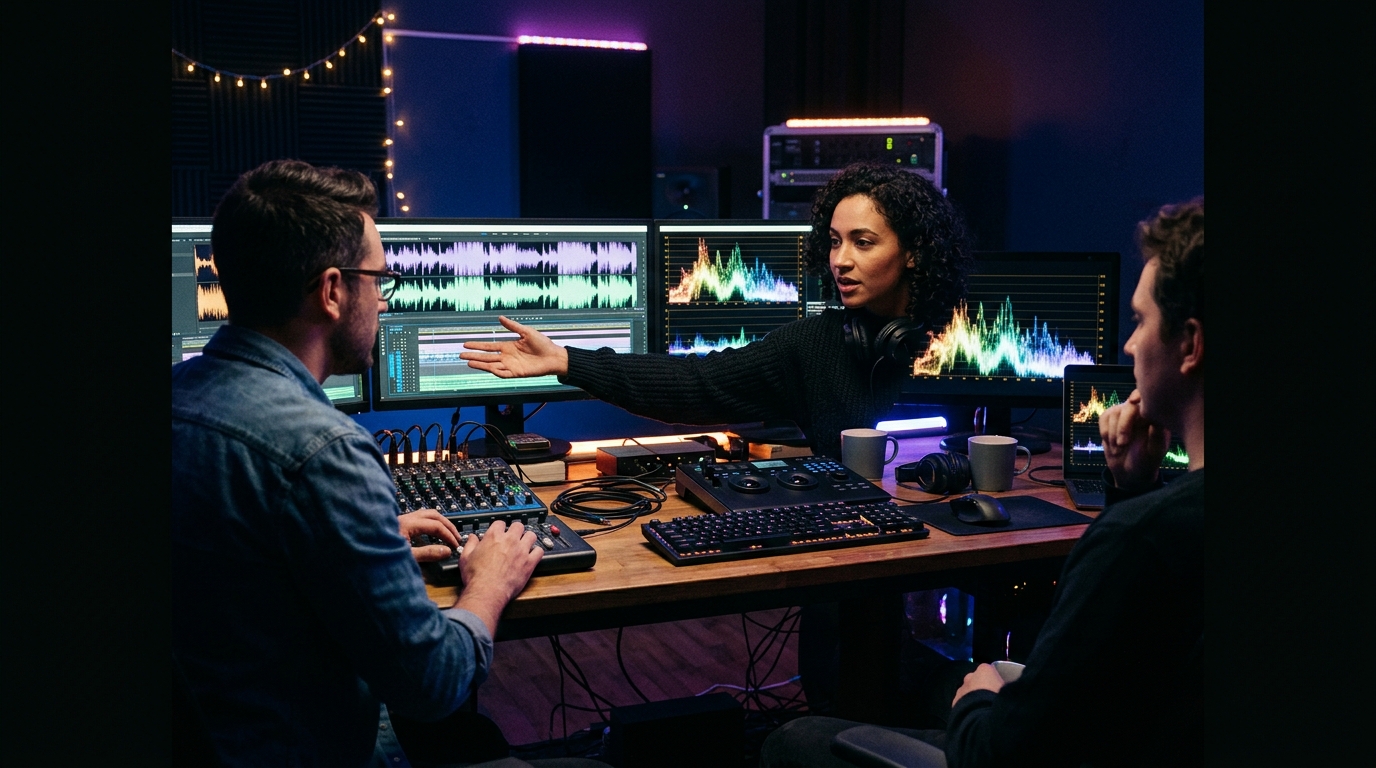
The model is straightforward: source media lives in cloud storage, project files sync in real time, and editors, colorists, and sound mixers work on the same timeline from different locations. Avid’s Media Composer Enterprise was built for this — distributed teams sharing bins and sequences across facilities. DaVinci Resolve’s collaboration mode lets multiple users work inside the same project simultaneously, with each person’s changes propagating in real time.
For smaller teams, Frame.io (now integrated into Adobe’s ecosystem) and Blackmagic Cloud handle review-and-approval workflows that used to involve emailing QuickTime files back and forth. A creative director in Los Angeles can leave time-stamped notes on a cut being edited in New York, and the editor sees those notes appear directly on their timeline. No exports. No “version_final_v3_revised_actually_final.mp4.”
Choosing the Right Post Production Software Stack
There is no single correct answer. The stack depends on what you are producing and who is producing it.
Professional vs. Prosumer vs. Enterprise
Premium video editing software users will peak at 48.22 million in 2025, per ElectroIQ. That number spans three distinct tiers.
Prosumer and solo creator. If you are a freelance editor, content creator, or in-house brand videographer, the integrated-suite approach wins. DaVinci Resolve (the free version is remarkably capable) or Adobe Premiere Pro with Creative Cloud gives you editing, color, basic VFX, and audio in one subscription. You sacrifice nothing in output quality. You gain simplicity.
Professional post house. A facility cutting TV commercials and brand films needs more. Media Composer for editing. Resolve Studio for color. Fusion or After Effects for motion graphics. Pro Tools for audio finishing. This is the classic four-tool stack. It costs more and takes more people — but it gives each specialist the exact tool built for their craft.
Enterprise and broadcast. Studios delivering episodic television and feature films at scale need pipeline automation, asset management, and multi-user collaboration that consumer tools do not offer. Autodesk Flame handles high-end finishing. Avid’s enterprise deployment manages hundreds of seats across facilities. Cloud rendering farms handle overnight exports that would take a single workstation days.
The Plugin Ecosystem
No post production software does everything natively. The plugin ecosystem fills the gaps. Red Giant’s Trapcode builds particle effects and 3D motion graphics. Magic Bullet handles cinematic color looks and film grain emulation. Universe adds transitions and text effects that would take hours to build from scratch. Boris FX’s Continuum and Sapphire suites bring Hollywood-grade lens flares, glows, and stylization into After Effects, Premiere, and Resolve.
The difference between a polished commercial and a video that looks like it was cut on a laptop is often not the NLE itself. It is the finishing layer — the grain, the halation, the subtle lens distortion — that plugins provide.
Post Production Software Market Outlook: Growth, Trends, and What’s Next
The numbers paint a clear picture. The US video postproduction services industry has grown at a CAGR of 4.4% to reach $7.1 billion through the end of 2026, according to IBISWorld. Separately, the global VFX market generated $4.2 billion in revenue in 2023, the post-production services market generated $3.9 billion, and the animation market generated $5.6 billion, per WiFiTalents.
Dig deeper and the signal is even clearer. Eighty-five percent of companies now consider video a key marketing tool, and 92% of businesses that use video marketing report strong ROI, per ElectroIQ. Video is no longer optional for brands — it is the primary language of digital marketing, and every brand that produces video needs post production software to finish it.
What comes next is not one big disruption. It is three simultaneous shifts.
One: AI moves from assistant to collaborator. The 17.2% annual growth in AI video editing is not about replacing editors. It is about tools that transcribe interviews automatically, suggest B-roll based on script context, match color across entire timelines, and remix music beds around dialogue — tasks that used to each require a dedicated specialist. The editor’s role shifts from operator to creative director.
Two: Cloud becomes the default, not the backup. An 8.23% CAGR for cloud workflows is not incremental — it is structural. When source media, project files, and rendering all live in the cloud, the editor’s physical location stops mattering. A post house in San Diego can cut a project shot in Atlanta and reviewed in New York without shipping a single drive.
Three: The software stack collapses. Resolve already proves the model. When one application handles edit, color, VFX, and audio, the cost and complexity of post production drops. For the 48 million premium editing users worldwide, that means professional-grade output without a professional-grade budget. For post houses, it means rethinking what “workflow” even means — fewer tools, fewer renders, fewer things to break.
Frequently Asked Questions About Post Production Software
What is post production software used for?
Post production software handles every step between raw footage and a finished video: editing and assembly, color grading and correction, visual effects and compositing, motion graphics and titling, and audio mixing and sound design. The specific tools vary by project scale — a feature film might use five specialized applications, while a social media cut might live entirely inside a single integrated suite like DaVinci Resolve.
Which post production software do professionals use most?
Adobe Premiere Pro leads at 35% market share, followed by Final Cut Pro X at 25% and DaVinci Resolve at 15%. In high-end film and television, Avid Media Composer remains the dominant NLE. For color grading, DaVinci Resolve is the industry standard. For audio post, Pro Tools is the professional reference. The specific stack depends on the project type, budget, and team size.
Can one software handle the entire post production process?
Yes. DaVinci Resolve is the only application that combines editing, color correction, visual effects, motion graphics, and audio post production in a single tool. The free version is remarkably capable; the Studio version adds the Neural Engine for AI-powered tracking, advanced HDR grading, and over 100 GPU-accelerated effects. For many commercial and digital projects, Resolve genuinely replaces four or five separate applications.
How is AI changing post production software?
AI automates the tedious, repetitive tasks so creative work gets more time. Voice isolation, noise reduction, and dialogue cleanup now run in seconds instead of hours. Color matching across shots is one click. AI rotoscoping and background replacement compress multi-day compositing tasks into minutes. The video editing AI sector is growing at 17.2% annually and is projected to reach $4.4 billion by 2033.
What should a small team or solo creator look for in post production software?
An integrated suite is the smartest starting point. DaVinci Resolve or Adobe Premiere Pro with Creative Cloud gives you editing, color, basic VFX, and audio in a single toolset. You avoid the cost and complexity of a multi-tool pipeline. As your work scales, you can add specialized tools — a dedicated audio workstation, a compositing application — without rebuilding your entire workflow from scratch.
Is cloud-based post production ready for professional work?
Yes, and it is accelerating. Cloud workflows are growing at an 8.23% CAGR through 2031. Avid Media Composer Enterprise and DaVinci Resolve’s collaboration mode both support real-time multi-user editing with synced project files. Review and approval platforms like Frame.io eliminate the need to export and email cuts. The major remaining constraint is upload speed for raw camera footage — once media is in the cloud, the editing experience is indistinguishable from local storage.
Post production software has come a long way from the days of five applications and a folder full of renders. Today’s tools give editors, colorists, and sound designers more creative firepower than entire post houses commanded a decade ago — and AI is only making them sharper. The stack is simpler, the pipelines are faster, and the line between “professional” and “accessible” gets thinner every year.
At Pretzel Logic Productions, we live inside these tools every day. Our post production services cover editing, color grading, motion graphics, and sound design — all under one roof, with a creative team that genuinely loves the craft. If you want a partner who treats your brand’s story like their own, we would love to talk.
Ready to tell your story? Let’s make something twisted together.