
Last updated September 14, 2026
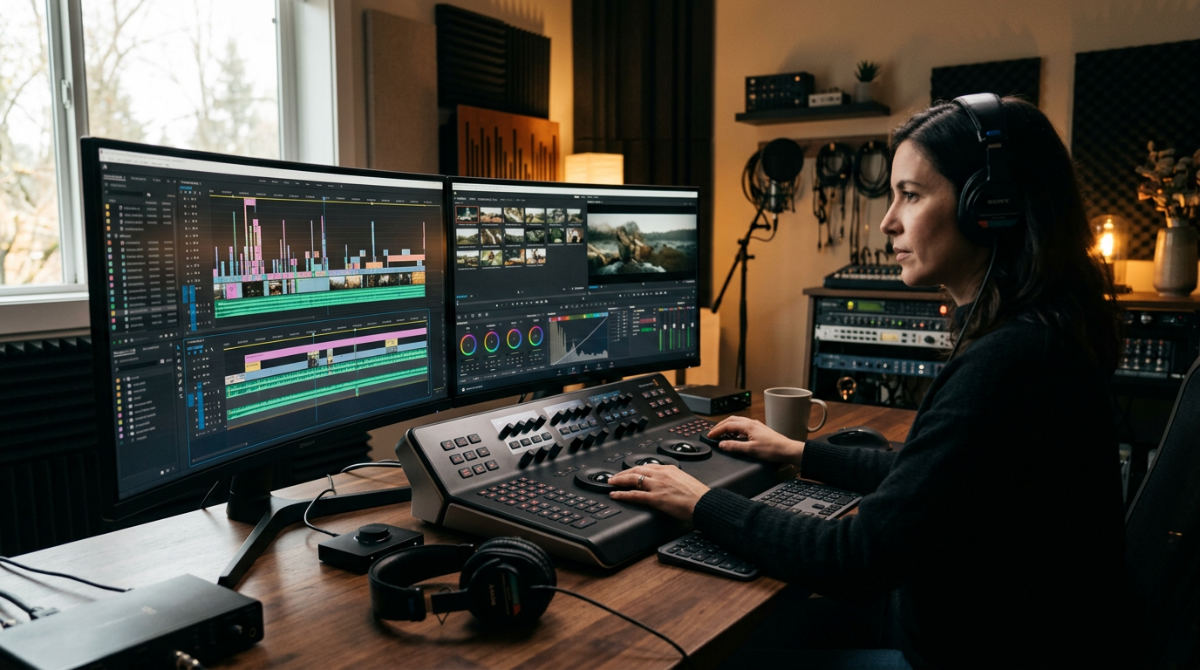
Post production means the final stage of video creation where raw footage is transformed through editing, color grading, sound design, and visual effects. It is the process of assembling disparate shots into a cohesive narrative, ensuring technical polish and stylistic consistency before the project ever hits a screen. For a brand, this phase represents the transition from a rough concept to a high-impact marketing asset that commands attention.
Key takeaways
- Narrative Re-writing. Post-production is the "third time" a story is written, focusing on narrative flow and emotional impact beyond the initial script.
- Visual Identity. Color grading and color correction are distinct technical steps that define a brand’s unique visual identity and mood.
- Immersive Audio. Sound design, including Foley and ADR, is essential for creating a professional and immersive viewer experience.
- Budget Protection. Nearly 40% of film productions face budget overruns when post-production planning is neglected during the earlier phases.
- Linear Progression. The process involves distinct stages from the assembly edit to the final master delivery to ensure quality control.
Prerequisites for Professional Post-Production
Before an editor cuts the first frame, foundational elements must be in place. A standard commercial project requires a dedicated period for post-production to ensure quality. This timeline moves files from raw data to a polished finish (depending on the complexity of motion graphics and sound design). While how much video production costs varies by project scope, post-production services represent a significant portion of a total video budget.
To start, you need high-quality raw footage to allow for maximum flexibility during color grading. A finalized script or storyboard serves as the North Star for the editor, keeping the narrative on track. Clear brand guidelines for visual style, such as specific hex codes for titles, are also vital. On the technical side, practitioners use professional-grade Non-Linear Editing software, color-calibrated monitors, and specialized audio workstations to handle complex layering. We never skimp on hardware here.
1. Organize and ingest your raw footage
A professional video editing workflow begins with the systematic organization and ingestion of all raw media captured during production. Post production requires managing large amounts of data. The first step is ensuring every byte is accounted for and accessible. Most professional workflows begin by transcoding high-resolution raw files into proxies. These are lower-resolution files. They allow for smooth playback and faster manipulation during the early editing stages without taxing the hardware.
Establishing a rigid folder structure for assets is non-negotiable for logical collaboration. This organization allows multiple specialists to work on the same project without confusion. Once the files are structured, editors sync external audio recordings with video clips using timecode or waveform matching. This ensures every word spoken aligns perfectly with the visual. Finally, always back up all project files across at least two separate physical drives or secure cloud storage. Data loss is a disaster you can avoid.
2. Assemble the story with picture editing
Film Editing (Picture Editing) is the primary process of selecting and joining shots to create a cohesive story, moving from a rough assembly to a polished cut. It is often called the "final draft" of the script. The industry often adopts a "Story-First Post" philosophy, viewing the edit as a creative opportunity to maximize the brand’s emotional impact rather than just a cleanup phase. This careful selection of takes defines the marketing video production success by focusing on audience engagement.
Practical Rule: Never skip the assembly edit. Jumping straight to details can cause you to lose sight of the overarching narrative flow.
- Assembly Edit. Place the best takes in the chronological order of the script without worrying about pacing, music, or transitions. This is the skeleton of the film.
- Rough Cut. Refine the sequence to establish the initial rhythm. Here, the editor cuts for length and determines if the narrative beats are landing as intended.
- Fine Cut. Every frame is scrutinized for timing. Editors often adjust the length of shots by just one or two frames to perfect the feel of a transition.
- Picture Lock. This is the stage where the timing of the visual edits is finalized.
3. Balance the visuals with color correction and grading
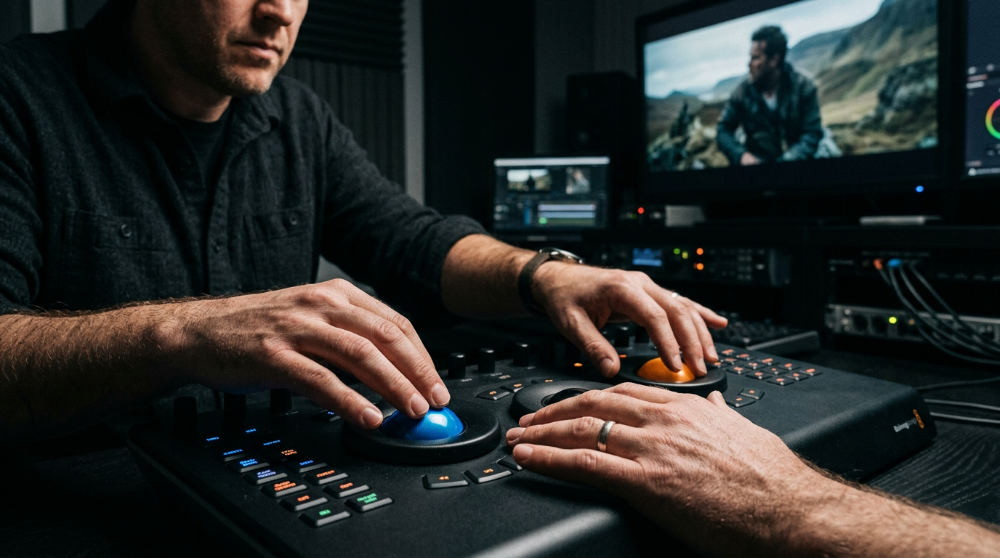
The color grading vs color correction debate is settled by understanding that correction fixes technical errors while grading establishes the stylistic look. Once the edit is locked, the footage often looks flat or inconsistent because it was shot at different times of day or with different cameras. Balancing the visuals ensures the viewer stays immersed in the story rather than being distracted by shifting colors.
Watch Out: Color correction is about technical accuracy, while color grading is about creative emotion. Mixing them up leads to messy visuals.
Post-production begins by executing color correction to neutralize white balance and adjust exposure. This creates a clean slate across the entire timeline. Next, colorists apply color grading to create a specific mood, such as a warm, inviting glow for a restaurant commercial. At Pretzel Logic Productions, a full-service video production company specializing in logical workflows and creative storytelling, we focus on technical precision to ensure the visual narrative is cohesive. We also specialize in a revitalization focus. This means modernizing existing brand footage to match the look of modern high-definition shots.
4. Layer the sonic landscape through sound design
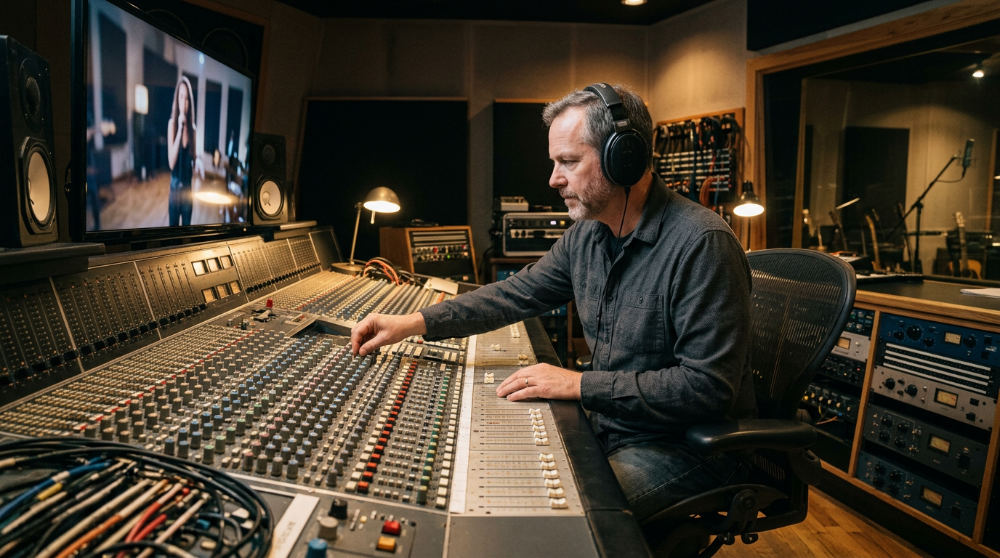
Sound design in post production involves the art of building an auditory environment from the ground up, including dialogue, music, and ambient noise. Sound is often 50% of the viewing experience. Amateur productions frequently overlook it. Professional sound design involves layering multiple tracks to create a rich, three-dimensional environment that guides the viewer’s attention. Companies like Automated Sales Machine understand that professional presentation requires these crisp audio layers to maintain authority during digital demonstrations.
| Audio Element | Purpose | Typical Source |
|---|---|---|
| Dialogue | Carries the primary narrative info | On-set boom or lavalier mics |
| ADR | Replaces low-quality location audio | Studio-recorded voiceovers |
| Foley | Adds realistic textures | Custom-recorded in-studio effects |
| Score | Drives emotional response | Licensed tracks or custom composition |
Standard professional workflows integrate Foley to add the subtle textures that on-set microphones often miss (like the clink of a glass or the rustle of a jacket). If location audio was marred by wind, sound engineers utilize ADR to replace those lines with clean, studio-recorded takes. Finally, we mix the music score with the dialogue and effects, applying audio mastering to meet loudness standards for various platforms. This ensures the volume is consistent whether viewed on a smartphone or a television screen.
5. Integrate motion graphics and visual effects
Visual effects and animation provide a way to show what cannot be filmed, whether that is a complex software interface or a futuristic digital environment. This stage adds a layer of professional polish that separates high-end commercial work from basic video clips. This is a critical step in a standard post production def that encompasses everything from digital cleanup to full-scale character animation.
Many studios incorporate VFX to remove unwanted elements from the frame or to add digital elements that enhance the scene. For clients needing to explain abstract concepts, we use our animation explainer video company expertise to simplify complex ideas that might be difficult to convey with live-action alone. We bring a unique edge here called "The Twist," merging high-level creative concepts with rigid technical motion workflows. We ensure every title adheres strictly to brand typography.
6. Mastering for distribution
Mastering for distribution is the technical finalization process where files are optimized for specific broadcast, cinema, or web standards. This ensures the video looks and sounds perfect on every device it might reach. It is a technical checkpoint. We verify that all the hard work of the previous steps is preserved. Post-production processes for television, features, and video games vary significantly depending on budget and scale according to StudioBinder.
Final masters are exported in multiple formats to suit various distribution channels. This often includes 9:16 vertical versions for social media re-versioning, 16:9 for YouTube, and high-bitrate files for broadcast. Before delivery, a final Quality Control check is performed to identify any technical glitches or audio pops. Professional editors also ensure all legal and corporate compliance requirements are met, such as privacy blurring. Finally, assets are delivered through secure, high-speed transfer services to the client or the broadcasting network.
Common Mistakes in Post-Production
Even with the best footage, certain pitfalls can derail a project during the final stages. One of the most common issues is the "fix it in post" mentality. This is a dangerous lie. Budget overruns affect nearly 40% of film productions Source: Simply Thrilled. This usually stems from rushed preparation that forces editors to spend time fixing preventable mistakes rather than focusing on the narrative.
- Neglecting the sound mix. High-quality visuals cannot save a video with tinny, distorted, or unbalanced audio. It is the fastest way to lose a viewer’s trust.
- Over-grading the footage. Pushing the colors too far can lead to digital artifacts and a look that feels disconnected from the brand’s actual identity.
- Ignoring calibration. Failing to account for different screen calibrations can result in a video that looks great in the editing suite but appears washed out on a mobile device.
- Skipping the review cycle. Rushing the final feedback stage can lead to missing small errors like typos in titles or incorrect logo placements.
At Pretzel Logic Productions, we help brands avoid these hurdles by maintaining a logical workflow that balances technical precision with creative flair. If you are looking for a partner to transform raw concepts into a polished visual story, contact us for a consultation. We bring your vision to life. With a twist.
FAQ
What is the post production meaning in film and marketing?
Post-production is the final stage of video creation where raw footage is edited, color-corrected, and enhanced with sound and visual effects to create a finished product. In marketing, it ensures the video aligns with brand guidelines and is optimized for different platforms.
Why is the post production process so long?
The process is time-intensive because it requires meticulous attention to detail across multiple specialties, including narrative editing, color grading, sound design, and visual effects, to ensure a professional and polished result.
What are the main post production steps?
The main steps include footage organization, assembly and fine-cut editing, color correction and grading, sound design and mixing, the addition of visual effects or motion graphics, and final mastering for distribution.
How does post production affect the budget?
Post-production is a significant part of the budget because it requires specialized labor and high-end software. Proper planning during pre-production can help prevent costly mistakes and delays during the editing phase.
What is the difference between color correction and color grading?
Color correction is the process of fixing technical issues like exposure and white balance to make the footage look natural. Color grading is the creative process of applying a specific aesthetic or mood to the video.