Last updated November 21, 2026
Converting static PNG files into scalable vector graphics (SVG) keeps visuals sharp across every digital platform. This process replaces fixed pixels with XML-based mathematical paths. It allows for infinite scaling. This guide explores workflows ranging from manual Photoshop vectorization to high-volume batch processing for professional design environments.
1. Convert raster assets to SVG to ensure infinite scalability for motion graphics.
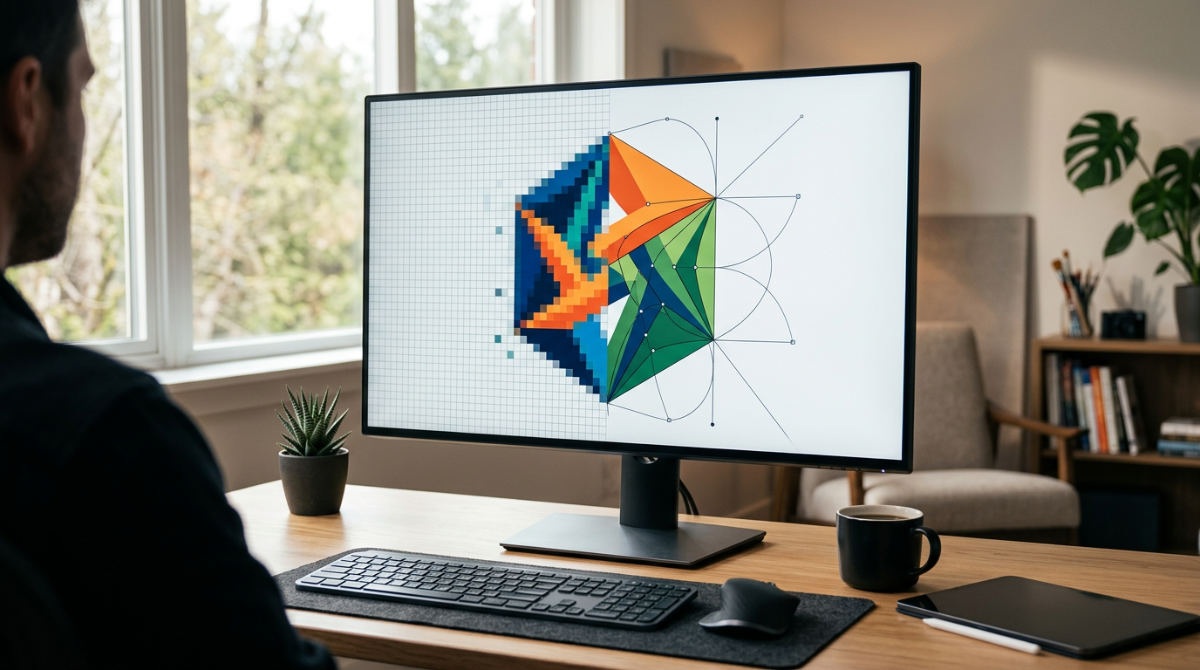
Standard PNG files are raster-based. They store a fixed grid of pixels. While they look fine at their native size, they inevitably pixelate when a camera zooms in during a video sequence. A total blur. This creates a massive headache for professional video standards where clarity is non-negotiable. By moving from a PNG to SVG conversion, you transition to math-based paths. These consist of lines and points defined in XML code.
In high-end motion design workflows, vectorizing brand logos is a mandatory prerequisite for quality. Whether building complex transitions, 3D extrusions, or kinetic typography, starting with an SVG ensures the asset remains razor-sharp regardless of the output resolution. If you are preparing assets for animation, don’t settle for high-resolution rasters that bloat your project files. Use vectors instead. They allow for infinite scaling without any quality loss. This technical precision separates amateur clips from broadcast-quality productions.
Source: PCDOTS
2. Use Adobe Photoshop to manually build a layered SVG from a PNG source.

Automated tools exist, but manual vectorization in Adobe Photoshop offers the highest level of creative control. Start by using the Quick Selection tool. Define high-contrast boundaries around your subject. Once you have a clean selection, right-click and use the path creation tools within the software. This specific step is the bridge. It turns pixel selections into mathematical lines. To keep things organized, create a separate fill layer for each path. This allows you to maintain distinct vector layers.
When the paths are perfect, export the final file via the "Export As" menu. Select the SVG format. This preserves the critical path data, making the file much easier to tweak in future editing sessions. We believe in simplifying complex workflows by getting the technical foundation right the first time. Taking ten minutes to manually trace a logo now saves hours of troubleshooting during the post-production phase. A low-quality asset will fail on a 4K screen. Every time.
Source: PCDOTS
3. Prioritize SVG for web icons to improve site loading speed and responsiveness.
Performance is a feature. SVG files are often significantly smaller than pixel-heavy PNGs because they are essentially just snippets of code. Because vector-based XML code is text-based, it loads incredibly fast. It rarely slows down website performance during mobile rendering. This is a direct win for your core web vitals. It helps the user experience.
Unlike PNGs, which blur when stretched, SVGs remain perfectly sharp at every resolution. This responsiveness is vital for modern web design. A single icon might be viewed on a tiny smartwatch or a massive retina display. If you are looking to grow your digital presence, optimizing your assets is just as important as your outbound strategy. For those focused on conversion, integrating these lean assets can be as effective as a well-oiled marketing machine for keeping users engaged. Sharp visuals and fast load times communicate professionalism. Blurry rasters simply can’t match that.
Source: PCDOTS
4. Avoid privacy risks by using offline software for sensitive brand asset conversion.
The convenience of "free" online converters often comes with a hidden cost. Many of these sites require you to upload your files to third-party servers. This raises concerns regarding the privacy of unreleased intellectual property. It risks sensitive corporate branding. If you are working on a high-stakes campaign, you cannot afford to have your assets sitting on an unsecured server.
Professional software handles the conversion process locally on your own hardware. This keeps your proprietary motion graphics and logos secure within your private network. Beyond security, local conversion tools typically offer much higher quality output. They provide granular control over specific path settings, anchor point tolerances, and color grouping. Web-based "one-click" tools usually ignore these details. Staying offline ensures that your creative vision remains under your lock and key. It is a simple step that protects both your brand’s integrity and your data privacy.
Source: PCDOTS
5. Choose SVG over PNG to preserve clean transparency for professional brand logos.
Both formats support transparency. However, the way they handle edges is fundamentally different. PNGs can sometimes exhibit visual artifacts or jagged edges when a transparent image is placed on a dark background. The pixels at the edge struggle to blend perfectly. It looks cheap.
SVGs eliminate this issue entirely. Because they store paths and shapes in XML, the background data remains lossless. The edges stay mathematically perfect during multiple export cycles. This ensures your logo looks as clean on a black background as it does on a white one. If you want to dive deeper into how these assets function in a professional environment, check out our essential guide to motion graphics animation. Using vectors ensures your brand elements look intentional and polished. For professional visual storytelling, the crispness of a vector path is always the superior choice.
Source: PCDOTS
6. Batch convert multiple PNGs to SVG to maintain consistency across high-volume projects.
Working with high-volume asset libraries requires a move away from the time-consuming "one-at-a-time" limitation. Utilizing dedicated bulk conversion software allows teams to process entire folders of icons, logos, and UI elements simultaneously. This automation is not just about speed. It ensures that every branding element maintains uniform scaling properties across an entire ecosystem.
For web developers managing complex UI kits or designers handling hundreds of social media assets, bulk processing is essential. Manually converting each file increases the likelihood of human error. You might end up with inconsistent path smoothing or varying export settings. Automated workflows allow you to apply the same vectorization parameters to a whole set. This technical consistency is vital when these assets are integrated into larger digital frameworks. Every piece of the puzzle scales perfectly.
Source: PCDOTS
Do you work with brands across the country?
Yes. Pretzel Logic Productions serves corporate brands and marketing agencies, providing high-quality video production from concept to screen. Our team manages projects by utilizing logical workflows to bridge the gap between high-level creative concepts and technical post-production execution.
A Scalable Vector Graphic (SVG) is a vector-based image format that uses XML to define paths and shapes rather than static pixels.
| Feature | PNG (Portable Network Graphics) | SVG (Scalable Vector Graphics) |
|---|---|---|
| Data Type | Fixed Raster Pixels | Mathematical XML Paths |
| Scalability | Limited (Pixelates when enlarged) | Infinite (Retains perfect clarity) |
| File Size | Larger for high-resolution | Minimal for shapes and icons |
| Editability | Pixel-level manipulation | Code or path-based editing |
Mastering the Vectorization Workflow for 2026
To future-proof your visual identity, begin by auditing your brand’s static logo files. Identify high-use assets that should be converted to SVG. This audit prevents technical debt in your marketing stack. It is vital to remember a key technical rule: avoid simply changing a file extension to .svg. It doesn’t work. Changing the extension does not convert the underlying raster data into vector data.
For the best results in high-quality motion graphics, use path-based features in Photoshop. These tools transform your selections into mathematical paths. Integrating advanced animation and motion graphics is a core specialty at Pretzel Logic Productions. We transform these vectors into visionary stories for our clients. By building assets correctly from the start, you ensure that your brand is ready for any medium. You could be on a tiny mobile favicon or a massive digital billboard. Quality vectorization is the foundation of any sophisticated visual campaign. It provides the flexibility needed for modern multi-channel marketing.
Executing Technical Precision in Visual Storytelling
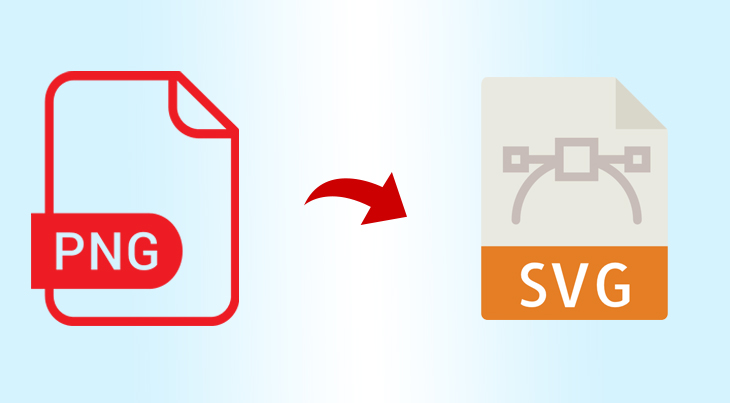
Image source: pcdots.com
Scaling a brand requires technical consistency across all media. We provide a "twist" on traditional production by offering modern video production services alongside traditional filming techniques. Understanding how to manage SVG XML paths is a critical component of professional design. These files offer the precision required for complex animations.
Our team excels at simplifying complex workflows for corporate and legal clients. We ensure every vector is optimized for maximum impact and clarity. Whether we are explaining intricate legal concepts or highlighting a corporate mission, we use these technical tools. The message is never lost in low-resolution imagery. If you need specialized assets like high-end food styling or photography to pair with your digital graphics, brands like InnoVision Marketing Group offer expert services to round out your visual library. By combining technical vector precision with creative storytelling, we help brands maintain a professional edge.
If you are ready to improve your visual content through strategic motion graphics and professional production, start the process by filling out the form at https://pretzellogicproductions.com/contact-us/.