
Last updated September 9, 2026
Avid Media Composer is the industry-standard non-linear editing (NLE) software used for professional film and television post-production. It provides a robust, database-driven architecture designed for high-stakes collaborative workflows, offering superior media management, integrated AI tools like ScriptSync, and scalable shared storage solutions via Avid NEXIS to ensure project stability.
Key takeaways
- Avid Media Composer uses a database-driven architecture that prevents file corruption and ‘missing media’ errors common in other NLEs.
- ScriptSync and PhraseFind utilize phonetics-based AI to turn hundreds of interview hours into instantly searchable text.
- The software supports up to 99 video and 99 audio tracks, allowing for immense technical complexity in commercial projects.
- Avid NEXIS enables multiple editors to work simultaneously within the same project bins without risking version-control conflicts.
The Architectural Logic of Professional Video Editing
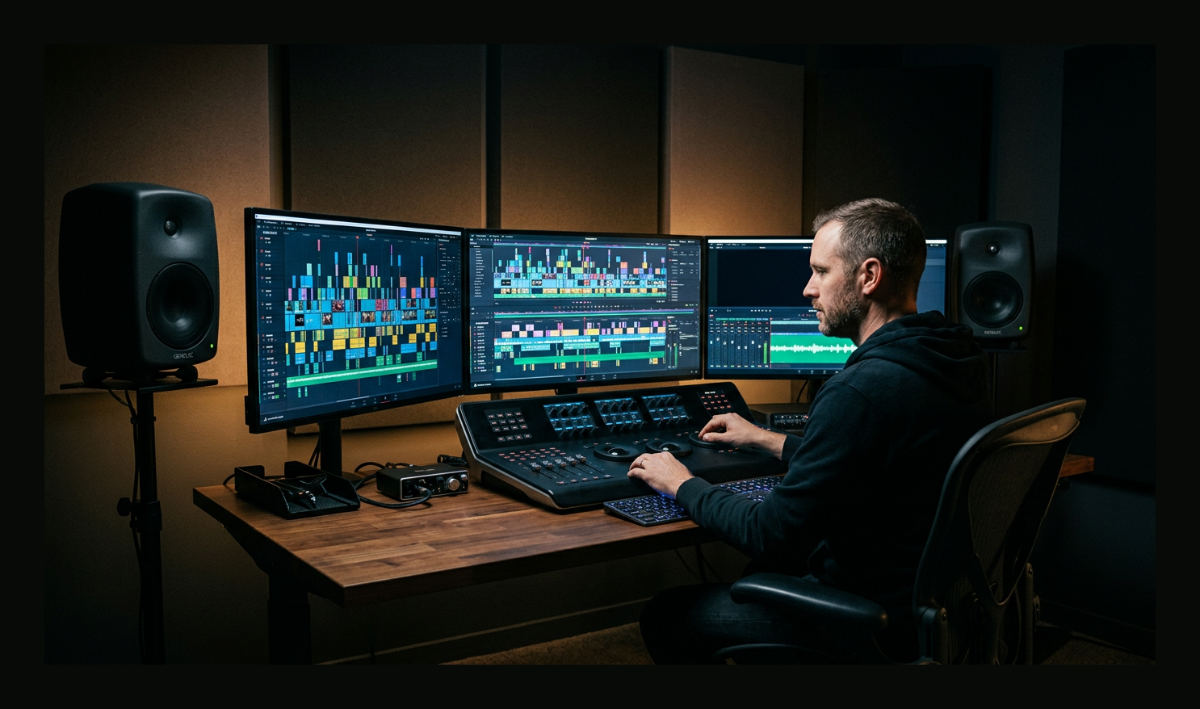
Avid Media Composer utilizes a rigid database architecture to manage project metadata, ensuring that assets are tracked via unique identifiers rather than simple file-path links. This non-linear editing system operates differently from consumer software. It prioritizes data integrity to prevent the relinking issues that plague lower-end suites. By separating the metadata from the raw media files, the software maintains a permanent link to every frame, even when thousands of hours of footage are involved. This architectural choice is why it remains the gold standard for high-end post-production.
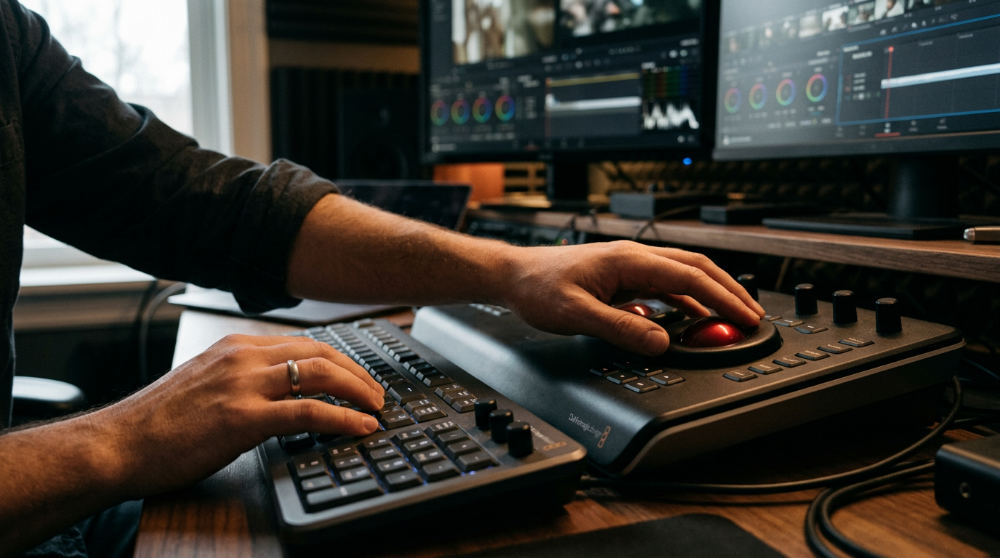
First launched in 1989 by History of Media Composer, this software pioneered the industry transition from linear tape-to-tape editing to digital non-linear workflows. Newer tools often rely on the operating system’s file directory. Avid is different. It maintains its own internal database. If a drive letter changes or a folder is renamed, the software’s internal index knows exactly where to look for the high-resolution source files. It creates a bulletproof environment. The editor never has to worry about the system losing track of its assets.
The structure creates what we call the Logical Collaborator framework. In a typical editing environment, moving a folder on a hard drive can break an entire project. In Avid, the media management is so robust that the software "heals" these connections automatically. We utilize this stable foundation to ensure that high-stakes corporate assets remain secure through every phase of the creative process. By removing the fear of technical failure, our editors can focus entirely on the visionary storytelling your brand deserves.
Managing Scale with Avid NEXIS and Shared Projects
Avid NEXIS provides professional-grade shared storage that allows multiple editors to access the same raw footage and project bins simultaneously through a system called bin locking. This hardware and software combination allows for conflict-free collaboration where one user can read a folder while another writes to it. Unlike standard network drives, NEXIS is optimized for high-bandwidth video streams. It keeps playback smooth. Multiple edit suites can pull high-resolution footage from the same central server at the same time.
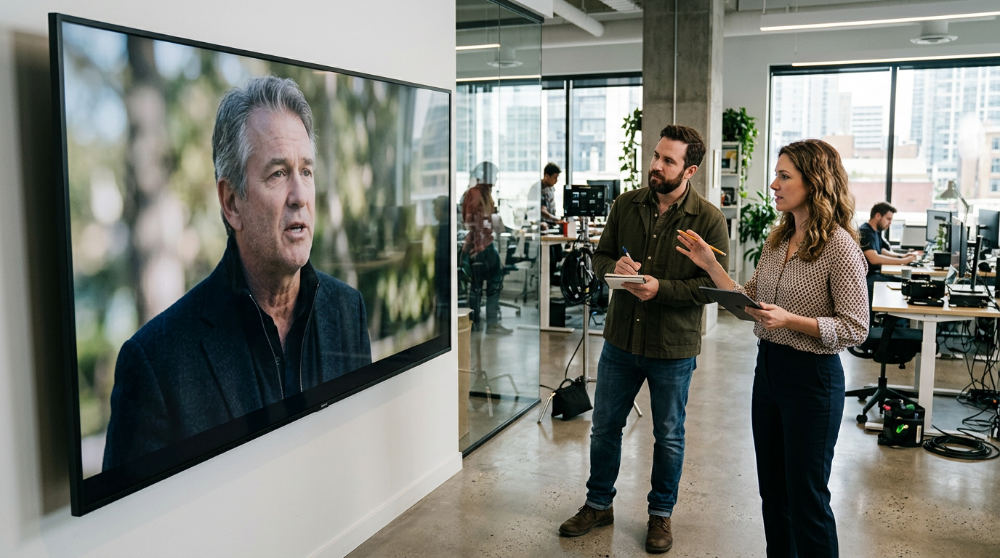
In a typical corporate workflow, you might have one person cutting the primary story while a sound designer cleans up dialogue and a motion graphics artist adds branding elements. Without the networking logic of Avid, these users would constantly overwrite each other’s work or be forced to wait for their turn. This collaborative environment is exactly why large-scale films, such as the production of F1: The Movie, depend on Avid to manage massive data volumes across global teams. For brands, this level of scalability translates to faster turnarounds on complex campaigns.
Pretzel Logic eliminates technical bottlenecks by allowing our team to work in parallel. If you are coordinating a multi-platform launch, our corporate video production workflows ensure that every contributor stays in sync without the risk of version-control conflicts. By leveraging this enterprise-grade storage solution, we can scale a project from a single editor to a massive team without ever needing to duplicate files or manual relinking. Efficiency like this is critical for meeting tight deadlines on global marketing initiatives.
Accelerating Documentaries and Interviews with ScriptSync
ScriptSync and PhraseFind are AI-automated tools that index audio phonetics. They allow editors to find specific words across hundreds of hours of footage instantly. Searching through dozens of hours of CEO interviews, customer testimonials, or law firm depositions for a single soundbite is traditionally the slowest, most tedious part of the editing process. By utilizing phonetics-based AI, these tools bridge the gap between a written script and the raw video files. The software listens to the phonetic sounds of the speakers and aligns them with the text in a digital script.
Efficiency Note: Using ScriptSync can significantly reduce the time spent searching through testimonial footage, allowing for more budget to be allocated to creative polishing.
Creative teams that offer this technology integrate planning services with these tools to significantly cut the editorial timeline of interview-heavy projects. By syncing video directly to script lines, the creative focus shifts from the manual labor of "finding the clip" to the artistic labor of "shaping the story." For example, if a client needs to find every instance where a speaker mentioned "sustainability" across ten different interview sessions, we can pull those clips into a sequence in seconds rather than hours.
This efficiency ensures that the most compelling moments of your narrative are never buried in a mountain of raw data. The software can even handle different accents and languages. It is a vital asset for international corporate communication. When we use PhraseFind, we can search for a keyword across the entire project, and the software will display every clip where that word is spoken. This level of speed allows us to explore multiple narrative directions during the rough cut phase without blowing the production budget on labor-intensive logging.
Comparing Avid and Premiere Pro for Corporate ROI
Adobe Premiere Pro offers convenience within the Creative Cloud ecosystem, but Avid’s specialized media management offers a significantly higher ROI for long-term brand archives and complex high-end finishing. Avid handles diverse codecs and background rendering with a level of stability that Premiere often struggles to match when projects exceed several hours in length. This is particularly important for businesses that plan to reuse their footage for years to come. In high-pressure environments, the ability to transcode and render in the background without stopping the editor’s work provides a massive productivity boost.
We bring visual stories to life with a twist, applying meticulous workflows to every project we touch. While a smaller shop might use consumer-grade software for a quick fix, we choose Avid because the primary benefit for a business is "future-proofing." Avid projects are easier to reopen and refresh years later. The database structure keeps the media organized regardless of how your local hardware changes. This professional rigor gives local brands a cinematic edge that sets them apart from competitors who rely on more basic platforms.
The choice between Avid Ultimate and Enterprise often depends on the scale of the organization. The Enterprise tier allows for granular control over user permissions, ensuring that sensitive corporate footage is only accessible to authorized personnel. This level of security is often missing in more consumer-oriented NLEs. For a company focused on growth, integrating these tools into a broader strategy—much like using an Automated Sales Machine for marketing outreach—creates a reliable pipeline where high-quality content is produced and distributed with maximum efficiency and minimum technical friction.
High-End Finishing and Revitalizing Legacy Assets
Avid Media Composer acts as a centralized hub for advanced color management and professional audio interoperability, supporting up to 99 video tracks and 99 audio tracks for immense technical complexity. This capacity allows for intricate layering of motion graphics and sound effects to explain complex business concepts. It is not just a tool for cutting new footage. It is a powerful engine for our post-production revitalization process. The software’s ability to handle high-resolution raw files without stuttering ensures that the final export meets the highest broadcast and theatrical standards.
In this workflow, we take aging brand footage (perhaps shot years ago on older cameras) and migrate it into a modern Avid pipeline. This allows us to perform a complete visual refresh, applying modern color grading and sound editing to make legacy assets look like they were filmed yesterday. Managing these high-end assets requires a systematic approach to technical expenses, much like how sophisticated businesses use Pollaroo to manage their recurring financial commitments. By keeping the technical pipeline organized, we ensure that every dollar of your production budget is reflected in the final, polished image on the screen.
Beyond just organizing clips, Avid’s Symphony option provides advanced color correction tools that allow for shot-to-shot matching across different camera types. If your project includes footage from a professional cinema camera alongside smartphone clips, Media Composer can unify these sources into a cohesive visual style. This ensures that your brand identity remains consistent regardless of where the footage originated. We leverage these tools to build a visual aesthetic that is both timeless and technically perfect.
The Learning Curve and When to Choose Avid
Avid Media Composer is often perceived as difficult to learn because its logic is built for precision and stability rather than the immediate accessibility favored by casual creators. The interface is less about drag-and-drop intuition and more about keyboard-driven speed and metadata accuracy. While there is an introductory version, Media Composer | First, professional corporate production typically requires the Ultimate or Enterprise tiers to access full collaboration features and advanced AI tools. Mastering the trim tool and the bin system takes time. It results in a faster workflow once the editor is proficient.
Is it overkill for a simple social media reel? Perhaps. However, for any project requiring 4K finishing, multiple contributors, or long-form storytelling, it is indispensable. If your brand needs a cinematic edge with absolute data security, the technical rigor of Avid is the correct investment. It is the difference between a video that looks like a "social post" and a video that looks like a "film." When the stakes involve your brand’s reputation, the reliability of the software’s underlying database provides a layer of insurance that other NLEs simply cannot offer.
Selecting Media Composer is a choice for stability over convenience. In professional environments where downtime costs thousands of dollars per hour, the rock-solid performance of Avid pays for itself. It allows editors to handle massive quantities of data without the software slowing down or crashing. For large organizations, this means that projects can be archived for decades and still be opened with total confidence. This long-term reliability is why the world’s most successful studios and corporate brands continue to rely on Avid for their most important visual assets.
Bringing a Visionary Twist to Technical Precision
Choosing the right editing engine is the difference between a project that merely exists and one that inspires the viewer. The technical superiority of Avid Media Composer provides the foundation. The human element turns those ones and zeros into a compelling narrative. At Pretzel Logic, we marry these heavy-duty technical tools with a visionary creative approach to tell your story in a way that resonates with your specific target audience.
Our logical workflows ensure that your creative vision is brought to life with both cinematic flair and technical perfection. Our team is ready to guide the process with the precision your project demands, whether you need a new national commercial or professional post-production services to refresh your brand archive. By combining the best software in the industry with our unique creative perspective, we deliver results that are both visually stunning and strategically sound. If you are ready to see how high-end technical expertise can transform your brand’s story, contact us today to begin your next project.
FAQ
What is the best version of Avid for corporate marketing? For most brands, Avid Media Composer | Ultimate is the best choice because it includes ScriptSync and PhraseFind, which are essential for quickly editing interviews and testimonials.
Is Avid Media Composer better than Adobe Premiere Pro? For large-scale projects and collaborative environments, Avid is superior due to its robust media management and bin-locking features, whereas Premiere is often better for quick, single-user social media content.
Can Avid handle 4K and 8K footage for commercial production? Yes, Avid Media Composer is designed to handle high-resolution raw footage from cinema cameras like RED or ARRI, allowing for high-end color grading and finishing without technical lag.
Does Pretzel Logic Productions use Avid for all client projects? We select the technical workflow that best fits the project’s scale and complexity. For high-end commercials and corporate films requiring collaboration and long-term archiving, Avid is our primary tool for ensuring stability and quality.