Last updated November 13, 2026
An adobe premiere download is obtained officially through the Adobe Creative Cloud desktop application for Windows or macOS. Users sign in with an Adobe ID, select Premiere Pro from the ‘All Apps’ menu, and click ‘Install’ to begin the automated setup process for this industry-standard editing software.
Key takeaways
- Official Source. Always download the software via the Creative Cloud desktop management app to ensure security and version control.
- AI Integration. The mobile and desktop versions now support Adobe Firefly for commercially safe generative AI assets.
- Performance Setup. Professional results require configuring dedicated scratch disks to handle high-resolution video data.
- Hardware Benchmarks. Smooth 4K editing requires a modern system with sufficient RAM and a dedicated graphics processing unit (GPU).
| Feature | Desktop Version | Mobile App |
|---|---|---|
| Core Platform | Windows / macOS | Android / iOS |
| AI Engine | Adobe Firefly Integration | AI Enhance Speech |
| Primary Use | Professional Video Post-Production | Rapid Social Media Edits |
| File Management | Creative Cloud Sync | Direct Mobile Upload |
| Trial Period | Premiere Pro Free Trial | Free with In-App Purchases |
Acquiring the Official Adobe Premiere Download
Access the official software via the Adobe Creative Cloud download to ensure your installation is secure and up-to-date. This application serves as the central hub for managing your creative suite, handling background updates, and synchronizing your cloud assets across different workstations. Using the official manager prevents the risk of installing compromised files. It also ensures you have access to the latest performance patches released by Adobe to maintain a stable editing environment.
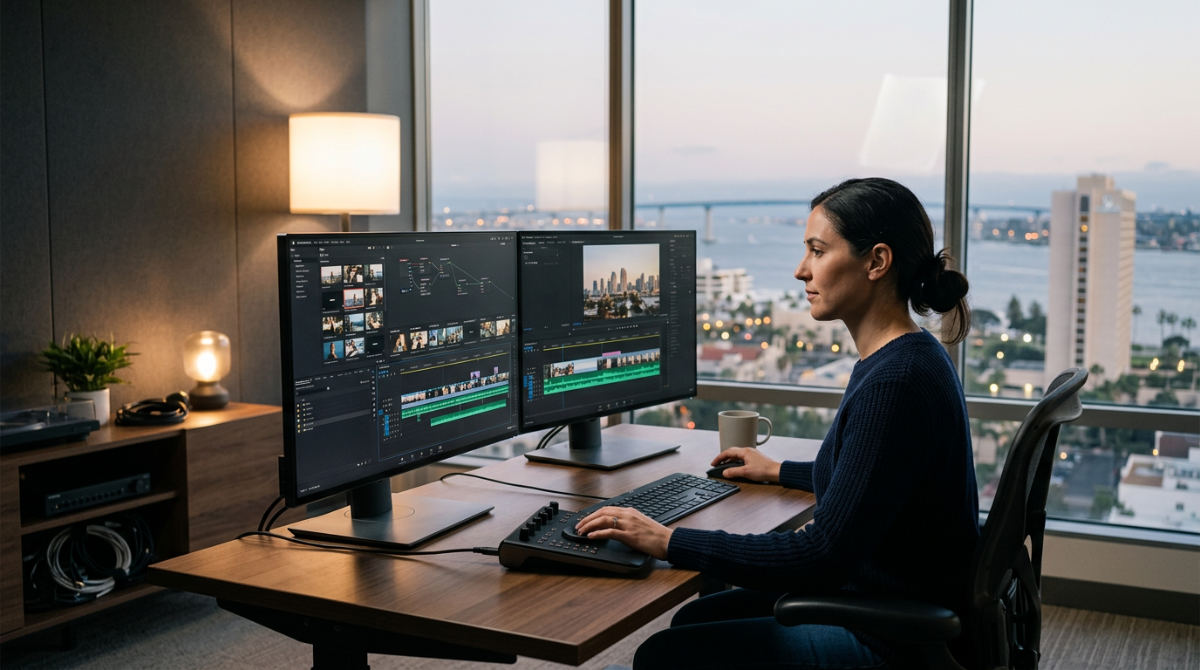
Navigate the installation process by selecting Premiere Pro under the available apps and choosing your preferred language settings in the preferences menu. Once the download begins, the installer automatically handles the placement of core files. Verify that your primary drive has enough available space for the application itself. Beyond the initial setup, you can utilize the Premiere Pro free trial period to explore the interface before committing to a full subscription plan.
Trial runs let you test the software’s compatibility with your specific hardware and media formats without an immediate financial commitment. To maintain a professional workflow, ensure your workstation meets the modern hardware benchmarks. You need high-speed SSDs for smooth playback. You need real-time rendering of complex timelines. A stable high-speed internet connection is essential during the initial install to prevent file corruption in the Creative Cloud installer.
How much is Premiere Pro a month?
Premiere Pro is available through multiple subscription tiers, with the individual plan requiring a monthly or annual commitment. For users who require the full suite of creative tools, the Creative Cloud All Apps plan offers a different monthly rate, which you can review in our premiere pro price factors guide.
A Premiere Pro subscription is a recurring monthly or annual cost providing continuous access to updates, cloud storage, and integrated tools like Adobe Express. The software is no longer available for a one-time purchase fee. Adobe moved to a cloud-based service model to facilitate real-time collaboration and security patches. Video editing software for business typically involves monthly licensing fees for team collaboration. These plans include advanced administrative controls, centralized billing for larger marketing departments, and shared asset libraries.
Do you work with brands across the country?
Pretzel Logic Productions works with brands across the country, providing professional post-production and nationwide collaborative editing services for national campaigns. We manage projects for clients ranging from startups to major corporations. Distance never compromises the quality of the final narrative.
Our team assists clients from our San Diego hub to New York and beyond, managing every technical detail from the initial download to the final color grade. We help businesses navigate the transition from raw footage to polished, high-end commercial content using a clear, cloud-based workflow. We use professional tools to ensure that even if you are across the country, your production feels like we are in the same edit suite. This connection allows for real-time feedback and iterative creative sessions. Our logic meets your vision.
Optimizing Post-Production for High-End Branding
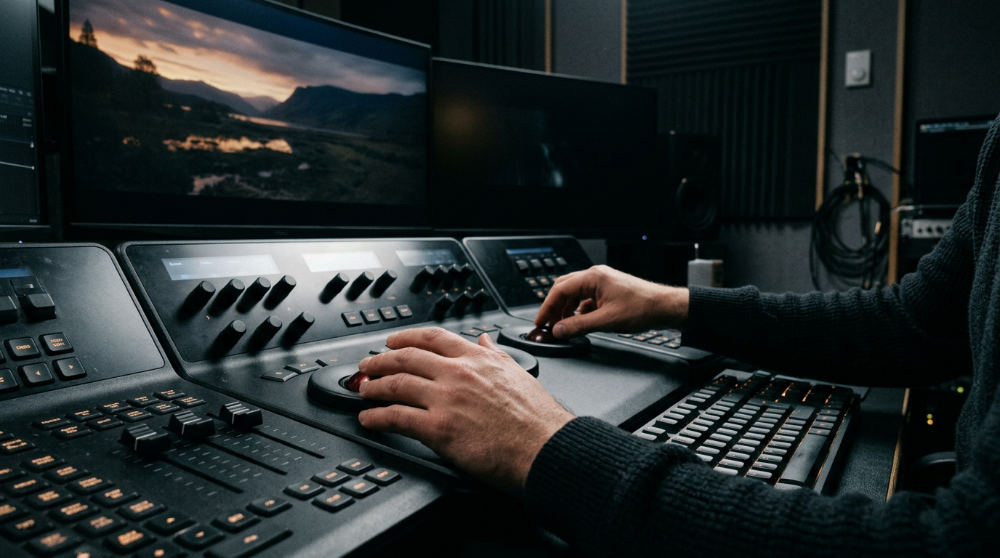
Post-Production is the stage of filmmaking involving editing, color grading, and sound design after the initial download and ingest of your raw assets. This phase is where technical software preparation meets the creative execution of your brand story. By setting up a structured environment, you ensure that high-bitrate footage from commercial cameras does not stutter during the creative process. Precision matters here. The final output must meet the rigorous standards required for broadcast or high-fidelity digital marketing campaigns.
Integrate Adobe Firefly within your workflow for commercially safe generative AI. It creates text-to-image assets directly inside your timeline. Firefly allows editors to generate b-roll elements or background textures without leaving the application, significantly speeding up the conceptual phases of using premiere pro for high-end branding. Configure local scratch disks versus cloud-based storage immediately after downloading to prevent lag during high-resolution renders. While cloud storage is excellent for backups, active project files require the high-speed throughput of local NVMe storage to maintain a fluid experience.
We adopt our ‘Logic with a Twist’ framework to ensure your technical workflow perfectly aligns with your creative brand vision. This approach balances the rigid requirements of file management with the fluid needs of storytelling. You should utilize professional tools to maintain consistency across multi-channel marketing campaigns. A video for social media must carry the same visual weight as a television spot. For those managing larger organizations, it can be helpful to see how other specialists like InnoVision Marketing Group integrate video production to scale for growing national brands.
Technical Limits and Mobile Compatibility
Recognize that while the mobile version offers Adobe Firefly integration and frame-accurate edits, it cannot replace the full desktop suite for complex VFX work. The mobile app, available on the Adobe Premiere: Video Editor on Google Play store, is designed for rapid social media content creation. Adobe Premiere for mobile includes AI Enhance Speech and Text-to-Image capabilities. These tools allow for quick adjustments when working away from a primary editing bay.
The mobile app version allows for unlimited tracks and frame-accurate edits without ads or watermarks, yet it lacks the deep color grading panels found in the desktop version. Ensure your hardware has sufficient VRAM if you intend to work on professional 8K or HDR projects for national broadcast. High-resolution projects put immense strain on the GPU. Insufficient video memory will lead to crashes during the rendering process.
Note that mobile projects are compatible with desktop Premiere Pro. However, complex desktop plugins will not translate back to the mobile interface. This makes the mobile app a great tool for rough cuts on the go, but the heavy lifting of professional post-production services still requires a dedicated workstation. Professional video post-production demands a stable environment where software and hardware are perfectly synced to handle complex codecs, multi-layered effects, and intricate audio mixes without compromising the speed of the creative process.
From Download to Professional Delivery in San Diego
Launching a successful campaign requires more than just a software download; it requires a vision that connects with your audience emotionally. Anyone can install the tools, but the twist in the narrative is what stops a viewer from scrolling past your content. Pretzel Logic Productions brings visual stories to life with a fresh, visionary perspective that turns technical execution into a compelling brand story. Our expertise ensures that the technical foundations of your edit support the emotional arc of your marketing.
Based in San Diego, we are ready to sharpen your raw footage into a compelling narrative. Whether you are a San Diego local or a national brand, we can help you bridge the gap between having the software and having a finished masterpiece. Transform your technical setup into a powerful storytelling engine.
Get started by filling out the form at https://pretzellogicproductions.com/contact-us/.
FAQ
Is Adobe Premiere Pro free? Adobe Premiere Pro is not free, but Adobe offers a 7-day free trial that allows users to test the full version of the software. After the trial ends, a monthly or annual subscription is required.
Can I download Premiere Pro without Creative Cloud? No, the official way to download and manage Premiere Pro is through the Adobe Creative Cloud desktop application, which handles installation, updates, and licensing.
What are the minimum system requirements for Premiere Pro? To run Premiere Pro effectively, you typically need an Intel 6th Gen or newer CPU (or AMD equivalent), 8GB of RAM (16GB or more recommended for HD/4K), and a GPU with at least 2GB of VRAM.
Is Adobe Premiere Pro available for mobile? Yes, Adobe offers Premiere Rush (often referred to as Premiere for mobile), which is a simplified version of the software designed for mobile devices and quick social media edits.
How do I cancel my Premiere Pro subscription? You can cancel your subscription through your Adobe account page online. Be aware that depending on your plan (like an annual plan paid monthly), there may be a cancellation fee if you cancel before the term ends.