
Last updated September 9, 2026
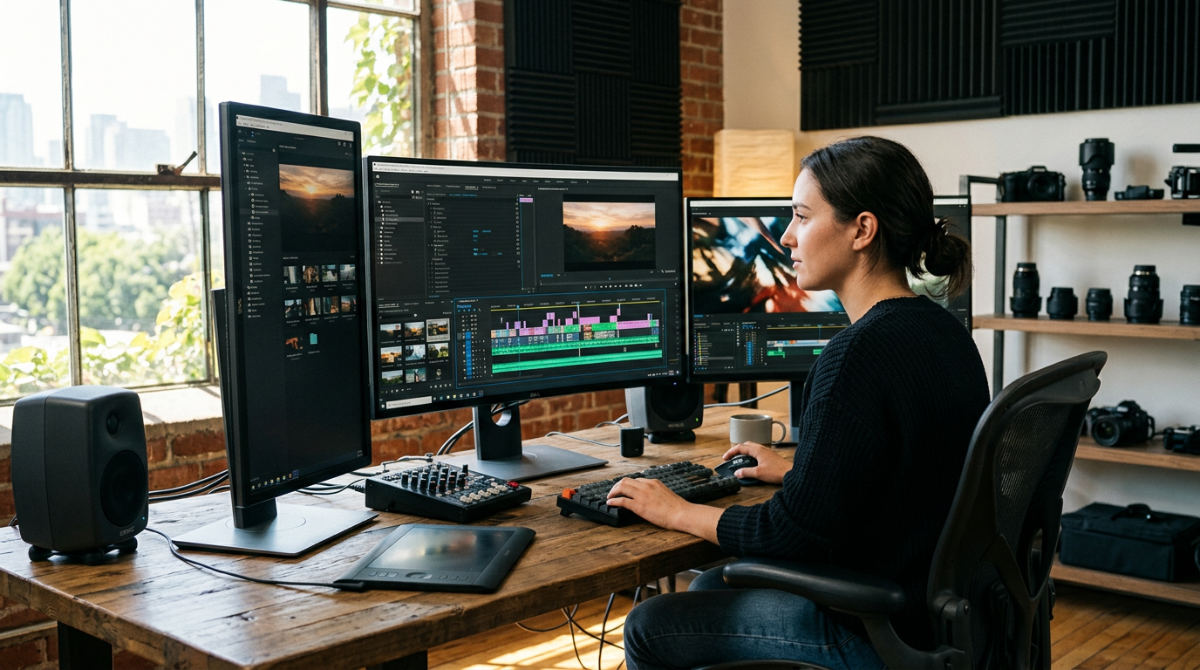
Determining the true Adobe Premiere Pro price requires looking beyond the monthly subscription. The cost depends on your commitment level, from single-app licenses to full Creative Cloud suites. This breakdown covers current pricing tiers, hidden hardware costs, and the logic-driven ROI that professional production brings to your brand.
1. Creative Cloud All Apps provides the best value for multi-disciplinary production houses.
For serious creators, the standalone adobe premiere pro price is rarely the end of the conversation. Most professional environments require a suite of tools to handle different stages of the process. The Creative Cloud All Apps plan bundles Premiere Pro with essential software like After Effects for motion graphics, Photoshop for asset creation, and Audition for high-end audio cleanup. This ecosystem is effectively the industry standard for a reason.
According to Adobe Official, this bundle is offered as a comprehensive subscription. When you break that down across the dozens of apps included, it significantly reduces the cost per application. For production houses that rely on a seamless Dynamic Link workflow (where you can update a motion graphics template in After Effects and see it change instantly on your Premiere timeline without rendering) the time saved justifies the higher monthly outlay. At Pretzel Logic, we view this interconnectedness as a logical framework for visionary storytelling, ensuring every technical transition serves the larger creative narrative without hitting software bottlenecks.
2. Business and Teams plans facilitate collaborative editing through Frame.io integration.
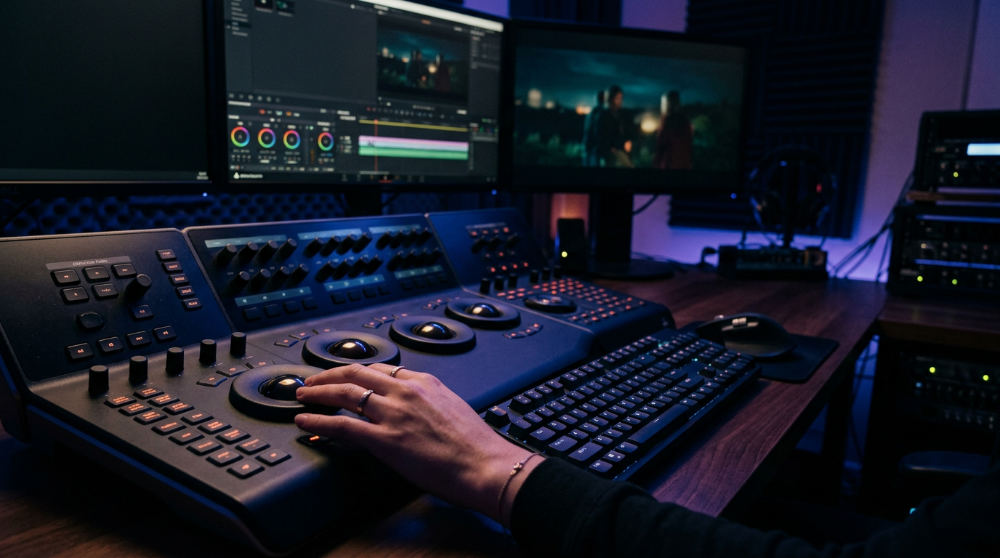
When scaling from a solo operation to a collaborative environment, the Business and Teams plans become a necessity. These tiers carry a different price point than individual plans, but they provide administrative tools that are vital for managing a growing roster of editors. One of the most significant value-adds here is the deeper integration with Frame.io, a premier video collaboration tool that allows clients and stakeholders to leave time-stamped feedback directly on the video project.
Beyond the software itself, Adobe Official notes that these plans include substantial cloud storage per user. This is crucial for handling large-scale commercial assets that would otherwise clog up local drives. You also gain access to 24/7 technical support and 1:1 sessions with product experts. For businesses that aren’t ready to manage these complex licenses internally, our professional post-production services offer a way to bypass the overhead while still benefiting from top-tier technical precision. We handle the infrastructure. You focus on the results.
3. The Individual Plan offers the most flexibility for solo creators and freelancers.
If you are a solo operator who only needs one specific tool, the Individual Plan is the most direct path to getting started. The monthly costs for this tier vary depending on whether you commit to a full year or pay as you go. This plan is designed for the focused editor who doesn’t necessarily need the full Adobe CC suite but requires the heavy-lifting capabilities of a professional NLE (Non-Linear Editor).
Included in this price is cloud storage, which keeps your project files synced across devices. You also get full access to Premiere Rush, which is a simplified version of the software for on-the-go mobile editing. While this is a great entry point, the learning curve can be steep for those trying to achieve a commercial look on their own. Many local businesses find that the cost of the software is only the beginning. The real investment is the time spent mastering the interface. If you’re looking to jumpstart your skills, exploring pro-level editing hacks can help you maximize the value of your monthly subscription.
4. Students and teachers can unlock a massive discount exceeding 60% off the standard rate.
Education is one of the few areas where Adobe offers a significant price break. Students and teachers can often access the entire Creative Cloud All Apps suite for a discounted introductory price. This isn’t a "lite" version. It includes every feature found in the full-price professional plans, from high-end color grading to advanced AI-driven masking tools.
To qualify, Adobe Official requires proof of enrollment at an accredited institution, usually verified via a school email address or a valid student ID. This low barrier to entry has made Premiere Pro the foundational language for the next generation of filmmakers. At Pretzel Logic, we appreciate this accessibility because it raises the baseline of technical literacy in the industry. However, having the tools is just the first step. The "Logic + Twist" approach we employ involves taking these standard tools and using them in unconventional ways to deliver creative results that stand out in a saturated digital market.
5. The Annual Prepaid option minimizes the total cost of ownership for established agencies.
For companies with stable annual budgets and a consistent production schedule, the Annual Prepaid option is logically the best financial move. By paying for a full year upfront, you typically save money compared to the standard month-to-month billing cycle. This upfront commitment essentially locks in your price, protecting you from any potential price increases that Adobe might implement during your 12-month contract period.
Established agencies prefer this because it simplifies accounting and ensures that creative tools are always available without worrying about monthly credit card hiccups. According to Adobe Official, this is a cost-effective way to maintain a long-term presence in the Adobe ecosystem. It aligns perfectly with a structured campaign strategy where video content is a permanent pillar of the brand’s identity. When we work with long-term partners, we often suggest looking at these annual commitments to lower operational costs, allowing more of the budget to flow into the actual creative execution and high-end storytelling.
6. Monthly rolling subscriptions are perfect for short-term project bursts.
Not every brand needs an editor on standby 365 days a year. For seasonal campaigns, quarterly reports, or one-off event recaps, the monthly rolling subscription is a tactical choice. It carries a higher individual monthly cost, but it offers the ultimate flexibility. You can activate the software for a single month of intense editing and then cancel it without facing a hefty early termination fee.
This model is ideal for brands that prefer to keep their overhead low during off-peak months. While it is more expensive per month than the annual commitment, the total yearly spend is lower if you only need the software for a few months out of the year. It’s a pragmatic approach to content creation that matches costs directly to project cycles. For businesses that find even this occasional DIY approach too cumbersome, choosing video editing software for high-end branding often involves deciding whether to rent the tools or hire a team that already owns the entire production pipeline.
7. Free trials allow for a technical assessment before any financial commitment.
Before committing to the ongoing Adobe Premiere Pro price, users can access a full-featured trial period. This is not a limited demo. It provides total access to every feature within the software. For professional teams, this window is critical for conducting a technical assessment of their current hardware. It allows editors to benchmark rendering speeds on their specific workstations and ensure their GPU can handle the software’s processing demands.
According to Adobe Official, the trial automatically converts to a paid subscription unless it is canceled before the end of the trial period. This trial period is the perfect time to test how the software integrates with existing assets and third-party plugins. By testing the interface and performance beforehand, organizations can avoid the frustration of paying for a license only to discover their computers require expensive hardware upgrades to run the program smoothly.
8. Enterprise licensing offers customized pricing for large-scale media organizations.
For large-scale media organizations that manage hundreds of users, the standard retail pricing tiers are rarely the most efficient route. Enterprise licensing requires a direct consultation with an Adobe sales representative to receive a quote tailored to the organization’s specific scale and needs. These plans go beyond mere software access, including advanced security features and single sign-on (SSO) integration to protect intellectual property and streamline IT management.
Furthermore, enterprise accounts grant access to Adobe Stock for enterprise, providing royalty-free assets at scale for massive marketing departments. This level of licensing is designed for companies that need centralized control over their creative tools and consistent billing across multiple departments. For those looking to coordinate complex marketing strategies across a global footprint, reaching out to the InnoVision team can help align these technical software needs with a broader brand vision that spans multiple channels and regions.
9. Adobe Stock add-ons provide a cost-effective way to source high-end B-roll.
While the base Adobe Premiere Pro price covers the editing engine, the cost of high-quality assets can quickly inflate a production budget. Adobe Stock add-ons offer a logical solution by integrating directly into the Premiere Pro interface. This allows editors to search for, preview, and license high-end B-roll using a simple drag-and-drop workflow on the timeline. Standard subscriptions offer various tiers for adding sets of assets to your plan.
Utilizing these stock libraries saves significant production budget by replacing the need for custom location shoots or expensive travel for minor transition shots. For many brands, the ability to source professional-grade footage instantly outweighs the cost of the add-on. As noted on the Adobe Official site, these assets are fully licensed for commercial use, providing peace of mind for corporate video projects. Integrating these assets during the initial edit helps maintain a high production value without the logistical headaches of extra filming days.
Evaluating the Logic + Twist: Is the Subscription Justified?
At Pretzel Logic Productions, we view Premiere Pro as a logical framework for visionary storytelling rather than just a tool. The real value for a modern brand lies in the deep integration within the ecosystem. Specifically, the inclusion of Frame.io streamlines the review process for corporate marketing teams, allowing for frame-accurate feedback that cuts down on revision cycles. This efficiency is what justifies the recurring cost for active production teams.
Furthermore, utilizing Dynamic Link to sync your timeline with After Effects allows for high-end motion graphics without the friction of rendering mid-process. This seamless handoff between editing and visual effects is the "logic" that enables the "twist" (those unconventional creative results that capture attention). However, managing multiple creative seats can become a financial burden. For brands managing complex budgets, Pollaroo can help track these recurring SaaS expenses to ensure software spend stays optimized and transparent. By viewing the software as an investment in efficiency rather than just a line-item expense, businesses can better measure the return on their digital content. The combination of technical precision and creative freedom makes this software a standard for a reason, provided the team knows how to maximize its deep feature set.
The Hidden Costs: Beyond the Monthly Fee
One common mistake when calculating the Adobe Premiere Pro price is ignoring the secondary hardware requirements. This software requires a significant hardware investment. Attempting to run it on low-end consumer machines frequently leads to costly lag and system crashes. To utilize Premiere’s technical precision, professional workstations with high-end GPUs and massive amounts of RAM are essential. For many, the true cost of DIY video production includes a multi-thousand-dollar computer and high-speed storage solutions for 4K footage.
From a San Diego localized insight, local law firms and restaurants often find that professional post-production services offer a much better ROI than maintaining internal hardware and individual licenses. The cost of a single high-end editing rig could pay for several professionally produced commercials that are guaranteed to perform. The Pretzel Logic Workflow integrates meticulous planning and high-end editing to ensure every dollar spent on production translates into measurable results. By outsourcing the technical burden, businesses avoid the trap of owning expensive tools they don’t have the time or expertise to master. Instead of worrying about driver updates and software patches, you can focus on the core message of your brand while the experts handle the heavy lifting.
When to DIY vs. Professional Post-Production
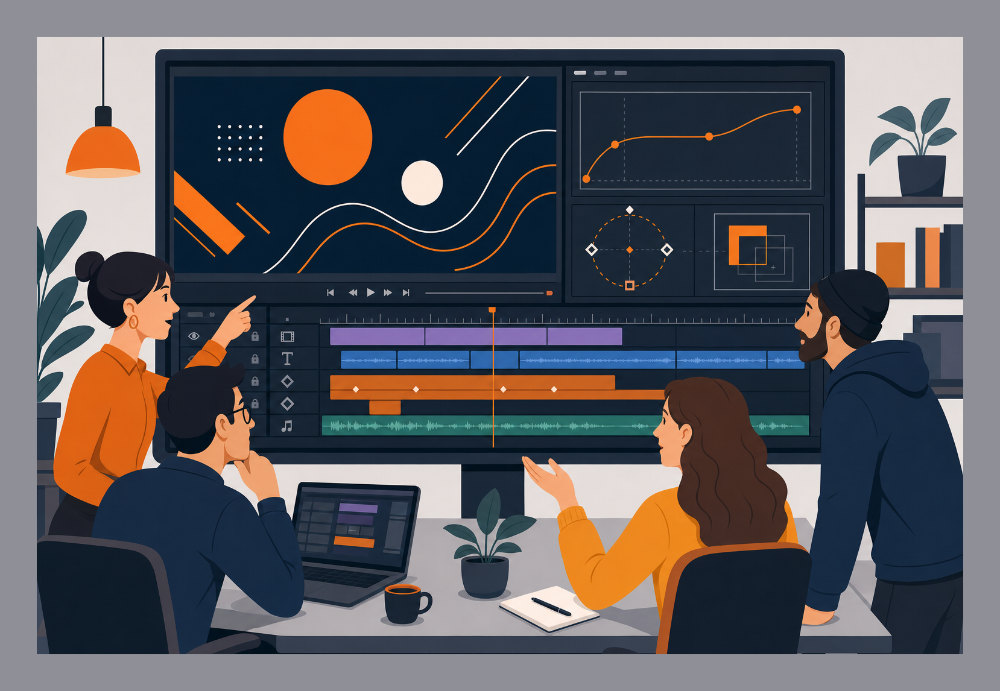
Deciding between purchasing a license or hiring a team depends entirely on your project’s scope. If you are managing a simple one-off campaign, the steep learning curve of professional video editing software might outweigh the benefit. Our professional post-production services provide a logical alternative to the high cost and complexity of DIY software management, offering you a finished product without the need for a subscription.
Hiring a full-service production house means you get access to expert scripting, storyboarding, and cinematic execution without the technical overhead. While the software is powerful, it is only as good as the editor using it. If you do choose to handle the editing in-house, be sure to check out these pro-level editing hacks to see the level of technical skill required to truly elevate your video content. Professional results require a blend of the right tools and years of experience. For brands that need to make a lasting impression, the "twist" of a professional edit often generates a much higher response rate than a basic in-house assembly. Balancing the cost of the subscription against the time required to learn it is the final logical step in your decision-making process.
Frequently asked questions
Is Adobe Premiere Pro worth the price for professional video production?
Yes, especially for teams utilizing the full Creative Cloud ecosystem to leverage tools like After Effects and Frame.io. The logical framework it provides for collaborative editing typically justifies the monthly cost for active production teams that need to maintain high-efficiency workflows and professional-grade outputs.
Is Adobe Premiere Pro free for students?
No, but students receive a deep discount, often over 60%, for the entire Creative Cloud All Apps suite. Access requires verification of student status through an accredited institution, usually via a school email address or student ID, making it highly accessible for those learning the trade.
Can you buy Adobe Premiere Pro permanently?
No, Adobe Premiere Pro switched to a subscription-only model in 2013 and is no longer available as a one-time purchase. This model ensures users always have access to the latest AI features and security updates, though it requires a recurring fee to maintain access to the software.
What is the early termination fee for Adobe’s annual plans?
If you cancel an annual plan paid monthly after the first 14 days, you are typically charged a percentage of your remaining contract balance. For maximum flexibility without fees, the monthly rolling plan is the better logical choice for short-term projects despite its higher monthly cost.
If you are ready to move beyond the complexities of software licensing and hardware requirements, get a quote for professional production today. Our team handles the entire technical and creative process, delivering high-impact video content that serves as a logical alternative to the high cost and complexity of DIY software management.