Last updated November 9, 2026
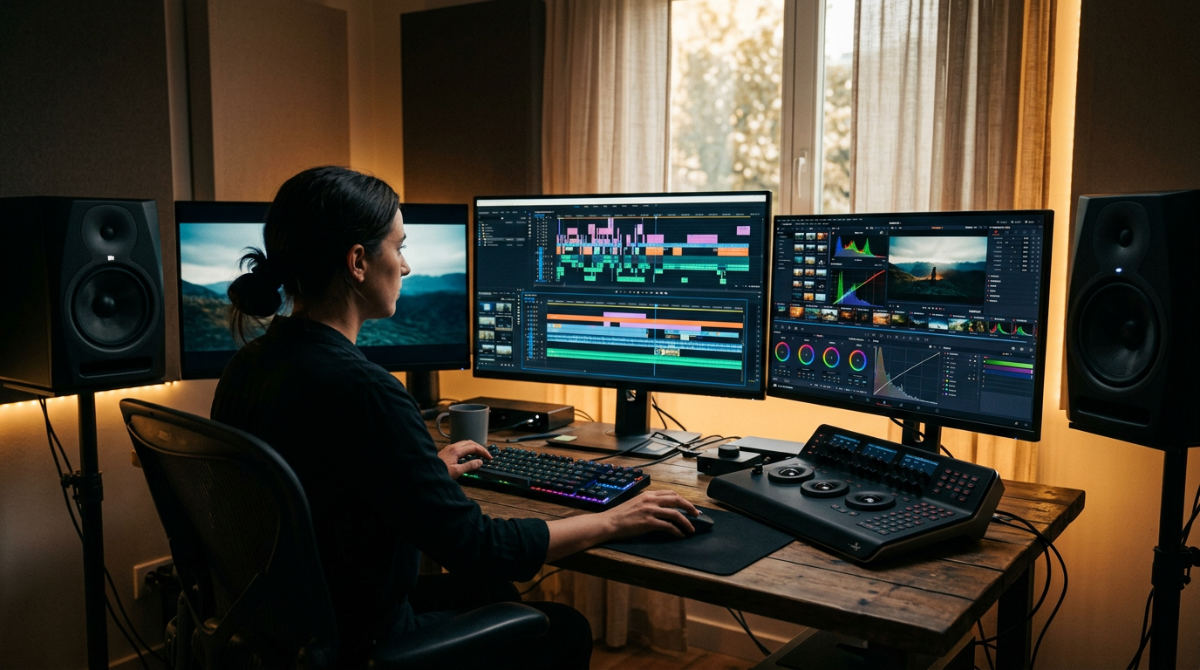
Post-production programs are specialized software tools used to edit, color, and refine video content after filming. A professional workflow typically involves several weeks of dedicated work. Teams utilize Adobe Premiere Pro for editing, DaVinci Resolve for color grading, and After Effects for motion graphics to ensure a high-end commercial finish.
| Post-Production Fact | Detail |
|---|---|
| Standard Timeline | Multi-week commercial edit |
| Preferred Color Tool | DaVinci Resolve (industry standard) |
| Preferred NLE | Adobe Premiere Pro |
| Motion Graphics | After Effects for complex brand ideas |
| Modern Approach | AI integration for transcription and cleaning |
| Service Reach | Nationwide via cloud-based collaboration |
Key takeaways
- Professional workflows integrate AI video production to automate technical tasks like transcription and object removal.
- A standard commercial edit takes several weeks from ingest to final delivery.
- Specialized color grading in DaVinci Resolve is critical for food-based branding to ensure visual appeal.
- Cloud-based collaboration allows teams to manage high-end post-production for brands across the United States.
- Motion graphics design serves as the creative twist that simplifies complex brand messages for the viewer.
Essentials for Professional Video Editing
A standard Post-production Workflow (Editing process) represents the logical sequence from data ingest to final export that ensures quality control at every stage. At Pretzel Logic Productions (PLP), a full-service video production company, we treat this stage as the bedrock of the entire project. Modern post-production environments utilize high-performance hardware and optimized software settings to ensure large files from cinema cameras do not stall the creative process. Adobe Premiere Pro remains the logical choice for assembling the narrative. It lets editors stitch together the brand story with precision while maintaining access to all other Adobe creative assets.
Modern branding production now incorporates AI Video Production, a modern approach using artificial intelligence to streamline commercial creation and handle time-consuming tasks like color matching. These advancements allow us to focus more on the "Twist," which is the unique creative angle that makes a commercial memorable. We do not want to get bogged down in repetitive manual labor. We use these tools to bridge the gap between technical execution and a marketing director’s creative vision. The story remains the priority. A structured workflow is often cited by industry leaders as the most critical factor in meeting tight broadcast deadlines.
Establishing a clear organizational structure in your project files prevents bottlenecks during the hand-off to sound or color departments. When we manage enhancing brand impact through post-production, we emphasize meticulous file management. Professional workflows often rely on structured folder hierarchies and standardized asset labels so that multiple specialists can collaborate on a project without confusion. This level of organization is what separates a professional studio from a hobbyist setup.
1. Organize and ingest raw footage
Transfer all raw media to a high-speed RAID storage system or cloud-based server for secure access. Relying on a single external drive is a recipe for disaster in professional branding production. Data integrity protocols in high-end production dictate that multiple copies of all raw footage are secured immediately upon ingest. Label clips using a consistent naming convention that includes the date, camera angle, and scene number. This makes the search process faster during the edit.
Create low-resolution proxies in your post-production programs to ensure smooth playback during the creative assembly phase. Proxies are smaller versions of your 6K or 8K files. They allow your computer to run faster while you make creative cuts. Sync multi-camera angles and external audio tracks to create a unified timeline for the rough cut. Dialogue and visuals must be perfectly aligned before you start trimming the story.
2. Assemble the rough cut narrative
Place the strongest takes on the timeline to establish the foundational pacing of the brand story. The goal here isn’t to make it look pretty yet. You need to ensure the message lands with the viewer. Focus on the "Logical Collaborator Framework" by aligning the edit with the client’s core marketing objectives. Every frame should serve a specific brand purpose.
Identify moments where motion graphics design will be needed to enhance or explain complex concepts. For example, if a corporate video mentions a significant increase in efficiency, we mark that spot for a future animated graphic. Refine the sequence until the narrative flow feels natural. The message must be clear without visual effects. A story that works in its rawest form will only become more powerful once we add the professional polish later.
3. Apply color grading and visual polish
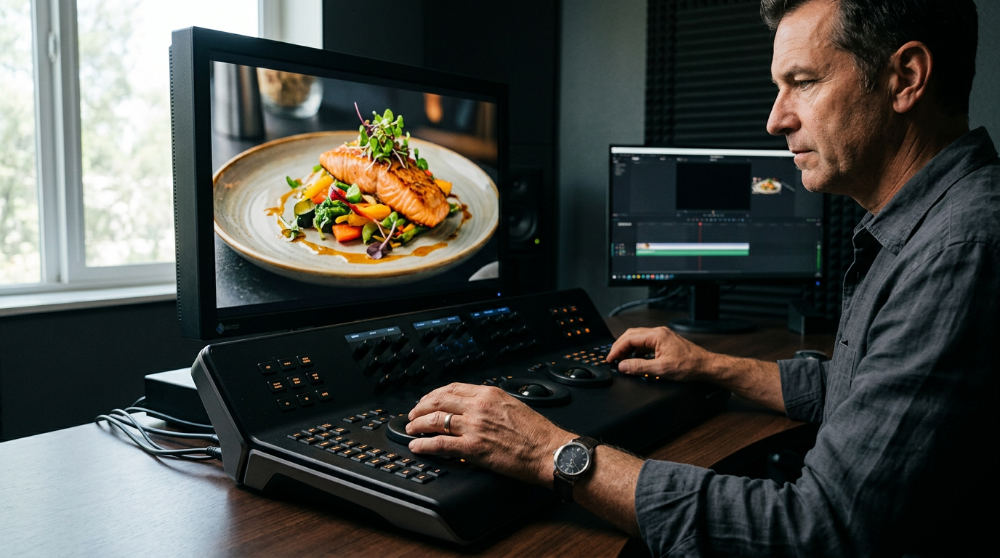 Transition the locked edit into DaVinci Resolve, the industry standard for high-end color grading software. While Premiere is excellent for cutting, Resolve provides the granular control needed for professional TV commercial production where every shade of a brand’s logo must be exact. Color grading is where the mood of the video is truly born. The image shifts from a flat raw file to a cinematic experience.
Utilize food-first post techniques for restaurant clients to ensure colors look appetizing and vibrant. For example, when we work with food brands, we might specifically isolate the reds and greens in a dish to make them pop against a neutral background. Balance skin tones and match colors across different lighting conditions for a cohesive look. Apply a final creative look, or "LUT," that reflects the brand’s specific emotional tone and identity.
4. Integrate motion graphics and sound
Use After Effects to add the "Twist," turning standard corporate footage into an inspiring visual story through animation. Whether it is a subtle logo reveal or a complex 3D data visualization, motion graphics provide the visual interest that keeps viewers engaged during technical explanations. Layer in sound design, including ambient textures, foley, and a professional voiceover to drive the energy of the piece.
Mix the audio to meet broadcast standards. The music should never overpower the brand’s message. We often see amateur videos where the background track drowns out the CEO’s interview. Professional post-production programs allow us to "duck" the music around the vocals automatically. Incorporate text overlays and lower thirds that adhere to the company’s established branding guidelines. Font choice and kerning must be pixel-perfect.
5. Final review and multi-platform export
Conduct a final quality check for any technical glitches, frame drops, or audio pops. This stage involves watching the video on multiple devices, from high-end studio monitors to smartphones, to ensure the brand looks consistent everywhere. Export master files in high-resolution formats alongside specific versions for social media and web use. A file for a TV station requires different specs than a 9:16 Instagram Reel.
Archive the project files and raw assets for future revitalizations of existing brand footage. We often help clients refresh their older content by adding new graphics or re-grading the footage to match current aesthetics. Share the final assets through a secure delivery portal for immediate national distribution. This streamlined professional post-production services approach ensures that the final delivery is fast and secure, regardless of your location.
Common Mistakes in Post Production
Skipping the proxy workflow can lead to software crashes and sluggish editing on high-resolution projects. It might seem like a time-saver to skip the ingest phase, but trying to edit 8K footage natively will frustrate even the most patient editor. Ignoring sound design until the very end often results in a video that feels disconnected and amateur. Sound is 50% of the viewing experience.
Over-relying on flashy transitions can distract from the actual brand story you are trying to tell. A good edit should be invisible. It leads the viewer through the narrative without drawing attention to software tricks. Failing to calibrate monitors before color grading leads to inconsistent visuals across different screens and devices. Finally, forgetting to optimize files for their specific destination (using a heavy broadcast file for a mobile ad, for example) can lead to playback issues and poor user engagement.
Frequently asked questions
What are the best post-production programs for video?
Adobe Premiere Pro is the most versatile tool for narrative assembly and branding production. DaVinci Resolve is the top choice for professional color grading and finishing, while After Effects is essential for creating high-end motion graphics and visual effects. Most professional houses use a combination of these three to achieve a commercial result.
Do you work with brands across the country for post-production?
Yes, Pretzel Logic Productions serves brands nationwide using cloud-based collaboration. We manage projects for a diverse range of clients across the country. Remote review tools allow marketing directors to provide feedback in real-time on our premium post-production house examples, regardless of their physical location.
How long does the professional post-production workflow take?
Professional production timelines generally span several weeks to allow for high-level creative development and technical polish. The process includes several distinct stages: ingest, rough cuts, client reviews, color grading, and final sound mixing.
What is the best program for branding video production specifically?
Adobe Premiere Pro is generally best for branding because of its deep integration with Photoshop and Illustrator. This allows for seamless use of brand assets like logos, fonts, and specific color palettes directly in the timeline. It also supports a wide range of plugins that help maintain brand consistency across large-scale national campaigns.
Can professional post-production programs revitalize existing brand footage?
Yes, high-end software can upscale old footage, correct color shifts, and add modern graphics. Techniques like AI-driven noise reduction and re-framing can make older assets feel current. We often refresh existing libraries to extend the ROI of a brand’s previous production investments, giving old content a fresh "twist."
If you are ready to transform your raw footage into a compelling brand story that resonates nationwide, we are here to help. Please contact us by filling out our contact form to discuss how we can bring your next campaign to life.
Pretzel Logic Productions 5961 Kearny Villa Rd San Diego, CA 92123