
Last updated November 7, 2026
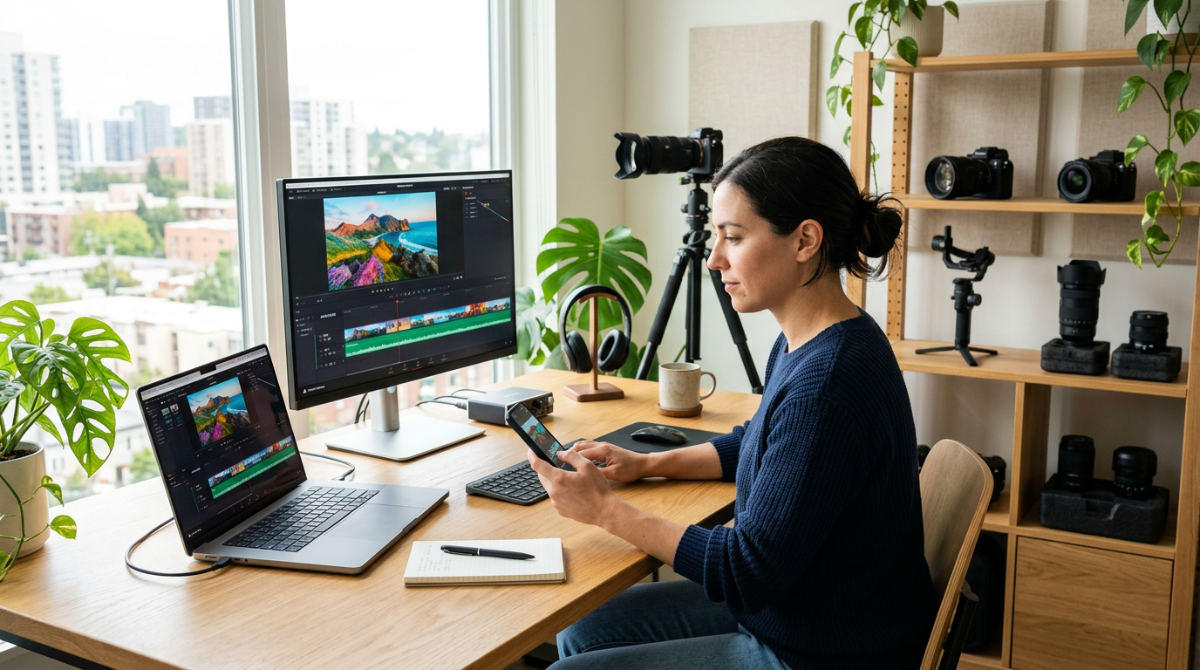
Adobe Premiere Rush is a cross-device video editing application designed for creators to film, edit, and share high-quality social media content quickly. It offers a simplified multi-track timeline and built-in templates, allowing for fluid transitions between mobile and desktop devices to maintain a consistent social media presence.
| Feature | Adobe Premiere Rush Capability |
|---|---|
| Best For | Fast-turnaround social media and vertical video |
| Platform | Compatible mobile and desktop systems |
| Cloud Sync | Included via Adobe Creative Cloud |
| Project Handoff | Easy transition to Premiere Pro |
| Resolution | Supports high-resolution exports |
Key takeaways
- Mobile-first efficiency. Premiere Rush is a mobile-first tool specifically built for rapid vertical video production and direct social media sharing.
- Cloud synchronization. The software integrates with Adobe Creative Cloud for asset management and project syncing across different devices.
- Professional limitations. High-stakes brand workflows often require stepping up to Premiere Pro for advanced color control and audio precision.
- Strategic hand-off. Professional production houses often use Rush for rapid capture but rely on enterprise-grade software for final commercial delivery.
- Native project migration. Rush projects can be natively opened in Premiere Pro, allowing for advanced post-production refinement without restarting the edit.
The Role of Adobe Premiere Rush in Modern Marketing
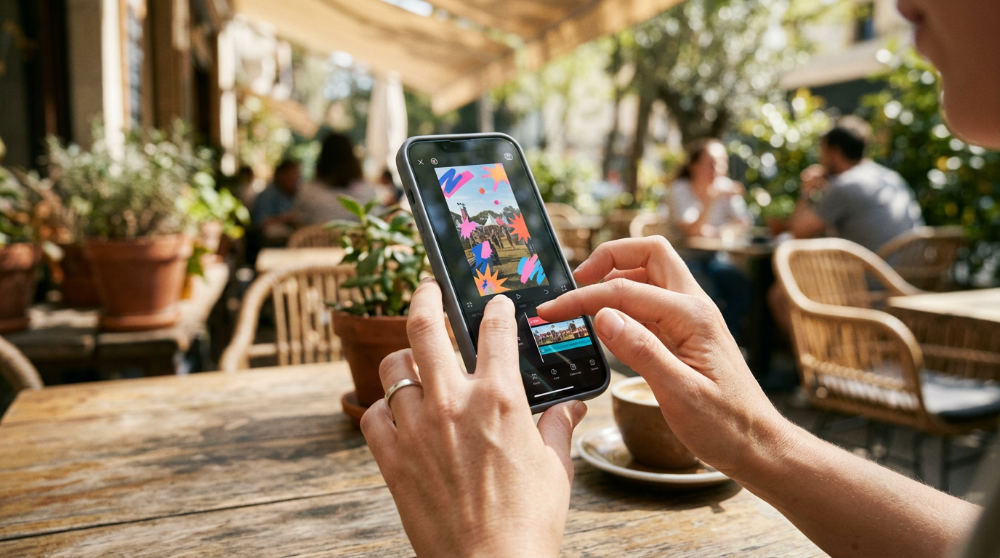
Adobe Premiere Rush enables social media creators to edit short-form videos on desktop and mobile devices without complex software. It bridges the gap for marketing teams that need to move fast. It is built to solve the friction of traditional video editing. Moving files from a phone to a workstation used to stall the creative process. By utilizing free video editing software for creators like the starter version of Rush, small teams can begin experimenting with their brand voice immediately.
The interface prioritizes speed over technical density. It offers simplified timelines. It provides direct export presets for platforms like TikTok, Instagram, and LinkedIn. A marketing manager can capture footage at a local event and have a polished reel uploaded very quickly after the session ends. As a lightweight member of the Adobe Creative Cloud suite, it allows for the immediate synchronization of assets via the cloud. This ensures that a project started on an iPad in the field is ready for a final check on a desktop in the office.
Marketing agencies use it as a reliable tool for real-time coverage. Immediacy outweighs the need for heavy cinematic effects here. It won’t replace a full post-production suite for a national television spot. Still, its ability to handle high-definition footage and multi-track audio makes it a powerful asset for daily engagement. It empowers creators to focus on the story rather than the technical hurdles of file formats and rendering settings.
Is Adobe Premiere Rush suitable for corporate social media content?
Adobe Premiere Rush is highly suitable for corporate social media content that requires quick turnarounds. This includes event highlights, executive updates, or behind-the-scenes stories. For many businesses, the ability to turn a morning meeting into a polished LinkedIn update by lunchtime is invaluable. You need to maintain market relevance. The software provides essential tools for adding brand logos, titles, and basic color adjustments while supporting high-resolution exports to ensure the final product looks crisp on any screen.
High-fidelity brand films are different. Firms often require the depth provided by professional post-production services to ensure visual consistency across all channels. Rush is excellent for agility. It simply lacks the granular control needed to maintain strict corporate identity standards. Pretzel Logic Productions is a full-service video production company that often handles projects where mobile tools reach their technical limits.
Corporate content must strike a balance. It needs to be "in the moment" while appearing authoritative. Rush handles the "in the moment" side perfectly. When the goal shifts from a quick update to a cornerstone brand video, the limitations of mobile-focused tools become more apparent. Relying on a professional team ensures that your corporate messaging isn’t just fast. It must be strategically aligned with your long-term growth.
Why Brands Need More Than Mobile Video Editing in San Diego
Rush is excellent for agility. However, high-stakes industries like legal and fine dining have strict branding guidelines that simplified tools cannot satisfy. In these sectors, a poorly graded video or a template that looks like every other creator’s content can actually damage brand authority. We implement the "Pretzel Twist." This is a methodology that combines logical, efficient workflows with visionary storytelling that mobile apps simply cannot replicate on their own.
Collaborative conceptualization and a strong brand strategy ensure that a video does more than just fill a feed. It drives conversion. A law firm, for example, needs to convey trust and precision. A mobile filter rarely achieves the sophisticated look required for a high-value practice. Professional color grading and sound design are often the difference between a "home movie" feel and a commercial-grade production that commands attention in a saturated market.
Storytelling is about more than just cutting clips together. It requires a creative foundation. You must understand audience psychology and pacing. You can learn the basics through adobe premiere rush video tutorials. These resources teach you how to use the buttons. They do not teach you how to craft a narrative that resonates. Professional intervention brings a level of polish, from custom motion graphics to balanced audio levels, that ensures your brand is viewed as a leader rather than a hobbyist.
How does Premiere Rush compare to Pro for quick video editing?
Premiere Rush is designed for speed and simplicity. Premiere Pro is the industry standard for complex, multi-track high-end branding projects. If you are comparing Premiere Pro for high-end branding against the mobile-centric Rush, the primary difference lies in the depth of the toolbox. Rush lacks advanced features like masked transitions, multicam editing, and the detailed Lumetri Color panels found in its professional counterpart.
Strategic visual communication relies on choosing the right tool for the specific job. Rush is faster for a 30-second reel. Pro is necessary for 10-bit color depth and advanced motion graphics integration. For a restaurant owner, Rush might be perfect for a quick shot of a nightly special. A cinematic commercial showcasing the texture of a signature dish requires the professional grading capabilities of a desktop suite.
- Workflow Scenario 1: The Quick Hit. A social media manager uses Rush to trim a 15-second vertical video, add a text overlay, and post directly to TikTok in under 10 minutes.
- Workflow Scenario 2: The Brand Hero. A production team shoots in Log format, brings the footage into Premiere Pro for precise color matching, layers in custom sound design, and exports a master file suitable for both social and broadcast.
Limitations and When to Upgrade Your Workflow
Rush may fail to meet corporate compliance for law firms that require specific metadata or archival-quality rendering. When your project demands specialized tools for things like closed captioning compliance or complex audio cleaning, the simplified interface of a mobile app becomes a bottleneck. High-end restaurants often find that the template-based editing in Rush fails to capture the unique texture and atmosphere of their establishment. This leads to a "cookie-cutter" aesthetic.
Brands outgrowing basic mobile video editing should leverage professional post-production services for revitalizing existing footage. It is a logical next step. Complex audio mixing and third-party plugin support are non-existent in Rush. This makes it unsuitable for broadcast-length features or projects with intricate soundscapes. If you find yourself fighting the software to achieve a specific look, it is a clear sign that your brand has matured beyond the capabilities of entry-level tools.
If you are filming high-quality assets but the final output feels flat, the issue is likely the processing. Professional editors use advanced editing suites to push pixels further than a mobile processor allows. Upgrading your workflow isn’t just about better software. It is about gaining access to the technical expertise that turns raw files into persuasive brand assets.
Mastering Your Visual Storytelling Strategy
Success in modern video marketing requires a balance. You need the speed of mobile tools and the logic of professional production. You don’t have to choose one or the other. Many successful campaigns use Rush for the nimble, daily elements of their social media presence. They reserve their hero content for professional hands. Start your projects with a clear concept. Use the tools that best serve that specific goal.
Aligning your internal agility with our creative vision ensures every frame serves your broader business goals. Your story deserves to be told with clarity and impact. When you are ready to move beyond templates and create something truly unique, reaching out to a dedicated production team is the best way to strengthen your brand. A cohesive Innovisionmarketinggroup can help ensure these assets align with long-term objectives.
If your brand has outgrown the limitations of mobile apps and you are looking for a professional production house to bring your vision to life, we are here to help. Reach out to our team at Pretzel Logic Productions in San Diego to start your professional production today. Fill out the form at https://pretzellogicproductions.com/contact-us/ to get started.
5961 Kearny Villa Rd San Diego, CA 92123
Frequently asked questions
Can I start a project in Premiere Rush and finish it in Premiere Pro?
Yes, you can open Premiere Rush projects inside Premiere Pro for more advanced editing. This allows for a logical workflow where rough cuts are made on a phone while traveling, and then finished with professional color grading and sound mixing on a desktop workstation.
Does Premiere Rush support 4K export for commercial use?
Yes, Premiere Rush supports high-resolution exports suitable for professional social media display. Users should ensure their mobile device hardware is capable of processing large files to avoid performance lag, as high-resolution video requires significant processing power and storage space during the export process.
Is Adobe Premiere Rush included in the Creative Cloud All Apps plan?
Yes, Rush is included in the Creative Cloud All Apps subscription, as well as the Premiere Pro single-app plan. It is also available as a standalone subscription for those who only need mobile and basic desktop editing without the full suite of professional design and video tools.
Do you work with brands across the country?
Yes, Pretzel Logic Productions serves brands across the entire United States. We offer remote post-production and nationwide filming services to ensure consistent quality and visionary storytelling for our clients, regardless of their physical location.
How much is Premiere Pro a month compared to Rush?
Many high-end editing platforms utilize various subscription models depending on individual or enterprise needs. In the software industry, specialized mobile tools are often positioned as accessible entry points for social media creators compared to full-scale professional suites.