
Last updated September 10, 2026
DaVinci Resolve is a comprehensive post-production suite by Blackmagic Design that integrates professional video editing, color grading, visual effects, and audio post-production into a single workspace. It is the industry standard for Hollywood finishing due to its advanced node-based color correction system and real-time collaboration features.
Key takeaways
- All-in-one ecosystem. DaVinci Resolve is the only software combining NLE editing, Fusion VFX, and Fairlight audio in one tool.
- Node-based grading. The node-based color grading system provides superior control over layer-based alternatives for cinematic looks.
- AI-driven efficiency. The DaVinci AI Neural Engine automates complex tasks like object tracking, face recognition, and smart reframing.
- Accessible pricing. The free version is fully functional without watermarks, while the $295 Studio version adds advanced AI and 8K support.
Professional Post-Production Prerequisites
Before you dive in, ensure your hardware matches the high technical demands of professional work. You can learn the fundamentals of commercial assembly through dedicated training, but true mastery of the deep color and VFX pages takes months of daily practice.
Unlike many editors that lean on the CPU, DaVinci Resolve benefits significantly from a dedicated GPU to handle 4K playback and color processing smoothly. We recommend a minimum of 16GB of system RAM (32GB is better for complex timelines). The software is compatible with macOS, Windows, and supported Linux distributions.
- Standard Version. This is a free, powerful tool with no watermarks.
- Studio Version. A one-time fee provides a lifetime license with no recurring subscriptions.
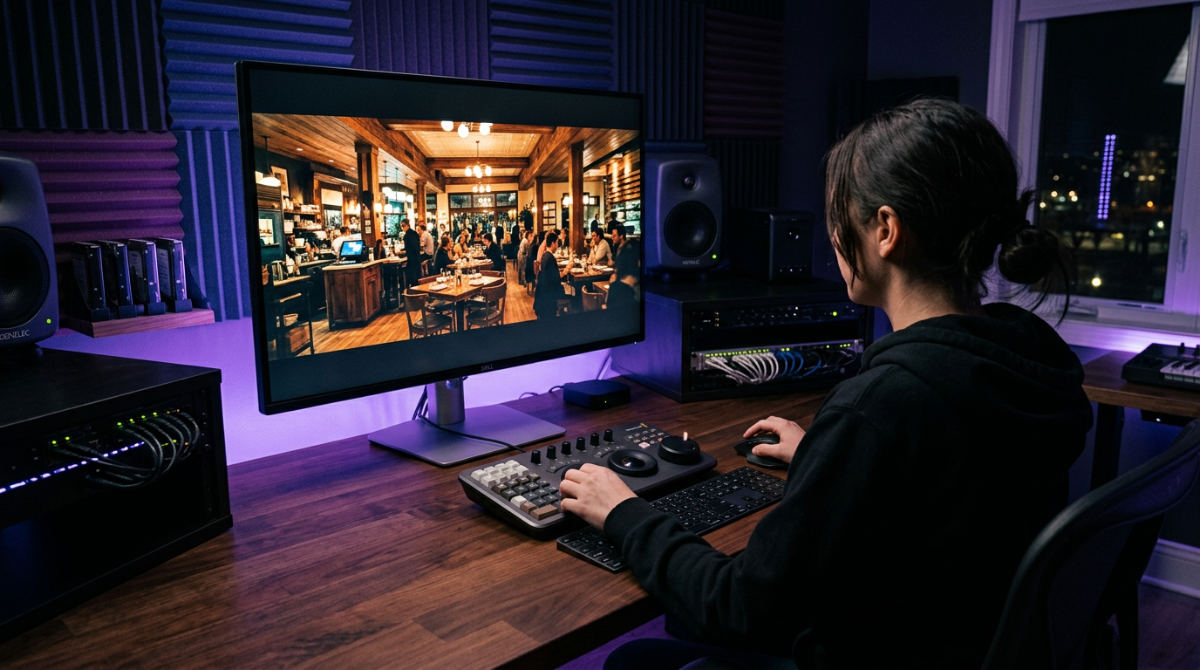
- Hardware Integration. Consider dedicated speed editors or color panels for faster commercial delivery.
1. Organize media in the specialized workspace
The Media Page acts as a dedicated central hub for ingesting, managing, and organizing all raw assets before the editing process begins. Effective media management begins here. Here you ingest footage and meticulously organize metadata before the creative cutting starts. In a high-end commercial environment, you deal with hundreds of clips from various camera systems. This initial organization is vital for a logical workflow.
Logical Collaboration: Pretzel Logic uses a logical collaboration approach, pairing DaVinci’s technical precision with high-level creative concepts for San Diego brands.
You can leverage the DaVinci AI Neural Engine to automatically sort clips by facial recognition or scene types. It saves massive amounts of time on large-scale brand video production projects. We frequently use this phase to revitalize existing footage, applying sophisticated noise reduction to older client assets immediately upon import so they match new 4K or 8K material. This page also allows you to sync multi-camera shoots and dual-system audio instantly using waveform alignment, ensuring your professional post-production services start on a stable foundation.
2. Assemble the narrative on the Cut and Edit pages
The assembly phase lets you choose between two distinct workflows depending on the complexity and deadline of the campaign. The Cut Page is built for rapid turnaround corporate video projects. It features a dual timeline view that lets you see the entire edit while simultaneously working on specific frame-accurate trims.
Move to the Edit Page for traditional non-linear editing. The interface feels familiar if you are migrating from other platforms. You can manage complex corporate video production timelines using magnetic snapping and customized keyboard shortcuts. The "source tape" feature on the Cut page is particularly useful for commercials, as it lets you skim through hours of b-roll as one continuous reel without the tedious task of opening individual clips.
- Speed. Use the Cut page for fast social media ads.
- Precision. Use the Edit page for nuanced storytelling and heavy layering.
- Organization. Utilize smart bins to keep brand assets and logos easily accessible.
3. Construct visual effects in the Fusion environment
Fusion provides a dedicated integrated environment for 2D and 3D compositing, motion graphics, and visual effects directly within the Resolve timeline. Impactful commercial visuals often require compositing that goes beyond simple overlays. The Fusion workspace uses a node-based interface. Instead of stacking rigid layers that become cluttered and difficult to manage, you apply a node-based workflow to build complex motion graphics where each effect is a visual "block" in a logical map.
This environment lets you integrate 3D particles and text directly into the edit without exporting to third-party software, maintaining high image quality throughout. For legal or corporate interviews, you can use the delta keyer for high-precision green screen removal. It handles fine details like hair and glass better than standard keyers. Because Fusion is built into the software, your compositions are linked to the main timeline. Visual effects update in real-time as the edit changes.
4. Achieve the cinematic look with node based color grading
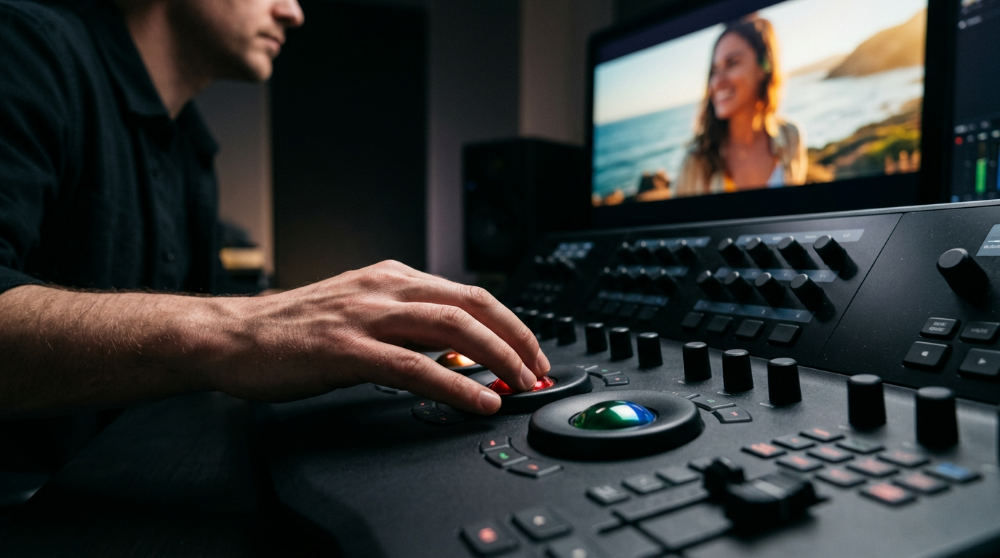
Node-based color grading allows editors to create complex, non-destructive image adjustments by linking individual correction blocks in a flexible, interconnected map. Color grading is the hallmark of the DaVinci video editor. It offers a level of control that has made it the industry standard for Hollywood finishing. Rather than using basic filters, you employ serial and parallel nodes to balance shots and apply creative stylization independently across different parts of the image.
Post-production suites that offer these tools allow for the manipulation of specific hues with surgical precision, often utilizing tools like the color warper and HDR primary wheels to align color palettes with specific branding goals. For those looking to master these techniques, a guide to professional color grading software can provide deeper insight into maintaining skin tone consistency across various lighting conditions. One of the most powerful tools in this page is the Magic Mask, which uses the DaVinci AI Neural Engine to isolate subjects for specific adjustments without manual, frame-by-frame rotoscoping. For teams managing project expenses across multiple departments, tools like Pollaroo can help track software and hardware investments.
5. Polish broadcast audio in the Fairlight suite
Fairlight audio post production is a professional-grade digital audio workstation built directly into the editor, supporting massive track counts and real-time mixing. Great commercials are defined by their sound as much as their visuals. The Fairlight engine provides a professional-grade digital audio workstation within your editor. It handles massive projects, allowing you to record and mix up to 2,000 tracks with real-time effects.
Tech Tip: DaVinci Resolve includes Fairlight audio features that support up to 2,000 tracks with real-time effects for broadcast-quality sound.
You can clean up dialogue for restaurant commercials or busy outdoor shoots using AI-powered voice isolation and de-humming tools. These remove unwanted background noise while preserving the speaker’s natural tone. Once the mix is clean, you apply professional compression and EQ to meet strict loudness standards for television and social media. This technical polish ensures the final product meets the high-conversion sound design standards required for effective marketing. For teams needing high-quality visuals to match their sound, Lightzoutstudios can provide the sharp corporate imagery needed for promotional materials.
6. Collaborate and deliver through Blackmagic Cloud
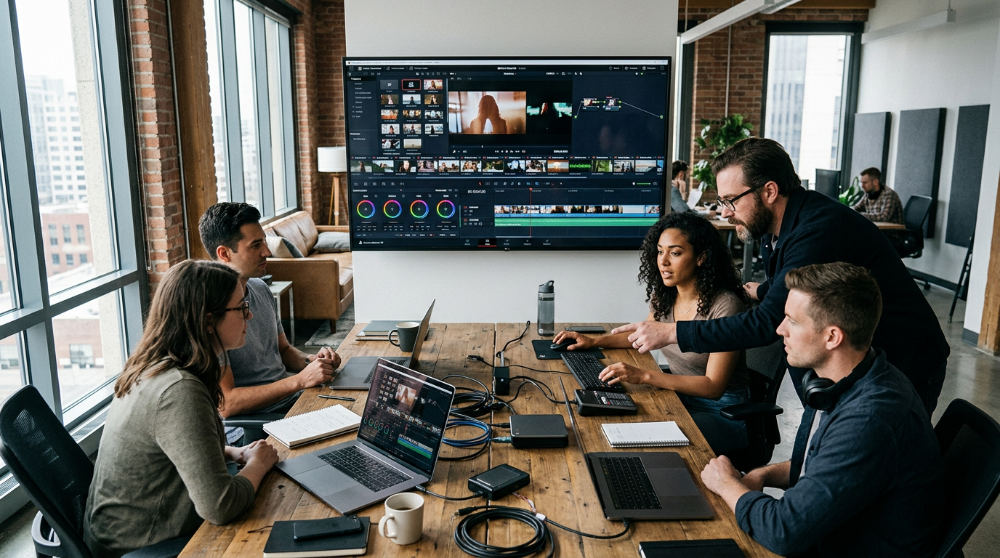
The final stage involves bringing the team together and preparing files for the world to see. DaVinci Resolve has revolutionized this process by enabling remote collaboration. Editors, colorists, and sound designers can work on the exact same timeline simultaneously via the Blackmagic Cloud.
- Proxy Workflow. Generate proxy files automatically to facilitate smooth editing for remote teams even on lower bandwidth connections.
- Direct Export. Use optimized presets to export directly to YouTube, Vimeo, or TikTok.
- Mastering. Use the Deliver page to create high-resolution masters in ProRes or DNxHR for long-term archiving.
This collaborative power means a director can review a color grade in one city while the editor trims the final scene in another, significantly reducing the turnaround time for time-sensitive commercial campaigns.
Limits and Common Mistakes to Avoid
New users often underestimate the GPU requirements. Because this software relies heavily on graphics processing, a weak video card will lead to stuttering playback and slow renders regardless of how fast your processor is. Another mistake is ignoring the importance of a calibrated monitor; the "DaVinci look" is only as accurate as the display you are viewing it on.
Do not over-complicate node structures in the color and Fusion pages. Keep your workflows logical and labeled. A cluttered node tree makes it nearly impossible for a collaborator to step in and make adjustments. Finally, understand that while the free version is incredibly powerful, it lacks the AI-driven "Object Mask" and specific temporal noise reduction. These features are often necessary for the high-end finishing required in professional commercial work. For a more detailed breakdown of how the History of DaVinci Systems has evolved, historical records show its journey from a hardware-only color suite to an all-in-one powerhouse.
Finalizing the Vision
DaVinci Resolve represents the bridge between technical execution and visionary brand strategy. It is not just about moving clips on a timeline. It is about utilizing a world-class ecosystem to ensure every frame serves the narrative. At Pretzel Logic, we pair this technical precision with high-level creative concepts to deliver cinematic quality that stands out in a crowded marketplace.
If you are looking for corporate video production or a nationwide commercial campaign, the tools in Resolve ensure your story is told with professional-grade polish. If you are ready to see how this high-end "DaVinci look" can transform your brand, contact us for a consultation on your next project.
Frequently asked questions
Why do professional production companies use DaVinci video editor for commercials?
Professional houses prefer it because it provides the most advanced color grading tools in the industry, which are favored by Hollywood colorists. The all-in-one ecosystem eliminates the need to export files between different software for audio or VFX, saving hours of time. Additionally, its collaboration tools allow multiple specialists to work on the same project file simultaneously.
Is DaVinci Resolve really free?
Yes, the standard version is completely free and includes all core editing, color, and audio tools. Unlike many other free editors, it does not place watermarks on your exported videos. The Studio version is a one-time purchase intended for professionals who need 8K support, advanced noise reduction, and the full suite of AI tools.
How does the node-based workflow in Fusion differ from layer-based VFX?
Nodes allow for a non-linear flow where one effect can branch into multiple others easily, providing much more flexibility than a vertical stack. Layer-based systems like After Effects often become cluttered with hundreds of layers, whereas nodes stay organized in a visual map. This makes it significantly more efficient for complex compositing and 3D space integration.
Can DaVinci Resolve handle 8K RAW footage for high-end brand videos?
Yes, the Studio version is specifically optimized for high-resolution formats like Blackmagic RAW, RED, and ARRI. It utilizes the DaVinci AI Neural Engine to manage playback performance at extreme resolutions. When paired with hardware acceleration, 8K timelines remain responsive and fluid on modern workstations, allowing for high-end finishing without proxies.
Is the $295 Studio version worth it for a local marketing agency?
It is highly recommended for agencies because the advanced noise reduction and AI-based masking tools save hours of manual labor. The inclusion of the Neural Engine for face refinement is essential for high-end corporate headshots and professional interviews. Since it is a lifetime license, it also removes the burden of recurring monthly subscription fees.